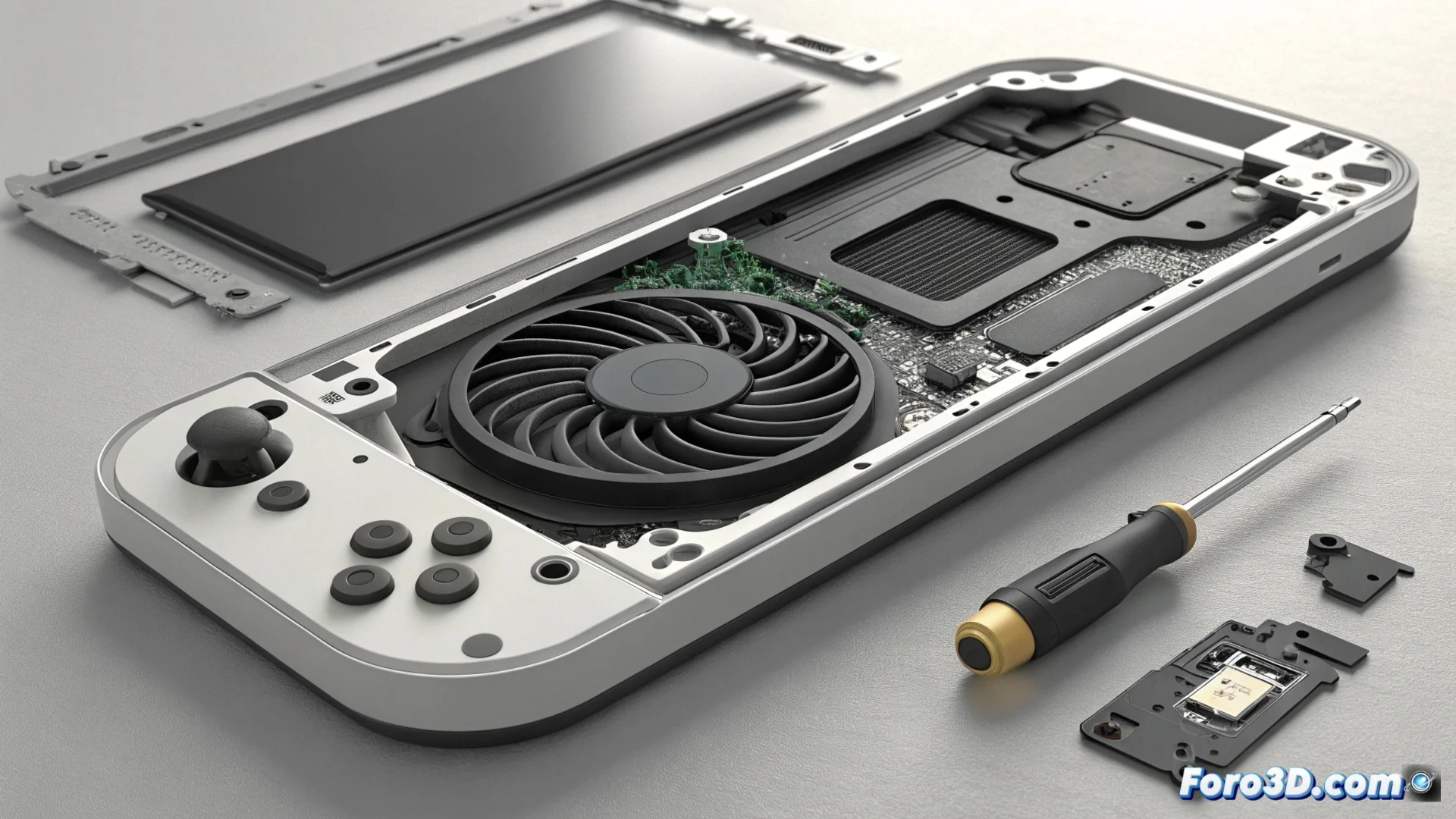
The Nintendo Switch Fan Can Accumulate Dust and Fail
With use, the internal fan of the Nintendo Switch attracts dust and dirt particles. This buildup first generates an annoying hum or rattling sound and, if not addressed, can completely block the component's rotation. A non-functioning fan prevents the system from expelling hot air, leading to rapid overheating and potentially forcing an emergency shutdown. 🎮
Signs That Alert to the Problem
The most common initial symptom is perceiving an anomalous noise coming from the rear ventilation grille. This sound intensifies when running games that demand more from the hardware, as the fan speeds up to dissipate heat. In an advanced stage, the noise may stop abruptly, indicating that the blades are stuck or the motor has stopped working. Immediately afterward, the upper rear part of the console will begin to heat up noticeably. The operating system may display a high temperature warning and shut down the device to prevent irreversible damage to its circuits. ⚠️
Key indicators of a dirty or faulty fan:- Constant noise: Hum or rattling coming from the rear grille, especially under load.
- Excessive heat: The upper rear area of the tablet gets very hot to the touch.
- Unexpected shutdown: The console shuts down on its own after a overheating warning message.
A fan that suddenly goes silent is usually a bad sign: it means it has stopped spinning and overheating is imminent.
Procedure to Clean the Component
To thoroughly clean the fan, it is necessary to open the console's casing, an action that voids the official warranty. You will need a tri-wing (Y00) screwdriver tip to remove the screws from the back cover. Once inside, locate the fan and remove the accumulated dust using a can of compressed air. Apply the air in short bursts and always keep the can upright to avoid expelling refrigerant liquid. Never use a household vacuum cleaner or blow with your mouth, as you could introduce moisture or physically damage the fragile fan blades. 🛠️
Steps and critical precautions:- Correct tool: Use a tri-wing screwdriver to avoid damaging the security screws.
- Safe compressed air: Apply in short bursts with the can straight. Do not tilt it.
- Prohibited methods: Avoid vacuum cleaners and mouth blowing to prevent moisture and static.
When Replacement Is Necessary
If after careful cleaning the fan still produces noise but spins, the problem is likely resolved. However, if the component is physically stuck or does not spin when turning on the console, cleaning will not be enough. In these cases, it is necessary to replace the fan with a new unit. A clear symptom that your Switch is only trying to cool without success is that it expels very hot air when you try to play, a practical reminder that periodic maintenance is essential even for leisure hardware. 🔄