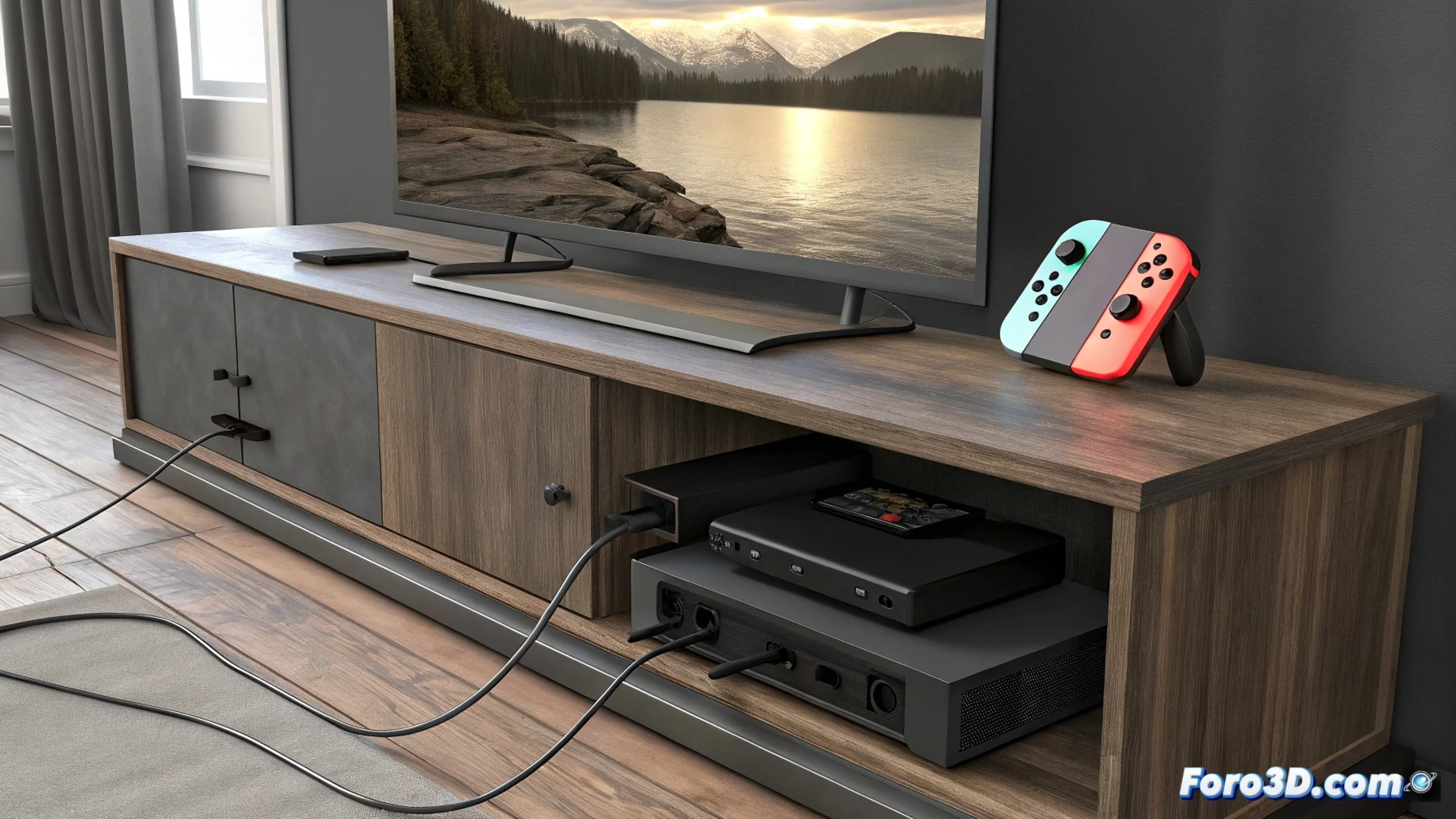
The Nintendo Switch Does Not Send Signal to the TV from the Dock
A recurring problem that many users face is connecting their Nintendo Switch to the dock and finding that the TV shows only a black screen 🖥️. This frustrating situation can have multiple origins, from physical components to software settings, and affects the original model, the Lite, and the OLED version equally.
Diagnose the Source of the Failure
Before panicking, it's key to understand that the signal flow involves several elements. The dock acts as an intermediary, so a malfunction here is often the culprit. However, the HDMI cable, the power source, or the console's own USB-C port can also be the root of the problem. A systematic method to check each part saves time and avoids discarding components that are in good condition.
First steps to check external hardware:- Test another HDMI cable: Connect a different cable between the dock and the TV to rule out a defective or low-quality cable.
- Change the HDMI port on the TV: Make sure to select the correct HDMI input with the remote control. Also try another HDMI port on the TV.
- Use the official power supply: The dock needs Nintendo's power adapter. A generic charger may not supply enough power to activate the video output.
- Clean the dock's USB-C port: Dust or residue in the dock's connector can prevent a stable connection with the console. Use compressed air carefully.
A quick glance to confirm the selected input source on the TV can resolve the problem in seconds, avoiding a long diagnostic session.
Examine the Console and Its Configuration
If the dock and external cables work, the focus should shift to the Switch console. A damaged, dirty, or loose-pinned USB-C port is a common cause. It's also possible that a temporary software conflict is blocking the video output.
Actions to inspect and troubleshoot the console:- Clean the Switch's USB-C port: With the console turned off, use compressed air to remove dirt from the connector without applying excessive pressure.
- Test direct charging: Plug the official charger directly into the console. If it charges normally, a serious failure in the battery or main port is ruled out.
- Force restart the console: Hold down