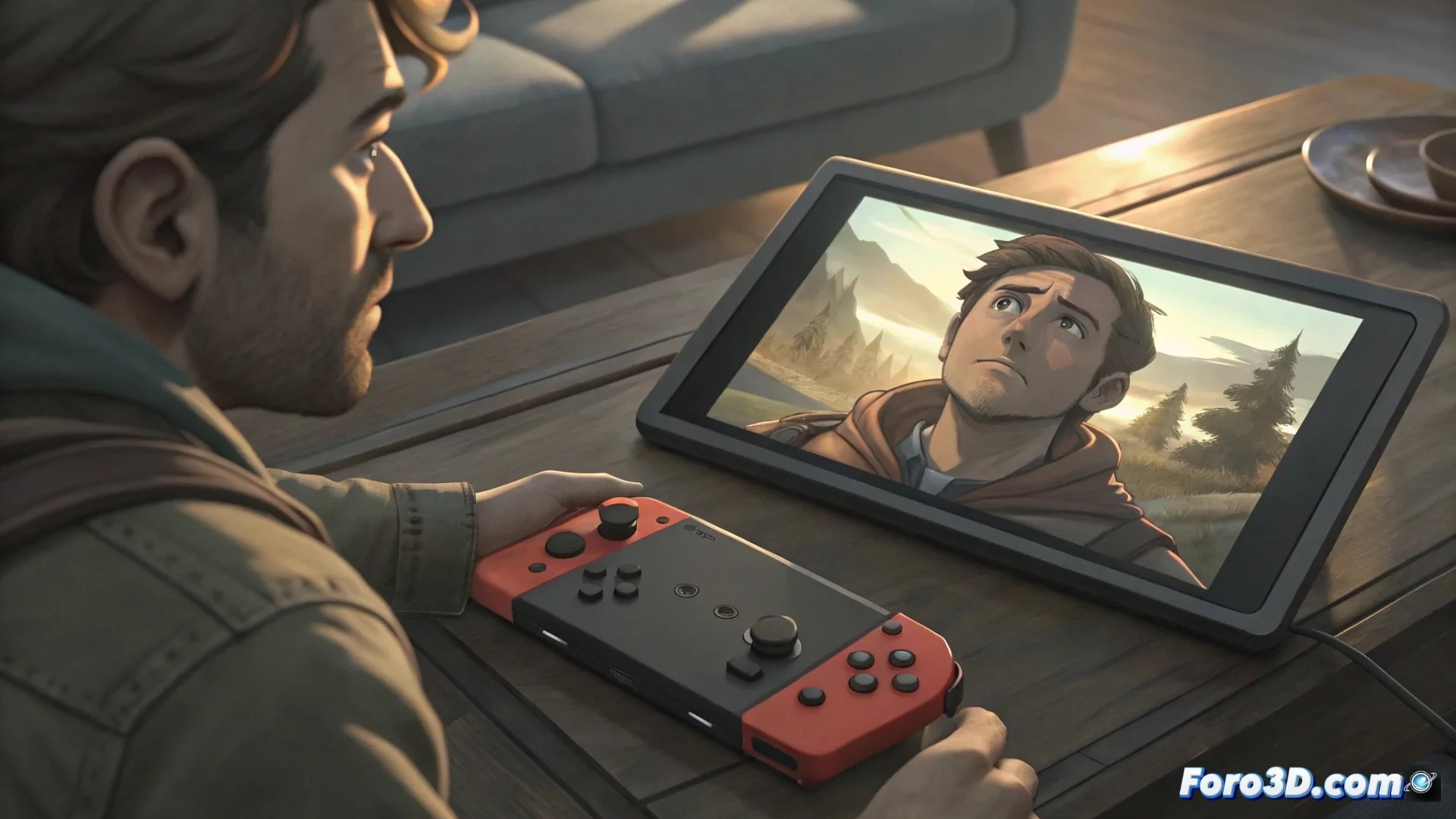
The Nintendo Switch Does Not Read Physical Game Cartridges
A recurring problem affecting Nintendo Switch users is that the console stops recognizing physical game cartridges. The system responds with an error message asking to reinsert the card, abruptly interrupting the game. This failure prevents access to the physical format game library, a significant limitation for the player. 🎮
Origins of the Cartridge Reader Failure
The error does not arise from a single cause. Frequently, the buildup of dust or dirt in the internal connector of the reader is to blame. The delicate contact pins inside the slot can also bend or suffer damage after intensive use. In other scenarios, the problem originates from a reader module failure as a hardware component. External factors such as exposure to moisture or a blow to the console can trigger this behavior. Sometimes, the cartridge itself causes the confusion, with its golden contacts being dirty.
Main identified causes:- Dirt buildup: Dust and particles that obstruct the reader connector.
- Pin damage: Bent or damaged metal contacts inside the slot.
- Hardware failure: Internal reader module that stops functioning correctly.
If digital games work but physical ones do not, the problem is clearly located in the cartridge reader.
Procedure to Try to Resolve the Error
Before seeking professional help, several steps can be followed to diagnose and possibly solve the problem. It is a methodical process that goes from the simplest to the most complex.
Step-by-step guide:- Power off and extract: Completely turn off the console and carefully remove the cartridge showing the error.
- Clean the contacts: Use a soft, dry, lint-free cloth to clean the golden contacts of the game. Do not use liquids.
- Inspect and clean the slot: Visually check the Switch slot. To clean it, use compressed air in short, controlled bursts.
- Reinsert firmly: Reinsert the cartridge, making sure to push it until it clicks into place.
- Test with another game: If the error persists, try with a different physical cartridge to rule out that the problem is with the original game.
- Seek technical assistance: If nothing above works, the final option is to contact an authorized technical service to check the console's internal hardware.
Conclusion on the Problem
This issue with physical cartridges on the Nintendo Switch is more common than desired and can have multiple origins, from simple dirt to a component failure. The stepped solution method allows many users to resolve it without additional cost. However, when the failure is internal, specialist intervention becomes necessary to regain full access to the game library. 🛠️