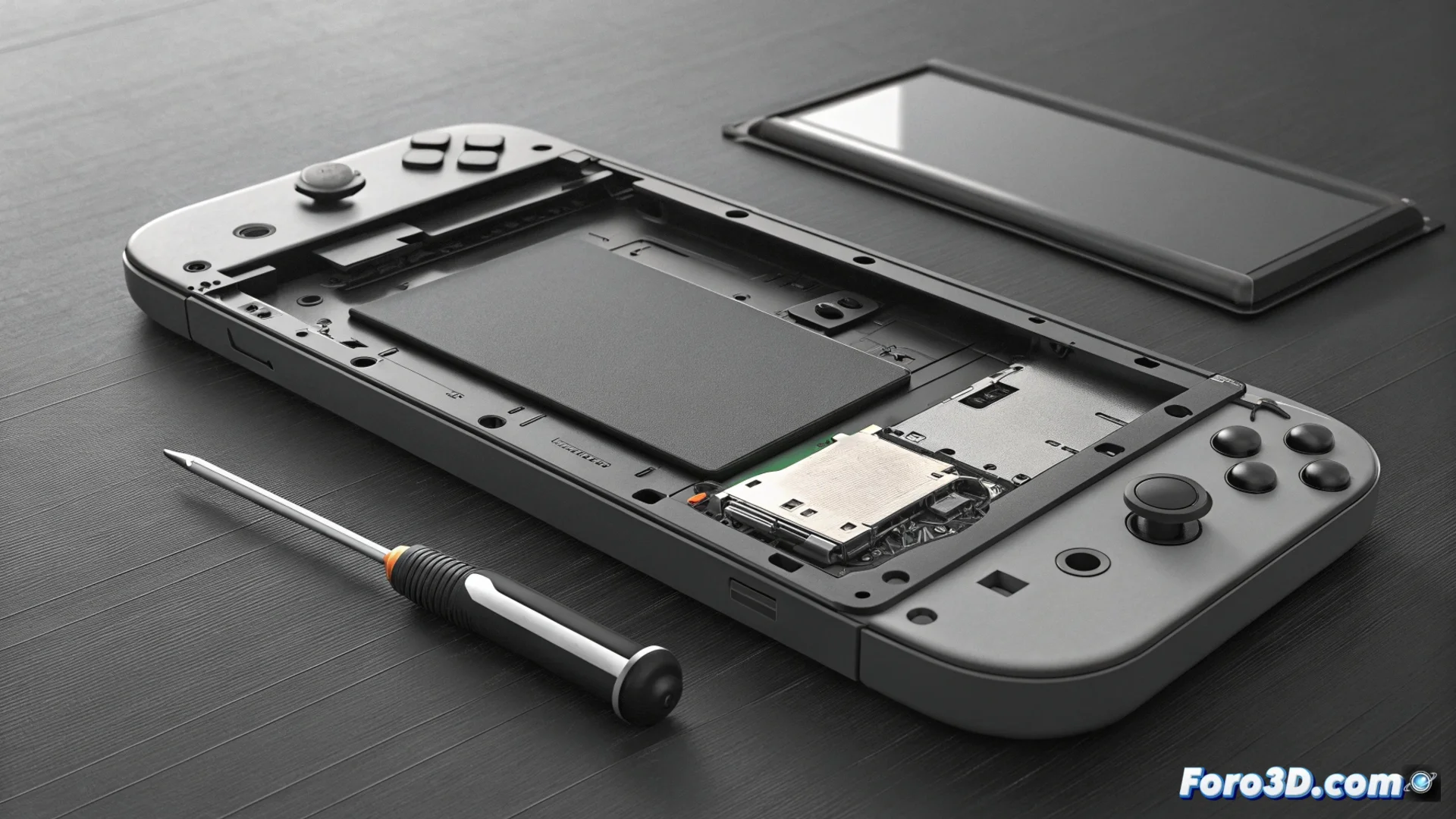
The Nintendo Switch Battery Degrades with Use
Over time and with charge cycles, the lithium-ion battery in the Nintendo Switch inevitably reduces its capacity. This internal chemical wear can cause the console to display an inaccurate charge percentage, fail to charge to maximum, or drain much faster. It is a natural process after years of frequent use. 🔋
Check the Battery Health
To evaluate the real state of the component, you must access the system menu. Navigate to Settings > System and select the Battery option. There, the console provides an estimate of its health. A clear indicator of wear is if the battery life is much shorter than the original, which varies between 4.5 and 9 hours. In more advanced cases, the battery can swell, sometimes causing the back of the console to bulge or separate.
Signs of a Problematic Battery:- The charge duration is noticeably shorter.
- The battery percentage fluctuates or does not reach 100%.
- The console's back casing deforms or opens.
A swollen battery poses a safety risk. Do not puncture it, do not charge it, and store it in a safe place until proper disposal.
Manage and Solve the Problem
If the only issue is shorter duration, you can optimize consumption. Reducing screen brightness, disabling HD Rumble vibration, and using airplane mode when connectivity is not needed help extend battery life. For cases of severe degradation or swelling, the most reliable option is to replace the unit.
Options for Replacing the Battery:- Official Nintendo Service: The safest option with warranty.
- Replacement Kit and Guides: For users experienced in repairing devices with precision tools.
- Quality Battery: It is crucial to use a reliable replacement component to avoid damage.
Conclusion on Maintenance
The wear of the Switch battery is a fact over time. Diagnosing its condition in time allows taking measures, whether optimizing settings or planning a safe replacement. Handling a swollen battery with caution is vital to avoid accidents. With the right approach, you can restore your console's original battery life. 🎮