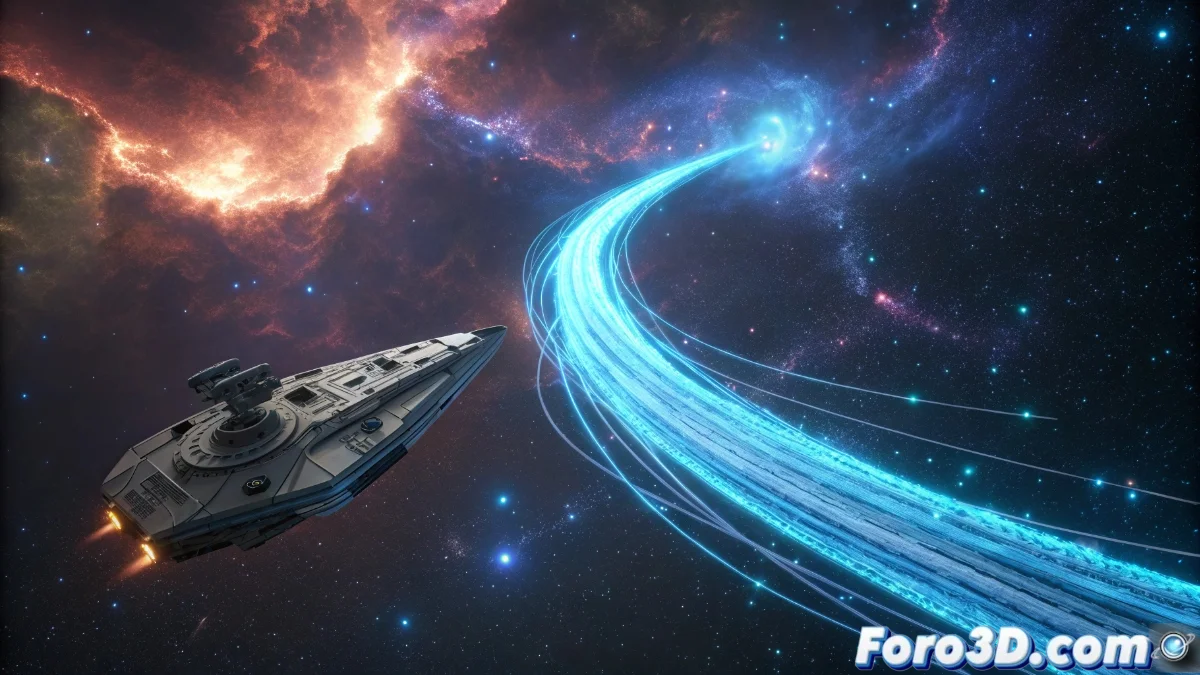
The Niagara System in Unreal Engine 5 and its Trail Functionality for Dynamic Effects
The Niagara system in Unreal Engine 5 incorporates the Trail tool, designed to create particle trails that adhere precisely to the movement of emitters or objects in real-time scenes. This capability is essential for developing stunning visual effects, such as glowing spaceship trails, magical paths, or shimmering footprints that react fluidly to speed and direction variations. Artists can customize attributes like length, thickness, and fade using specialized modules within the Niagara editor, offering detailed control over the final appearance. 🚀
Essential Trail Module Configuration
To implement trails, the Spawn Trail module is integrated into the particle system, setting start and end points that dictate how the trail is generated during animation. Parameters like Ribbon Width regulate visual thickness, while Color Over Life and Alpha Over Life manage color and transparency evolution along the trajectory. It is vital to adjust the spawn rate and maximum length to balance performance and visual impact, preventing trails from consuming excessive resources in complex environments.
Key aspects to consider:- Spawn points: Define the start and end of the trail for continuous flow during movement.
- Thickness control: Use Ribbon Width to adjust visual thickness according to the effect's needs.
- Transparency management: Configure Alpha Over Life for smooth fading along the trail.
Proper configuration of the spawn rate and maximum length is crucial to avoid negative performance impacts, especially in scenes with multiple emitters.
Optimization and Advanced Methods
Trails can be optimized by reducing segment resolution or using criteria like Distance | Time for spawning, which minimizes the number of particles generated and improves efficiency. Techniques like Trail Sampling allow capturing fast movements or abrupt direction changes with greater fidelity. For more elaborate effects, multiple emitters with different trail configurations are combined, achieving results like multiple trails or progressive dissipations that enrich the project's visual narrative.
Optimization strategies:- Resolution reduction: Decrease the number of segments to lighten the computational load.
- Spawn criteria: Use Distance | Time to generate particles only when necessary, optimizing resources.
- Emitter combination: Integrate multiple sources with varied configurations to create complex effects like overlapping trails.
Creative Applications and Conclusions
With this functionality, game characters and elements can leave visually spectacular trails that add depth to interactive experiences. Although the distraction of admiring these effects might lead to unexpected crashes in the game, the Trail system proves to be a powerful addition for developers seeking realism and dynamism in their projects. By mastering configuration and optimization, it is possible to create trails that not only impress visually but also maintain stable performance in demanding environments. ✨