RandomControl has released the 2024 versions of Maverick Studio and Maverick Indie, pushing their powerful GPU rendering engines even further. These updates include tools and features designed to make designers' and artists' work easier, helping them create stunning visuals more efficiently.
An Animation System That Changes Everything
The new versions, Maverick Studio 2024.1 and Maverick Indie 2024.1, include one of the most anticipated updates: a completely new animation system. Now, you can create animations easily, either using traditional keyframes or through Motion Controllers, which are templates that allow you to generate common movements quickly and without complications.
This system is designed especially for creating marketing visuals, allowing you to generate short promotional clips without resorting to video editing software. Everything can be done directly within the program, saving time and improving productivity.
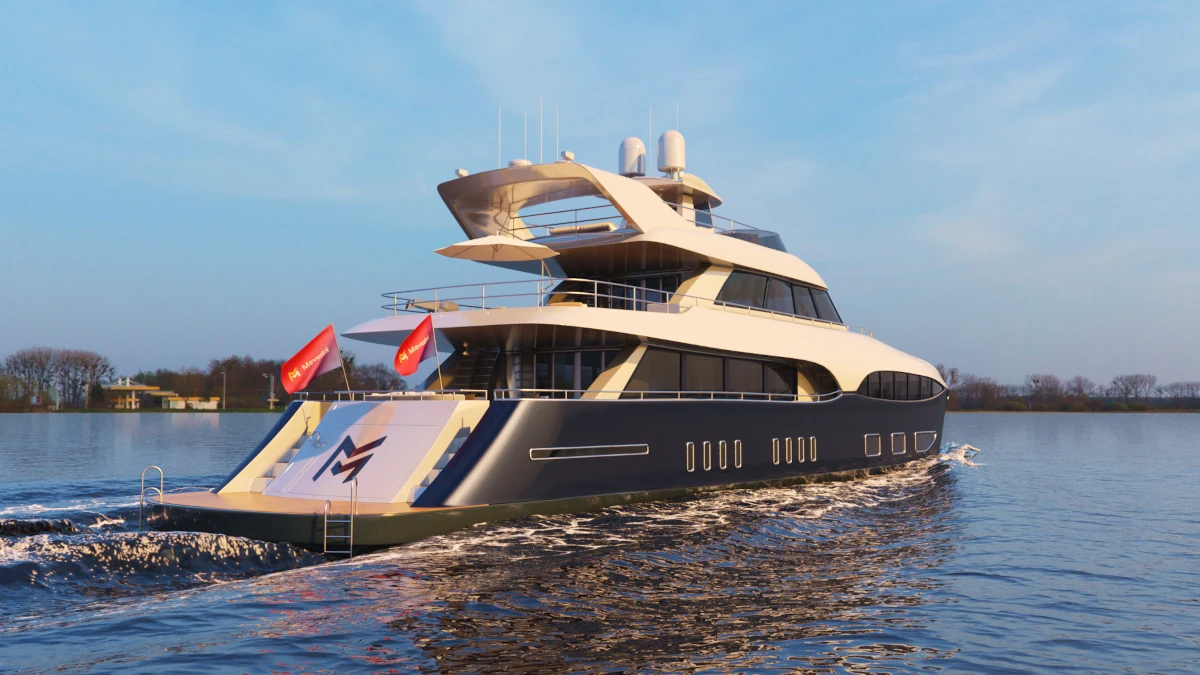
More Than Animation: New Features
In addition to animation, the 2024.1 versions bring other important improvements. Now you can add animated logos or watermarks to your renders, making it easier to create branded content. You can also work with textures in resolutions up to 8K, ideal for projects that require an exceptional level of detail.
- Improved Scatter modifier for working with more sources, offering greater flexibility when distributing objects in a scene.
- The ability to export animated GIFs, making it easier to share your results on social media and platforms that require lightweight files.
Regarding performance, the updates improve interactive rendering in complex scenes. Now it's much easier to work with large projects, making the workflow much more agile and fast.
Integration with USD and More Refinements
The 2024.2 and 2024.3 versions focus on making the animation workflow even more intuitive. One of the main new features is support for USD (Universal Scene Description), allowing you to import files in formats like .usd, .usda, .usdc, and .usdz, a feature that opens new possibilities for working with other programs that also use this standard.
More Accessible Tools for Creativity
Maverick Studio remains one of the best options for product visualization, especially in sectors like automotive. With its combination of PBR materials, realistic lighting, and precise spectral rendering, it is an essential tool for those seeking a high level of visual quality.
On the other hand, Maverick Indie remains an accessible option for those in entertainment, with features tailored to the specific needs of this sector. Although it is a more economical option, it continues to offer excellent performance for independent filmmakers, animators, and 3D artists.
Commitment to Efficiency and Ease of Use
With these updates, RandomControl once again demonstrates its commitment to creating tools that are not only powerful but also easy to use. The new features allow you to do more in less time, without losing the quality that has always been characteristic of Maverick.
These improvements consolidate Maverick Studio and Maverick Indie as ideal options for those seeking a reliable rendering engine, whether in product visualization or content creation for entertainment. With the addition of new tools and more optimized performance, these updates will take your projects to the next level.