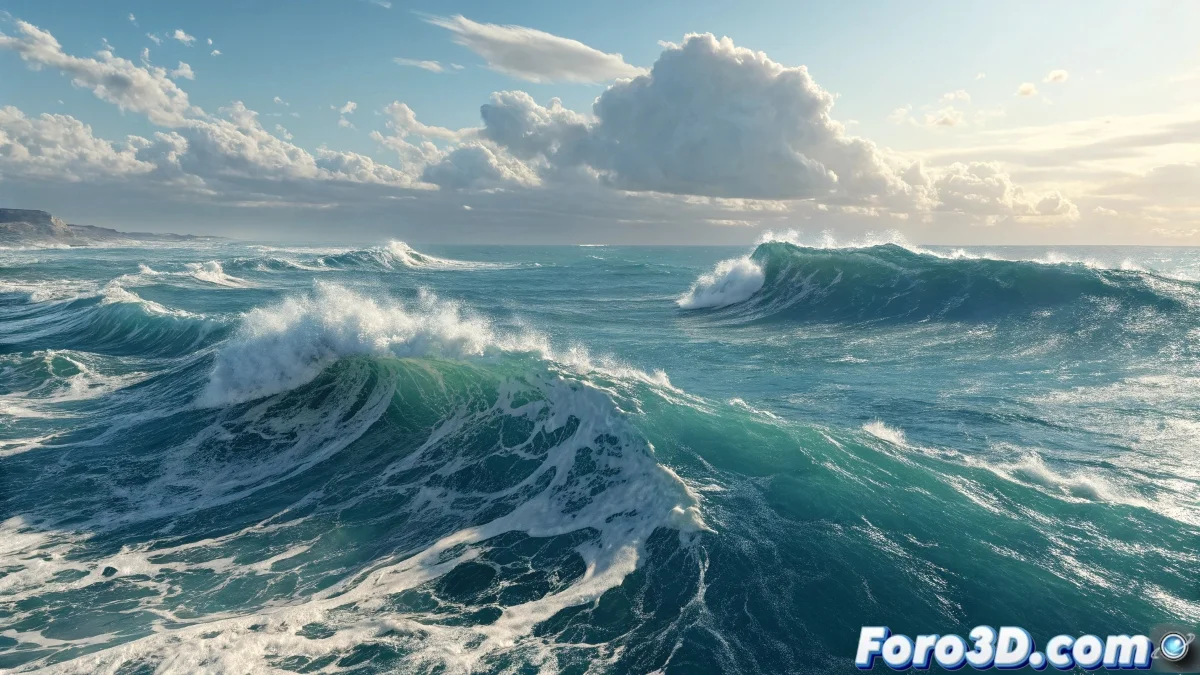
When the Sea Refuses to Move
The challenge of creating an animated ocean in LightWave is one of those problems that can make even the most experienced artist feel like an absolute beginner. The frustration of seeing a flat, motionless surface where dancing waves should be is as common as it is understandable. Creative block often comes from option overload and the lack of a clear starting point in LightWave's complex node and parameter system.
The good news is that LightWave has all the necessary tools to create realistic waves without the need for expensive plugins. The secret lies in understanding how to combine procedural displacement with texture animation to create that organic movement illusion we're after.
Basic Setup of the Oceanic Surface
Start by creating a subdivided plane with enough geometry to support displacement. A 100x100 subdivision mesh is usually a good starting point. Make sure to apply SubDivision Surfaces to smooth the geometry without excessively increasing the polygon count.
In the material editor, activate the Displacement channel and assign a Fractal Noise or Turbulence node. The critical parameters here are Size to control the wave scale and Octaves for the detail level. Low Size values create large waves, while high Octaves add foam and surface details.
- Subdivided plane with sufficient geometry
- Displacement with Fractal Noise or Turbulence
- Low Size for large-scale waves
- Medium Octaves for natural details
A perfect ocean is like a good story: it needs rhythm, variation, and some element of surprise
Procedural Wave Animation
The magic of movement lies in animating the offset parameters of the displacement texture. In the texture node, set keyframes on the Position parameter over time. A constant movement on the X or Z axis will create that characteristic directional flow of the open sea.
For greater realism, combine multiple displacement layers with different speeds and scales. One layer for large, slow waves, another for medium movement, and a third for foam and high-frequency details that move quickly.
- Position animation on X/Z axes
- Multiple layers with different speeds
- Large slow waves as base
- Fast details for foam and texture
Materials and Water Appearance
The water material needs high reflectivity and transparency to be convincing. Set a low Diffuse Level and high Specularity, with medium Glossiness for those characteristic water reflections. Transparency should be partial to allow some depth to be seen.
For the color, use a procedural gradient that varies from dark blues in deep waters to bluish greens in shallower areas. A slight Subsurface Scattering can add that light penetrating the water effect that contributes so much to realism.
- High specularity and medium glossiness
- Partial transparency with fresnel
- Color gradients by depth
- Subtle subsurface scattering
Advanced Techniques for Greater Realism
If your LightWave version includes HyperVoxels, you can use them to add white foam on the wave crests. Create a HyperVoxels volume that emits from the highest points of the displacement, with small particle size and high density.
For the environment, add a Sky Dome with a cloudy sky HDRI texture for interesting reflections on the water. Ambient lighting is crucial to integrate the ocean with the rest of the scene and create that sense of oceanic immensity.
- HyperVoxels for foam on crests
- Sky Dome with HDRI for reflections
- Soft ambient lighting
- Depth fading for realistic horizon
Solving this technical block will allow you to create not just a sea, but an entire ocean of creative possibilities. Because in the 3D world, even the flattest surface can learn to dance with the right rhythm of animated parameters 😏