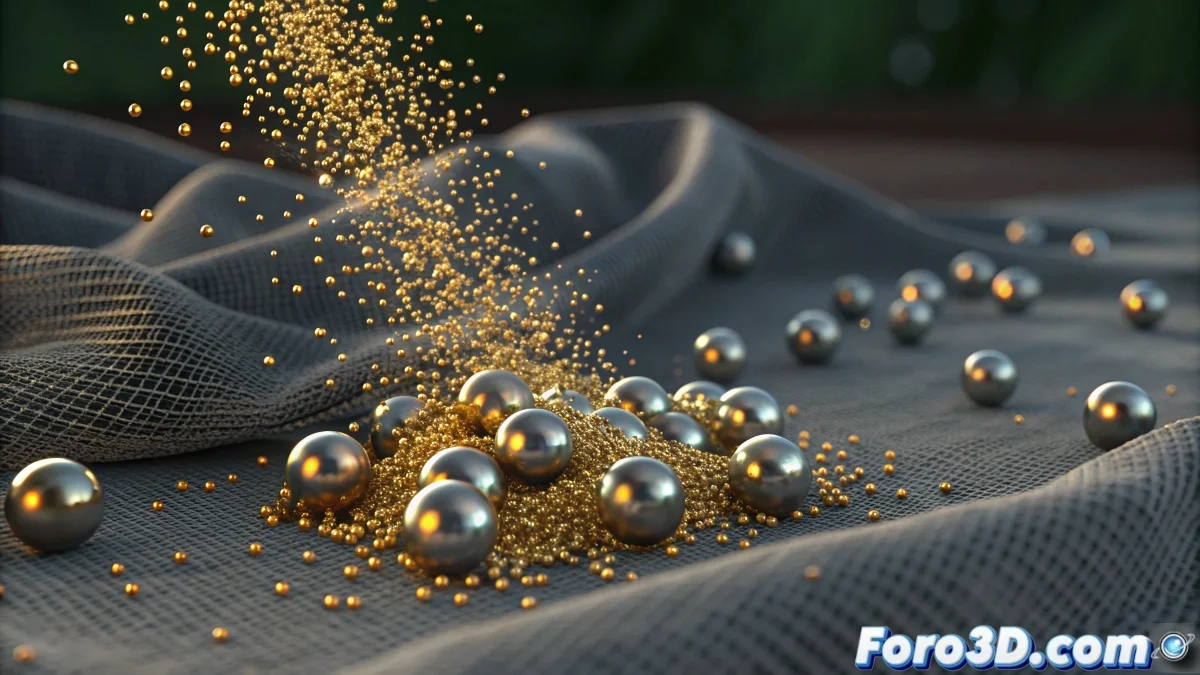
When Particles Decide to Be Spectators Instead of Actors
The problem of particles that don't deform the cloth in Blender is one of those puzzles that can make even the most patient artist feel tempted to give up. The frustration is understandable when you see that a simple manually animated sphere does produce deformations, but your emitter particles behave like polite ghosts that pass by without affecting the cloth. This behavior indicates a communication problem between physics systems that need to be specifically configured to interact.
You've correctly identified the paradox: Blender can handle particles and cloths individually, but making them "talk" to each other requires an explicit configuration that isn't intuitive for most users.
Collision Setup Between Particles and Cloth
The first critical step is in the collision properties of the cloth system. Select the cloth, go to Physics Properties > Cloth > Collisions and make sure Particle is enabled. This switch is what allows particles to affect the cloth, but many users overlook it because it's disabled by default.
Then, in the particle system, go to Physics > Collisions and enable Die on Hit or Bounce depending on the behavior you're looking for. But most importantly: check that the Collision Collection includes the cloth. Without this explicit assignment, the particles don't know which objects to collide with.
- Particle Collision enabled in cloth properties
- Die on Hit or Bounce enabled in particles
- Collision Collection including the cloth
- Quality Steps increased for better precision
A perfect collision is like a good handshake: both parties feel the pressure and react accordingly
Force and Influence Adjustment
For the particles to really deform the cloth instead of just bouncing, you need to adjust the Force parameters in the cloth system. In Physics Properties > Cloth > Field Weights, increase Particle Force to values between 1.0 and 5.0. This parameter controls how much the particles affect the cloth - higher values create more visible deformations.
The particle weight is also crucial. In the particle system, adjust Mass to realistic values - for objects the size of a Suzanne head, 5.0-10.0 is a good starting point. Particles that are too light won't have the necessary inertia to deform the cloth.
- Particle Force between 1.0 and 5.0 in field weights
- Particle Mass between 5.0 and 10.0
- Velocity affects impact force
- Low Damping for efficient energy transfer
Advanced Setup with Force Fields
If direct collisions don't produce the desired effect, use force fields as intermediaries. Add a Force Field > Turbulence with a small radius and moderate strength. Then, in the particles, enable Use Field Weights and make sure they affect the cloth.
Another effective technique is to use a Force Field > Spherical with negative Strength at the impact point. This creates a "push" effect that deforms the cloth outward, simulating the particle impact. You can animate the force to match the moment of impact.
- Turbulence field as impact amplifier
- Spherical field with negative strength for deformation
- Force fields animation synchronized with impacts
- Falloff adjusted for influence radius
Simulation Optimization
The simulation quality directly affects the visibility of deformations. In the cloth system, increase Quality Steps to 10-15 and Collision Quality to 5-8. Higher values allow Blender to calculate more precise interactions between particles and cloth.
The simulation time is also important. If the cloth is very stiff, deformations may be subtle. Temporarily reduce Stiffness and Damping to make the cloth more responsive to impacts, then adjust these values for the final desired behavior.
- Quality Steps: 10-15 for precision
- Collision Quality: 5-8 for improved detection
- Reduced Stiffness for greater responsiveness
- Smaller Step Size for stability
Alternative Solution with Geometry Nodes
For absolute control, consider using Geometry Nodes to handle the interaction. Create a system that detects the proximity of particles to the cloth and applies procedural deformations. This method is more complex but offers total control over the result.
Another approach is to use Dynamic Paint so that particles "paint" displacement on the cloth. Set up the cloth as a canvas and the particles as brushes, then use the result to deform the geometry.
- Geometry Nodes for procedural control
- Dynamic Paint for painted displacement
- Weight Paint for influence areas
- Scripting for custom solutions
Solving this mystery will allow you to create realistic impact effects where every particle leaves its mark on the cloth. Because in Blender, even the shyest particle can learn to make waves when taught to communicate properly with the cloth system 😏
Quick Setup to Get Started
Base values for particle-cloth interaction:
Cloth: Particle Collision enabled
Cloth: Particle Force 3.0
Particles: Mass 8.0, Bounce enabled
Collision Collection: Cloth included
Quality Steps: 12