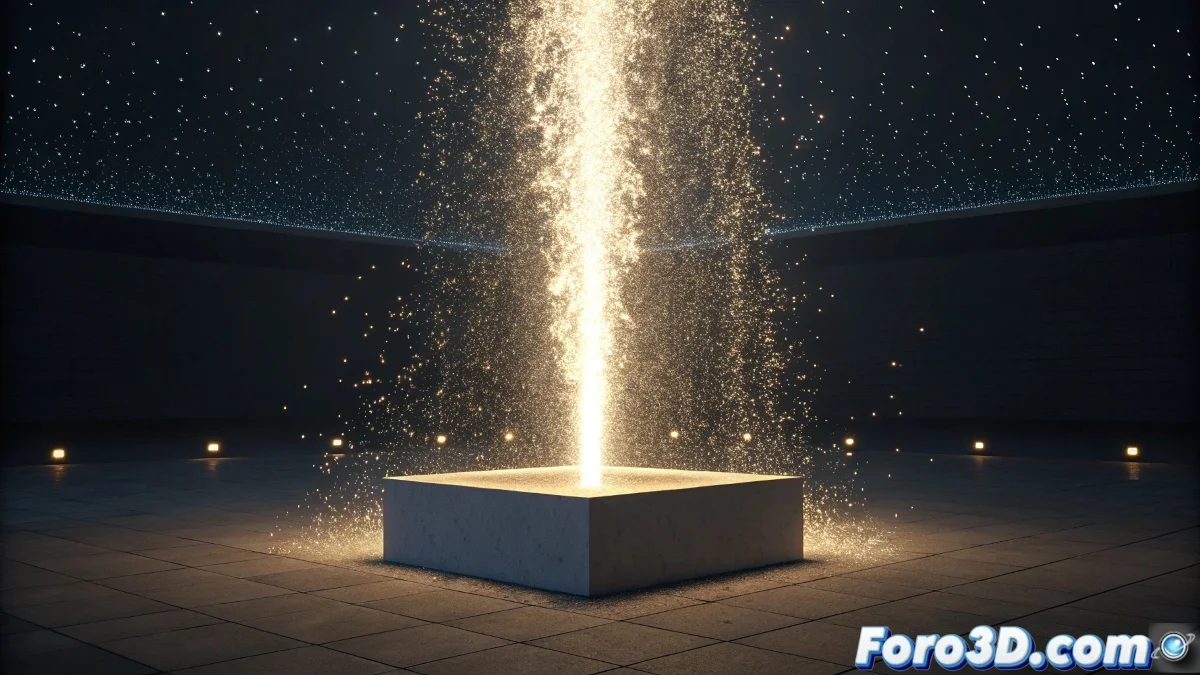
When Particles Rebel Against the Laws of Physics
The challenge of making liquid particles flow upwards in PArray is one of those problems that seems simple until you face it. The Space Warp Wind, designed primarily for horizontal forces, usually behaves like a rebellious teenager when you ask it to work vertically. The frustration is understandable, especially when you've tried all the obvious settings and the liquid stubbornly maintains its gravitational descent.
The problem usually lies in a combination of misunderstood parameters and opposing forces that cancel each other out. Achieving a convincing vertical flow requires overriding the default gravity and applying directional forces with surgical precision.
Basic PArray Setup for Upward Flow
The first critical step is to disable the default gravity in the particle parameters. In the Particle Generation rollout, look for the Particle Motion section and set Speed to a significant positive value. The direction is controlled by the emission vector, which must point directly upwards in the positive Z axis.
For liquids, it is essential to set Particle Type to MetaParticles, which will allow natural merging between droplets. The Tension parameter controls how particles attract each other, creating that characteristic liquid cohesion effect.
- Disable gravity in Particle Motion
- Positive direction vector on Z axis
- MetaParticles type for liquid cohesion
- Constant speed for uniform flow
Making liquid flow upwards is like convincing a cat to take a bath: it requires strategy, not force
Custom Forces to Overcome Gravity
The Space Warp Wind can work vertically, but it needs specific adjustments. In its parameters, set Strength to a high positive value and Decay to zero to keep the force constant. The key is to rotate the Wind object 90 degrees on the X or Y axis so that its directional arrow points upwards.
A more effective alternative is to use the Motor space warp, which offers more precise directional control. Configured with Basic Torque and upward direction, it provides constant and uniform thrust that easily overcomes any residual system resistance.
- Rotate Wind 90° for vertical direction
- Use Motor for constant thrust
- Sufficient force to overcome residual gravity
- Zero Decay to maintain intensity
Liquid Behavior Optimization
For the effect to be believable, particles must maintain cohesion during the ascent. In Particle Spawn, enable Collision Spawn with low values to allow particles to split naturally during movement. The MetaParticles parameters need Evaluation Coarseness adjusted for a balance between performance and quality.
Integration with Deflector space warps allows creating obstacles that the liquid must dodge during its ascent, adding realism to the movement. Deflectors must have low Bounce to prevent particles from bouncing unnaturally.
- Evaluation Coarseness for optimization
- Collision Spawn for natural splitting
- Deflectors with low bounce
- Sufficient lifetime for complete path
Definitive Solution with Negative Gravity
The most effective method combines Gravity space warp with negative force. By applying a Gravity object with negative Strength, you essentially create anti-gravity that pushes the particles upwards. This approach is usually more stable than relying solely on wind or motor forces.
For fine control, multiple forces can be used: negative Gravity for base thrust and Wind or Motor for specific directioning. Correct binding via Bind to Space Warp ensures all forces affect the PArray system simultaneously.
- Gravity with negative Strength
- Combination of multiple forces
- Correct Bind to Space Warp
- Progressive forces for natural acceleration
Solving this technical challenge provides that unique satisfaction of having beaten digital physics at its own game. Because in the world of particles, sometimes the rules are meant to be broken, or at least creatively reinterpreted 😏