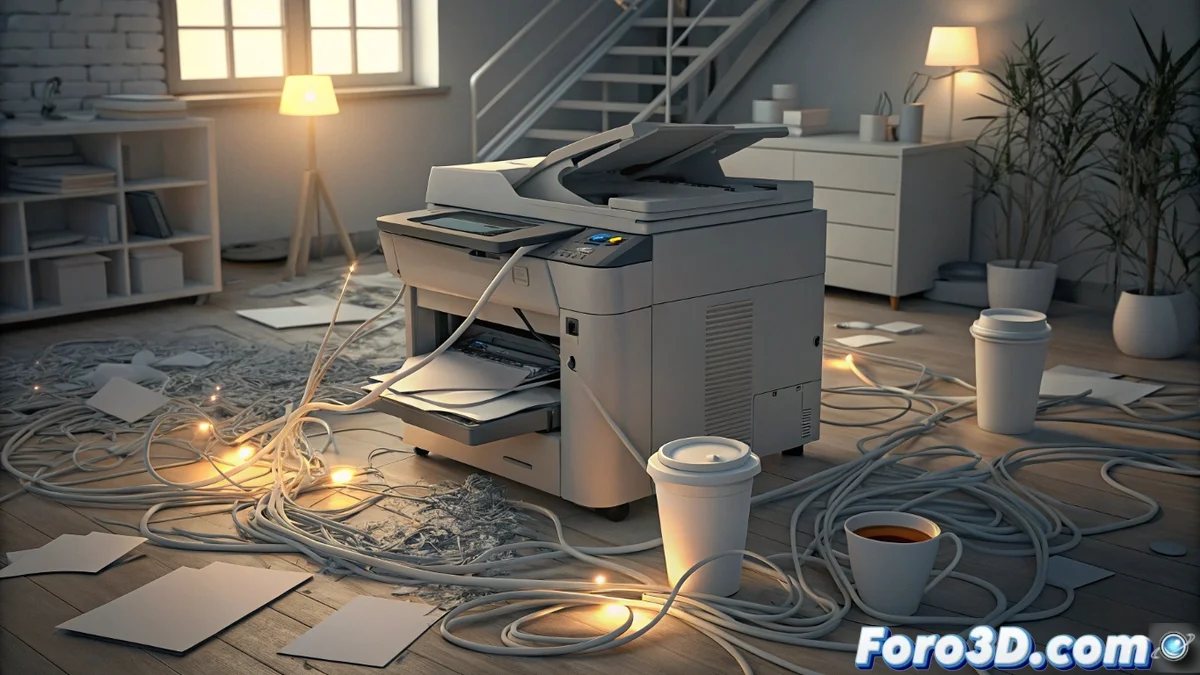
The Dilemma of All-in-One Printers: When a Fault Paralyzes the Entire Device
In our homes and offices, all-in-one devices promised to be the ultimate space and convenience solution. However, this integration has a hidden side: absolute dependency between its functions. A simple problem in one module can turn a useful device into a digital brick, frustrating users worldwide. 🤯
The Central Problem of Integrated Design
The main flaw in many multifunction devices lies in their software and hardware architecture. Instead of treating each function (printing, scanning, copying) as an independent subsystem, the firmware intertwines them. When a scanner sensor fails or its software corrupts, the central system interprets this as a global critical error, activating preventive locks that disable even the perfectly functioning parts, like the printer.
Direct consequences for the user:- Partial unusability: Not being able to print an urgent document because the scanner has a calibration error.
- Restart cycles: Searching for a temporary solution leads to constant power offs and ons, wearing out the device.
- Accelerated obsolescence: The cost of repairing a specific module is often so high that it leads to complete device replacement, generating more electronic waste.
It is the modern irony: a device created to simplify ends up complicating everything because its parts do not know how to work autonomously.
Strategies to Avoid Technological Paralysis
Faced with this situation, users are not completely helpless. Adopting a proactive approach can extend the hardware's lifespan and avoid headaches. The first line of defense should always be the official software, followed by considering alternative designs in future purchases.
Possible solutions and alternatives:- Firmware updates: Manufacturers sometimes release patches that fix lockout bugs. Keeping the device updated is crucial.
- Modular hardware: Opt for devices where the scanner, printer, and copier are separate units that connect. If one fails, the others remain operational.
- Specific repair: Seek specialized workshops that know how to diagnose and replace only the damaged module, instead of discarding the entire device. This promotes a more circular economy.
Final Reflection on Technological Design
This phenomenon is a clear reminder that innovation should not sacrifice resilience and practicality. In a world calling for sustainability, designing products where a minor fault turns a valuable assistant into a useless ornament is nonsensical. As users, our purchasing choices and demand for more repairable and modular products can drive a change toward technology that truly simplifies and lasts. 💡