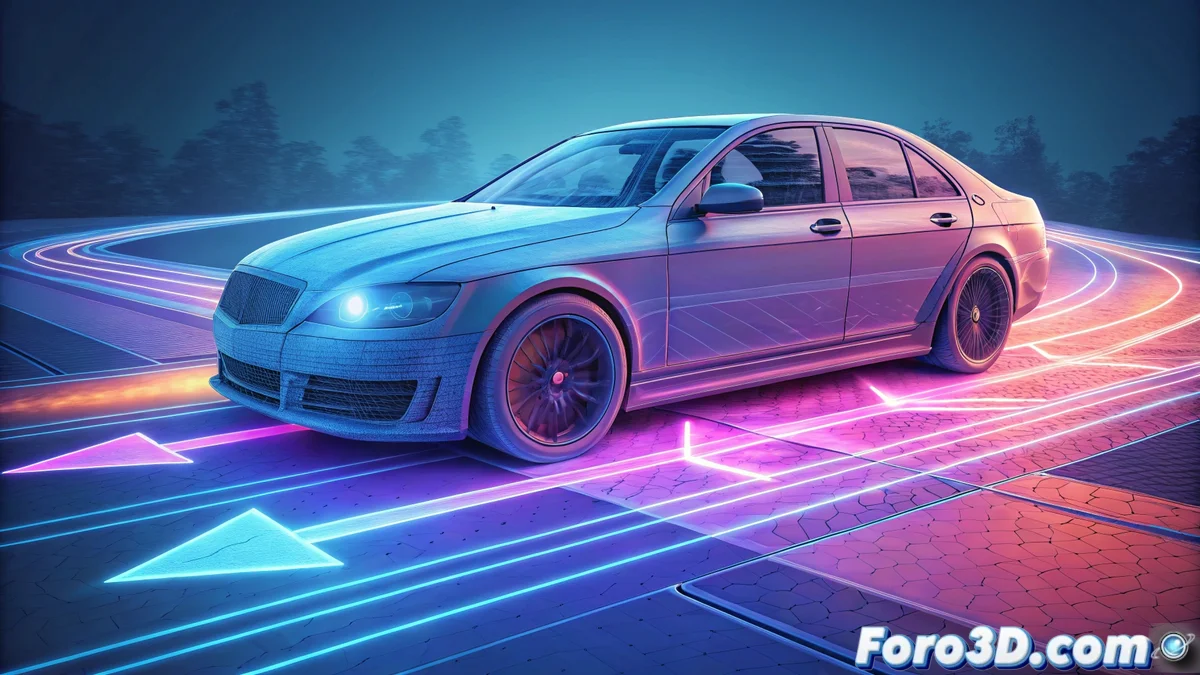
Motion Vectors Pass in Post-Production
In the visual effects workflow, a motion vectors pass is a fundamental asset. Unlike passes that store color, this channel saves information about how each pixel moves from one frame to the next. Render engines like V-Ray, Arnold, or Redshift can generate it. Its main purpose is to act as an instruction map so that compositing software like Nuke or After Effects can simulate motion blur with great precision. This provides much greater flexibility than rendering the effect directly in 3D. 🎬
Interpreting and Applying Vector Data
The data from this pass is represented visually as a color field, where the hue indicates the direction and the saturation or brightness indicates the speed. A compositor reads this information and, through effects like Vector Blur or Pixel Motion Blur, distorts and blends the pixels following the trajectory marked by the vectors. This method produces realistic and fully adjustable blur, as its strength can be modified, transitions smoothed, or its application limited to specific areas of the image.
Key advantages of processing blur in compositing:- Reduce render time: By not calculating the blur in the 3D engine, frames are processed much faster.
- Total creative control: Allows adjusting the effect's intensity, correcting issues, or blending multiple passes with different blur without re-rendering.
- Alternative uses: Vectors also serve to stabilize shots, create frozen time effects, or derive depth maps from motion.
Motion vectors transform blur from a fixed render effect into a dynamic post-production tool.
Practical Considerations and Limitations
Although it is a powerful technique, the motion vectors pass is not infallible. In areas with repetitive textures, transparencies, or very complex movements, the vectors may be calculated incorrectly, generating visual artifacts. In these cases, the compositing artist must manually clean the vectors pass or use masks to amend the result. This additional work sometimes makes the option of rendering with blur included, despite being slower, seem a simpler alternative.
Typical workflow with motion vectors:- Generate the pass: Configure the render engine (V-Ray, Arnold, etc.) to export the motion vectors channel along with the beauty passes.
- Import and connect: In the compositing software, link the vectors pass to the corresponding motion blur node or effect.
- Adjust and correct: Fine-tune the blur intensity and fix any artifacts through rotoscoping or vector manipulation.
Integration into the Professional Pipeline
Incorporating the use of motion vectors passes is standard in professional VFX pipelines. It allows for rapid iteration, separation of responsibilities between lighting and compositing departments, and final control over the image's look. Mastering this technique is essential for any artist seeking to optimize their workflow and produce high-quality images efficiently. The balance between time saved in rendering and time invested in post-production adjustments defines its true value. ⚙️