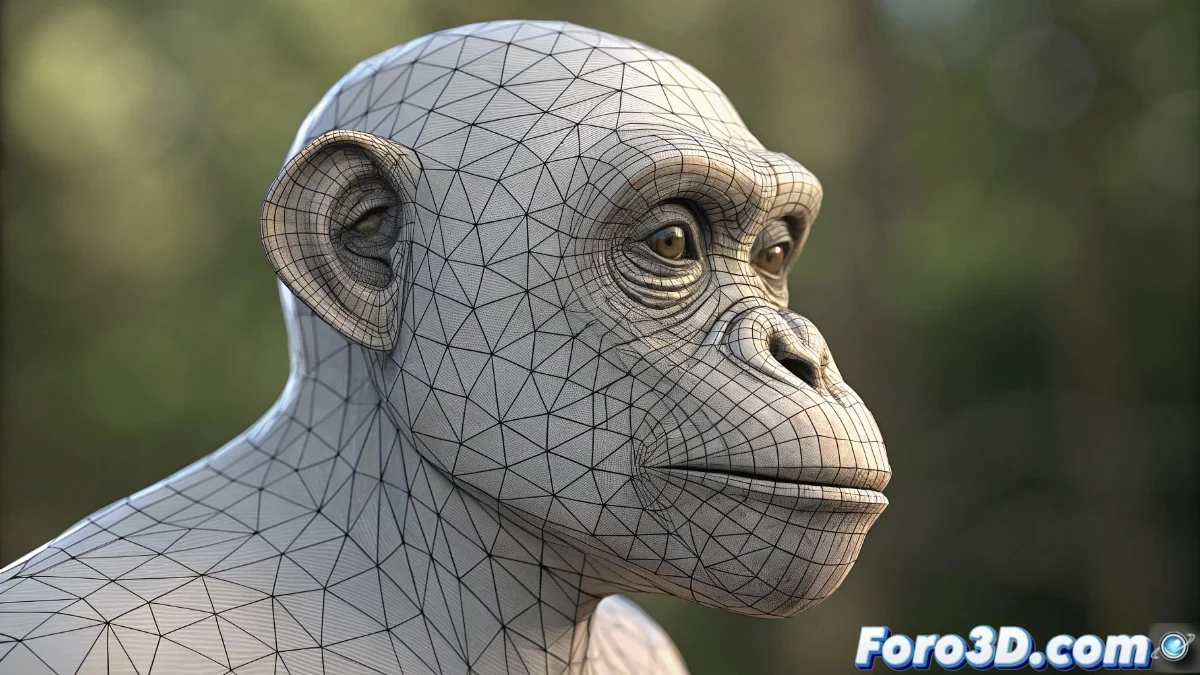
The Mesh Deform Modifier in Blender 5: Complete Guide to Advanced Deformations
The Mesh Deform modifier in Blender 5 revolutionizes the process of deforming complex meshes by using a low-resolution external cage as the main control. This technique is especially valuable in 3D animation projects where manipulating detailed geometry is required without directly interacting with each vertex, significantly optimizing performance and workflow efficiency 🎭.
Initial Setup of the Modifier
To start using this powerful tool, select the mesh you want to deform and access the properties panel to add the Mesh Deform modifier. It is crucial to correctly assign the external cage in the designated field, verifying that both meshes are perfectly aligned in three-dimensional space. The cage must completely enclose the target geometry to ensure that deformations are distributed uniformly and precisely across all regions of the mesh 🎯.
Essential Setup Steps:- Selection of the target mesh and addition of the modifier from the properties panel
- Assignment of the external cage with verification of spatial alignment
- Confirmation that the cage completely encloses the geometry to be deformed
The cage acts as a digital skeleton that transmits its transformations to the main mesh, functioning as an intuitive controller for complex deformations.
Binding Process and Customization
Once the cage is set up, the next critical step is the binding process using the Bind button, which establishes the mathematical relationships between the original mesh and the control structure. After this binding, any transformation applied to the cage will automatically propagate to the deformed mesh. Advanced settings allow modifying parameters such as the binding calculation precision and the implementation of vertex groups to control specific areas, facilitating localized deformations and more refined artistic control over the final result 🎨.
Available Adjustment Options:- Precision configuration in binding calculation for more accurate results
- Implementation of vertex groups for localized deformation control
- Fine-tuning of parameters to optimize the mesh's response to transformations
Practical Considerations and Troubleshooting
Sometimes, the cage can behave unpredictably, like a clumsy assistant who, with good intentions, distorts the geometry in unwanted ways. This analogy reminds us that, even in the digital environment, the collaboration between elements requires patience and iterative adjustments. Mastering the Mesh Deform modifier involves understanding these behaviors and learning to refine them through constant tweaks and controlled experimentation, ensuring that the deformations maintain the visual and technical integrity of the original mesh 🔧.