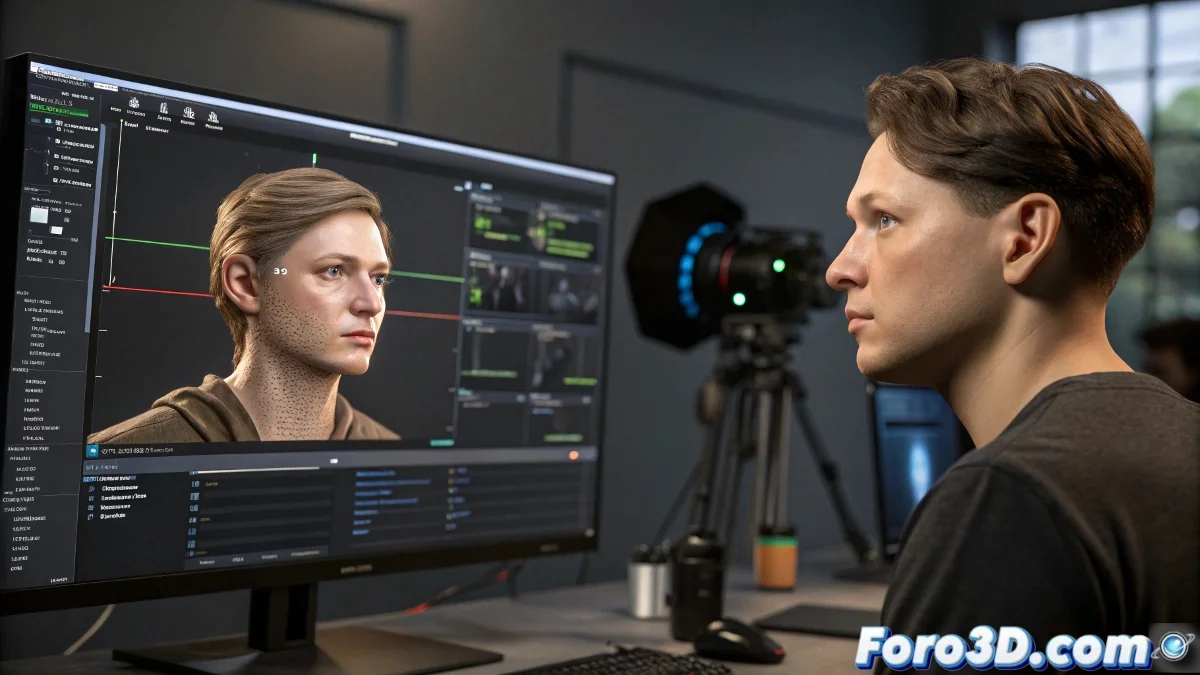
The Art of Putting Your Face on a 3D Model (Without Ending Up Like a Horror Doll)
In the fascinating world of digital facial animation, there is a magical moment when the tracking points come to life and a 3D model starts moving its features as if it were your digital twin. Or like a distant relative who turned out a bit... peculiar. 😅
From Tracking Points to Digital Expressions
The process begins with those faithful tracking points that follow every movement of your face like digital paparazzis. In 3ds Max, these are transformed into:
- Helpers: The faithful assistants that mark the key positions
- Dummies: They're not dummies, they're the bridges between the real world and the digital one
- Constraints: The rules of the game that make everything move in harmony
The real trick is making these elements control the model's facial rig, like a digital puppeteer pulling the invisible strings of the animation. 🎭
Techniques for Convincing Facial Animation
When the model already has its bone system or morph targets, the possibilities multiply:
- Wire Parameters: Like connecting the points of a mysterious animation circuit
- Script Controllers: For those who prefer writing code over clicking
- Predefined Expressions: Because sometimes it's better to fake certain emotions
In the world of facial tracking, perfection is when the model moves as naturally as you... and failure is when it looks like your ID photo at 8 in the morning.
While solutions like Faceware promise instant magic, doing it manually has its charm. It's like cooking: it might not be perfect, but at least you know exactly what ingredients (or mistakes) it contains. And when that model finally comes to life, either you get excited... or you run to hide from the result. 👻
Remember: if your 3D avatar ends up with expressions more terrifying than convincing, you can always say it's digital abstract art. 🎨