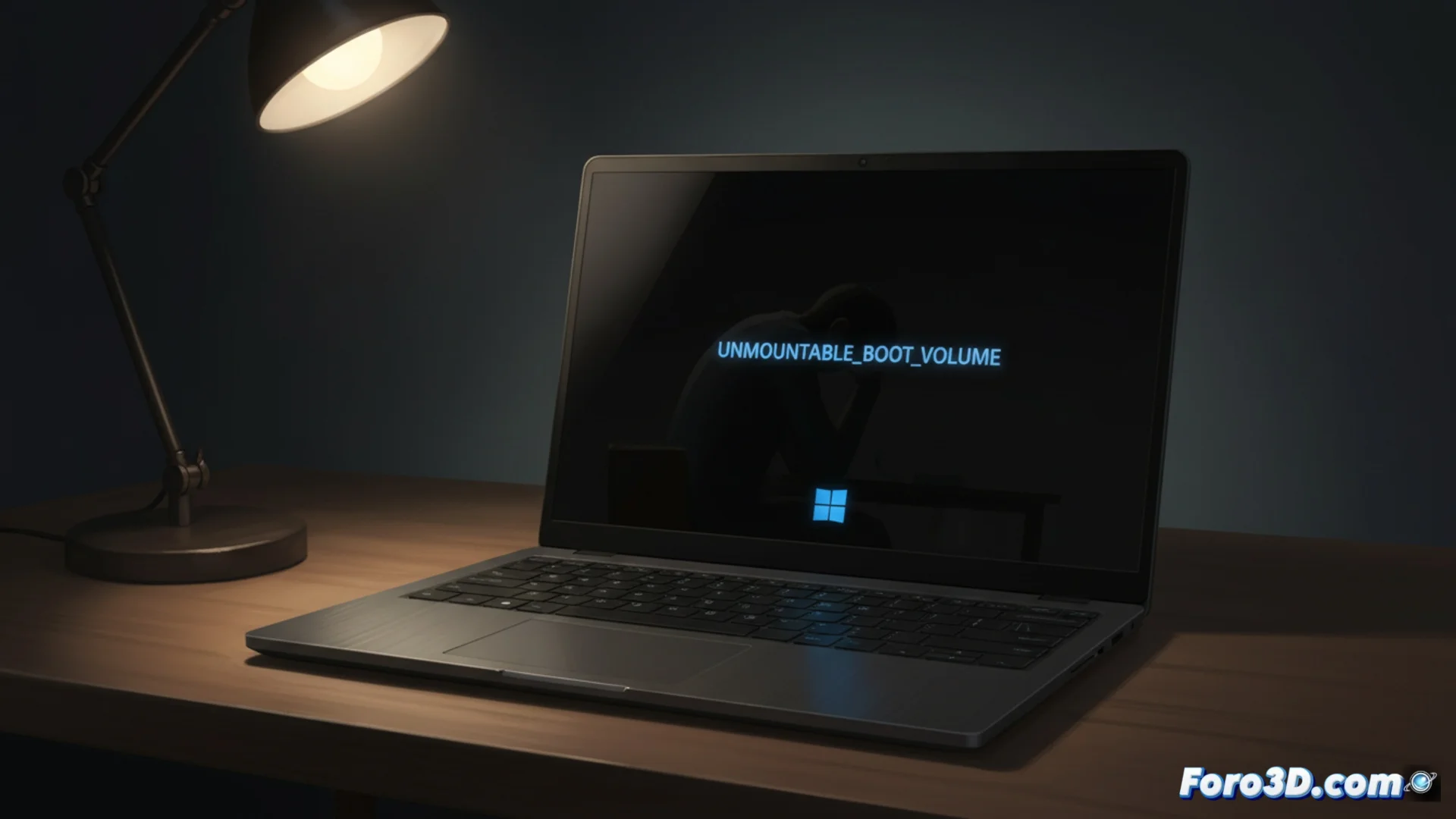
January 2026 Update for Windows 11 Locks Out Some Computers
A recent security patch for Windows 11 is causing serious boot issues on affected machines. The update identified as KB5074109, distributed in January 2026, prevents certain systems from operating normally, leaving users without access to their desktop. 😨
The Main Symptom: An Unavoidable Restart Loop
After applying this patch, computers with Windows 11 builds 24H2 and 25H2 fail to start. Instead of loading the system, the screen goes black and displays a critical error message: UNMOUNTABLE_BOOT_VOLUME. Immediately afterward, the machine restarts and repeats this endless cycle, with no option to reach the user environment.
Additional Issues Reported with the Same Patch:- Failures when putting the computer into sleep mode or attempting to shut it down.
- Functionality errors in the Outlook application.
- Issues establishing remote access connections.
The monthly patch cycle is increasingly resembling a lottery where the prize is being able to continue using your own computer.
What to Do If Your System Gets Locked
To regain control of a computer that won't boot, you need to enter the Windows Recovery Environment (WinRE). The process requires interrupting the boot by forcing three consecutive shutdowns during the startup phase. Once inside the recovery menu, follow these steps:
Steps to Uninstall the Problematic Update:- Navigate to Troubleshoot and then to Advanced options.
- Select the option to Uninstall updates.
- Choose and remove specifically the KB5074109 update from the list.
Microsoft's Response and Precaution Recommendation
Microsoft has confirmed it is investigating these cases, although it has not yet offered an official solution other than manual uninstallation. For some of the other failures associated with the same patch, the company has already released urgent fixes. While the main conflict is being resolved, it is advised to pause automatic updates in Windows Update if your computer is working fine, to avoid unnecessary risks. 🛡️