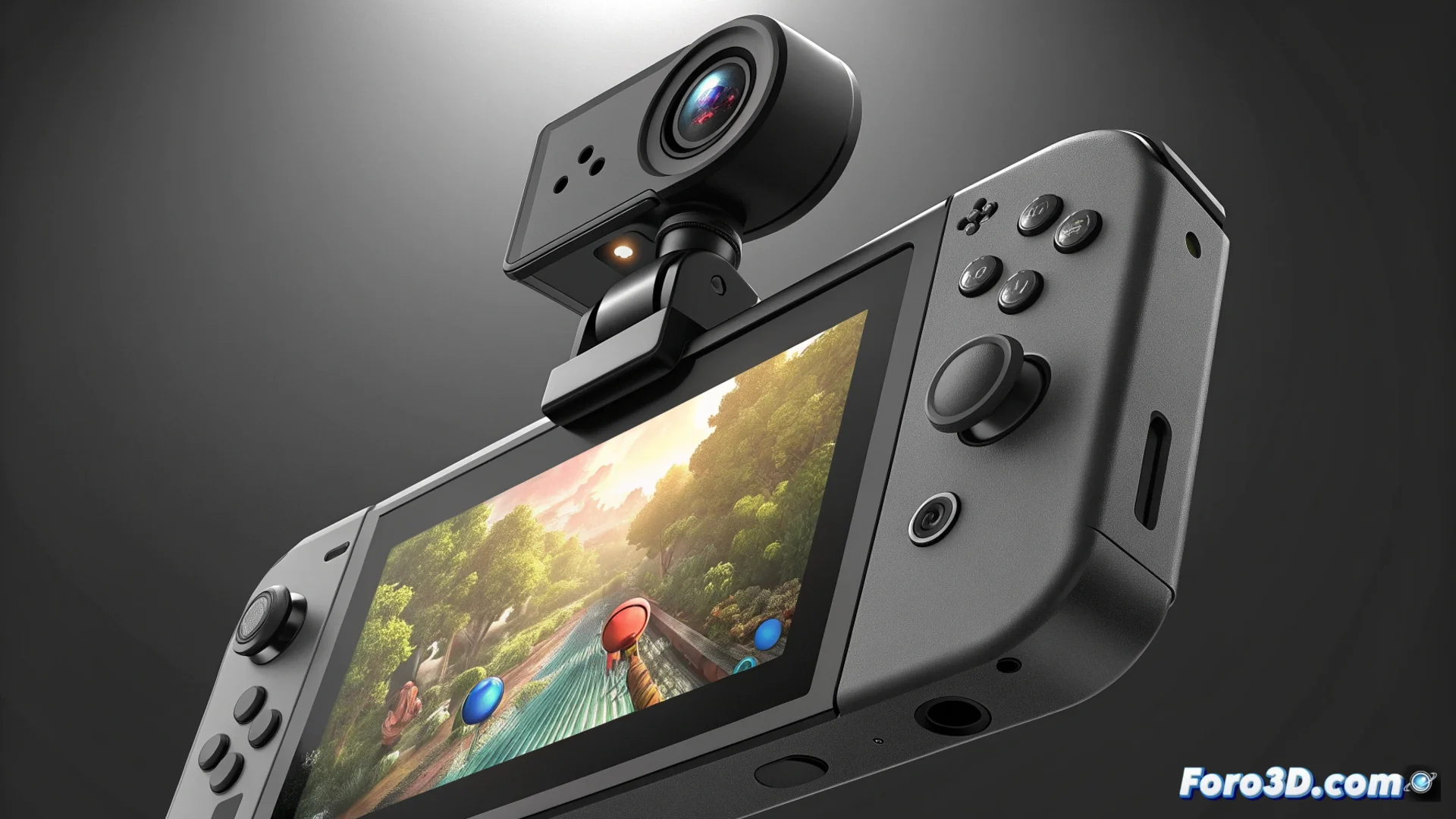
The Hori USB Camera Peripheral Adapts to Nintendo Switch 2
This external device arrives to address a key shortcoming in Nintendo's new console: the ability to record or stream gameplay content in an integrated way. It connects directly to the USB-C port and captures video while you play, a process that previously required complex hardware. Its design aims to simplify the workflow for streamers and YouTubers. 🎮
Practical Design and Immediate Compatibility
The Hori USB Camera features a flexible arm that you can adjust to attach it above the Switch 2's screen, whether in handheld mode or when the console is in its dock. It uses a sensor that records in 1080p at 30 fps, a common specification for entry-level accessories of this type. It works with the most popular capture software, allowing you to combine the gameplay signal and the webcam image into a single scene without needing an external mixer card.
Main features of the device:- Adjustable arm: Attaches firmly to the top of the console for versatile placement.
- 1080p sensor: Records video in high definition at 30 frames per second.
- USB-C connection: Connects directly to the Nintendo Switch 2's port for quick setup.
For those eager to become the next Twitch sensation directly from the Switch 2, this accessory eliminates the need to point your phone at the screen.
Evaluating Its Performance in Different Conditions
When lighting is good, the device produces a sharp image with colors true to life, sufficient to show your reactions during a live stream. However, in low-light environments, the video shows noticeable digital noise and quality decreases. The included microphone captures ambient audio, but for more professional and clear sound, it is recommended to connect a dedicated external microphone.
Aspects to consider about its operation:- Adequate lighting: Crucial for achieving the best possible image quality.
- Low-light limitations: Performance decreases and noise appears in the image.
- Basic audio: The integrated microphone is suitable for capturing ambiance, but not for professional audio.
An Affordable Solution for Creating Content
Overall, the Hori USB Camera delivers on its promises for its category and price. It represents a direct and more polished alternative to improvised methods, such as recording the screen with a mobile phone. It is a tool designed for those who want to start producing content from their console without investing in complex and expensive capture equipment. 🎥