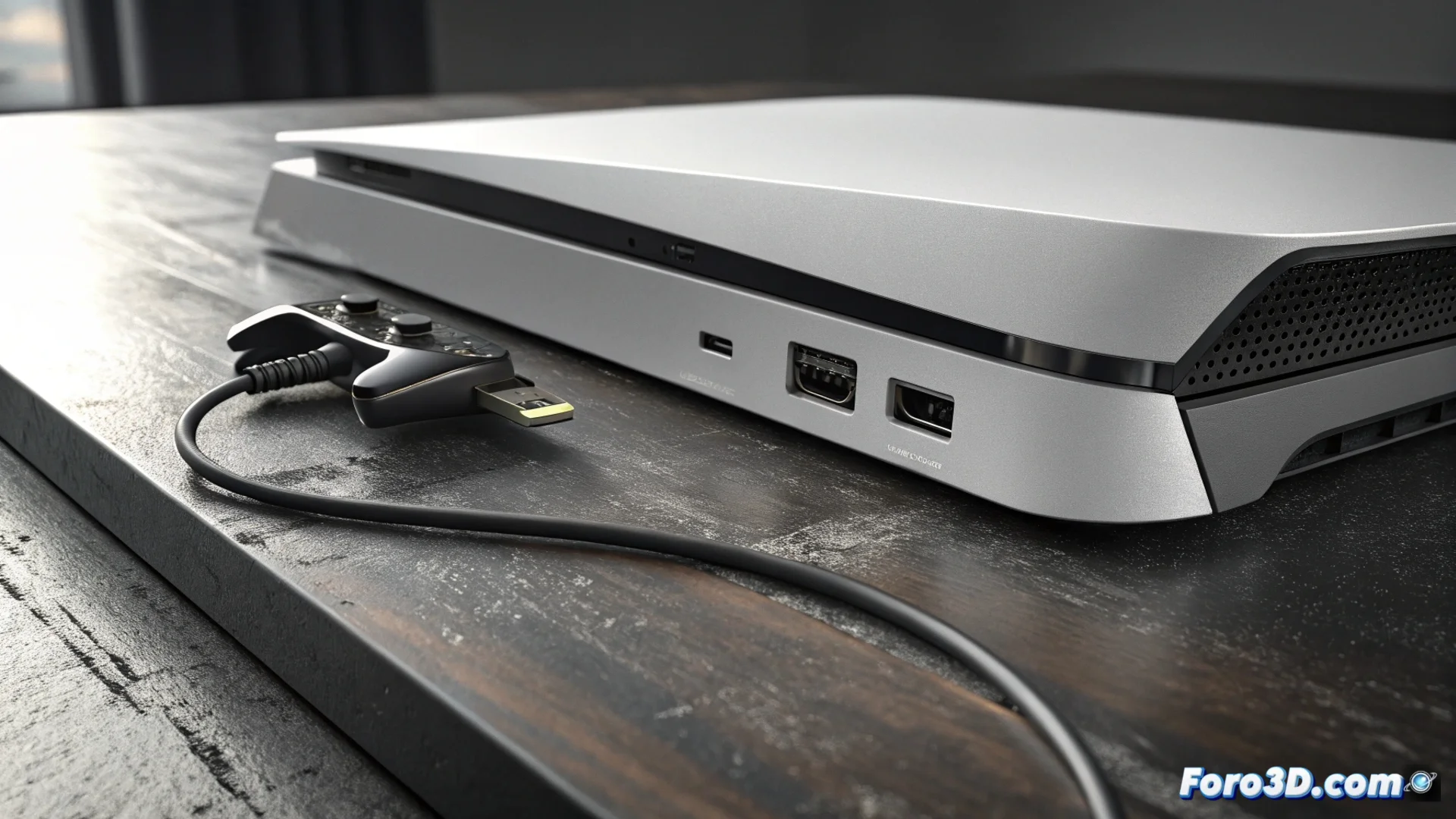
The PS5 HDMI port can be physically damaged
Although the PlayStation 5 is built with robust materials, its HDMI port represents a point of mechanical vulnerability. This component does not withstand lateral force or overly abrupt connections well, which can lead to a serious failure. 🎮
Why damage occurs in the connector
The internal structure of the port is delicate. When inserting the cable at an incorrect angle or applying excessive pressure, the contact pins can bend or break. A common event is a strong tug on the cable or the console suffering a fall, even from a low table. These impacts can desolder the connector from the PS5 motherboard. The immediate symptom is that the TV screen goes black, receiving no signal at all.
Key signs of a compromised port:- Twisted or loose connector: The port is not aligned with the casing and moves easily.
- Damaged pins visible: When looking inside with good light, bent, sunken, or broken pins can be seen.
- Cracks in the plastic: The frame surrounding the HDMI port shows cracks or fractures.
A HDMI cable handled roughly can act as a lever, concentrating all the force on a tiny and critical point on the motherboard.
How to confirm the problem is physical
Before assuming the worst, it is helpful to perform a systematic check. Test with a different HDMI cable and another port on your TV to rule out failures in those elements. If the problem persists, perform a detailed visual inspection of the PS5 port. The temporal correlation is key: if the failure occurred right after rough handling or a fall, the probability of physical damage is very high.
Steps to diagnose:- Change the HDMI cable and test another port on the TV.
- Inspect the PS5 port with a flashlight, looking for the signs described.
- Recall if there was a recent incident with the console or cable.
Options to fix the failure
Repairing a damaged HDMI port is not a task for beginners. The process requires completely disassembling the console, accessing the motherboard, and applying surface mount soldering to replace the component. Attempting it without the proper equipment and precise knowledge can worsen the damage and void any active warranty. The recommended option is to contact Sony's official technical service or a specialized workshop with experience in console electronics. This way, a durable and professional repair is ensured to recover the video signal. 🔧