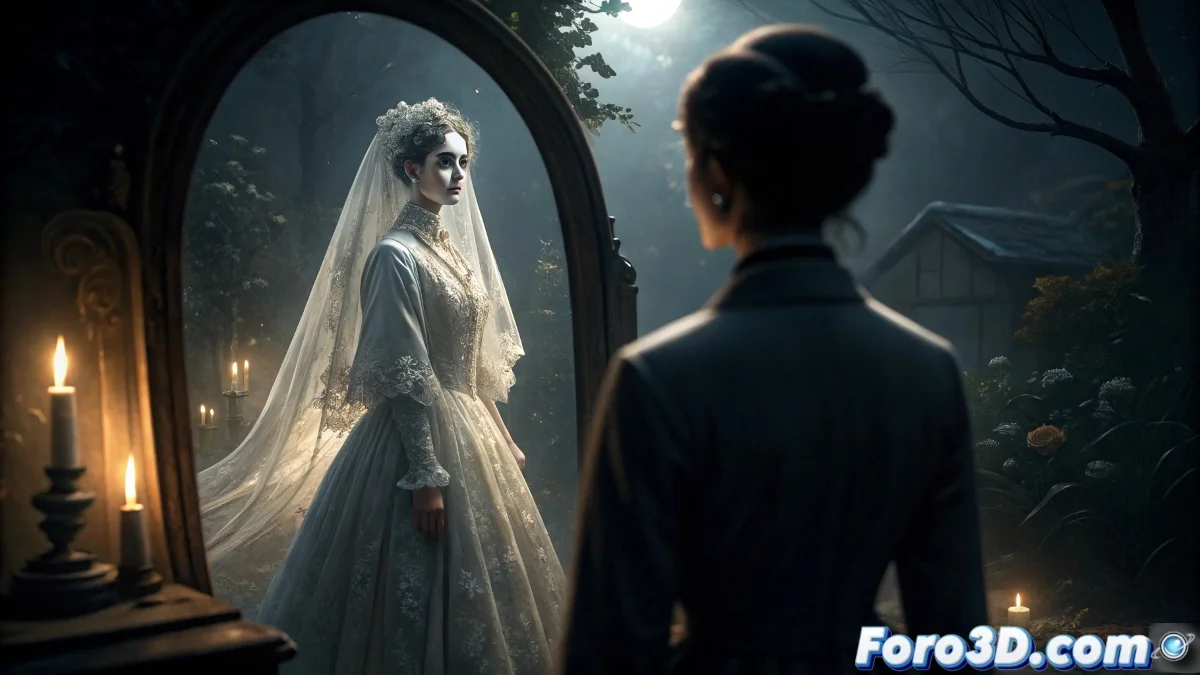
The Ghost Bride's Mirror: Cinematographic Technique in Adobe Premiere
The legend of the ghost bride's mirror represents a fascinating fusion between traditional folklore and modern visual effects techniques. This spectral narrative has captivated global audiences, transforming from a simple oral tale into a powerful cinematographic resource that explores our deepest fears of the supernatural 👻.
Origins and Cultural Transformation of the Myth
This variant of the mirror ritual stands out for its focus on the tragic figure of a bride whose wedding destiny was cut short. Unlike other paranormal entities, the spectral bride does not manifest malevolent intentions, but rather seeks to symbolically complete the ceremony that death stole from her. The mirror acts as a dimensional threshold, allowing these beings from the beyond to temporarily manifest in our plane of existence.
Distinctive Elements of the Legend:- The apparition wears specific wedding attire according to the culture: Japanese uchikake or Western Victorian dress
- It manifests exclusively during the midnight mirror ritual in total darkness
- It presents translucent and ethereal characteristics that differ from other ghostly apparitions
Mirrors have been considered dimensional portals in multiple cultures, capturing not only reflections but spiritual essences that transcend time.
Technical Implementation in Adobe Premiere Pro
Recreating this convincing spectral effect requires a meticulous approach in Adobe Premiere, combining multiple layers of effects and precise color adjustments. The key lies in achieving that perfect balance between visibility and transparency that characterizes ghostly apparitions in professional cinema 🎬.
Initial Project Setup:- Create a new sequence with preset DSLR 1080p30 or 4K UHD 23.976fps according to your camera
- Import the main clip of the actor in front of the mirror and the shot of the actress in the wedding dress
- Organize the timeline with three video tracks: V1 (base), V2 (effects), and V3 (ghost bride)
- Prepare additional assets: ambient sounds, cinematic grain textures, and particle elements
Detailed Process for Creating the Ghost Effect
The professional workflow in Premiere for this effect requires meticulous attention to every parameter. Follow these specific steps to achieve cinematic results:
Step 1 - Background Extraction and Transparency:- Apply Ultra Key effect to the bride's layer on track V3
- Select the background color with the eyedropper tool and adjust Settings to Aggressive
- Set Tolerance to 35% and Pedestal to 15 for a clean cutout
- Reduce Opacity to 65% and apply blending mode Screen
- Add Gaussian Blur with a value of 12 pixels to soften edges
- Use Motion effects to position the figure: Position X: 640, Y: 360, Scale: 85%
- Apply Rotation of -5 degrees to create a floating sensation
- Set Anchor Point slightly off-center for subtle instability
- Create an adjustment layer over all tracks and apply Lumetri Color
- In Basic Correction: reduce Temperature to -15 and Tint to +8
- In Creative: apply lookup table SLBLUE50.cube with 25% intensity
- Use Curves to create contrast: point at (30,20) and (220,235)
- Set keyframes on Opacity: 0% at frame 0, 70% at frame 75 (3 seconds at 25fps)
- Apply Warp Stabilizer with preset No Motion, Method: Perspective
- Add Noise effect with 8% amount and blending mode Overlay
- Incorporate Film Grain with preset 35mm, Size: 1.5, Intensity: 0.3
Optimization and Professional Export
For the final render, select preset YouTube 1080p Full HD or create a custom configuration with H.264 codec, Bitrate Encoding: VBR 2 pass, and set Target Bitrate: 18 Mbps, Maximum Bitrate: 22 Mbps. Enable Maximum Render Quality and Use Previews to speed up the process. Include an audio track with subtle breaths and ambient whispers at -24dB to complete the immersive experience 🎭.
Legacy and Contemporary Application
This cinematographic technique demonstrates how traditional folklore can be revitalized through modern digital tools. The ghost bride's mirror continues to evolve, adapting to new visual narratives while maintaining its tragic and moving essence. Mastering these effects in Premiere not only improves your technical skills but also connects you with a rich tradition of supernatural storytelling that transcends generations and cultures 🌌.