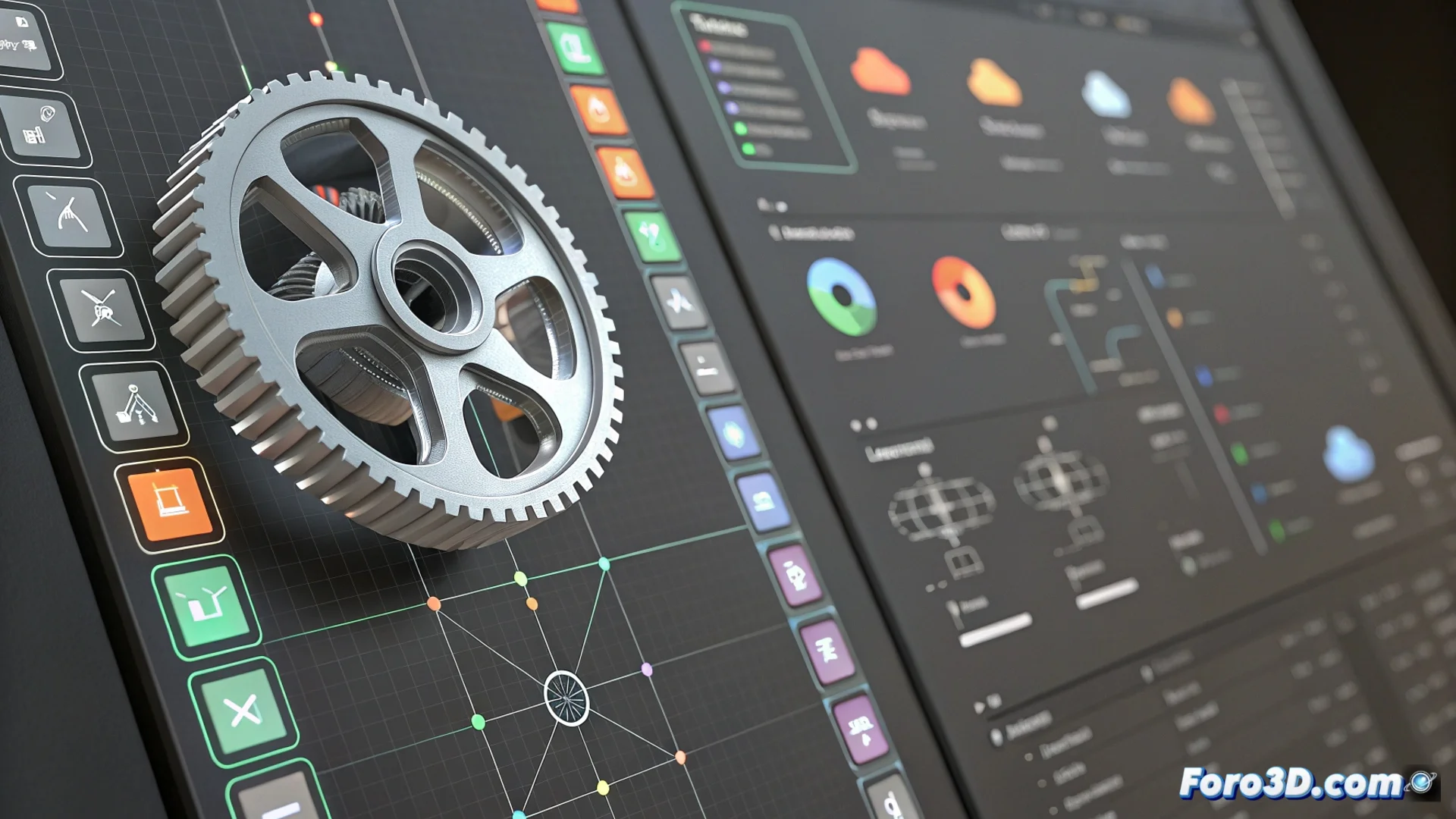
The Fusion 360 Timeline: Your Parametric Design History
In Autodesk Fusion 360, the timeline is a fundamental tool that visually documents every move you make when creating a model. This sequential record includes everything from basic extrusions to complex assemblies, organizing your process into a clear and editable list. 🗂️
A Visual Record of Every Operation
The interface displays a column with all the steps you follow. You can expand or collapse groups of operations to organize the project. This system is the foundation for parametric editing, which means you adjust dimensions and the software intelligently recalculates the model without deleting your previous work.
What the timeline records:- Sketch and modeling operations: extrusions, revolutions, sweeps.
- Modification operations: cuts, chamfers, fillets.
- Assemblies and relationships: joints, constraints between components.
A designer who doesn't use the timeline may end up with a model that's impossible to edit, where every change requires manually undoing dozens of steps.
Go Back and Modify Without Destroying
The main power lies in being able to go back to any point in the history. Click on an old step to change, for example, the diameter of a hole. Fusion 360 automatically updates all features that depend on that adjustment, propagating the change throughout the entire design.
Advantages of this non-destructive workflow:- Iterate flexibly: Test different ideas without compromising the geometry already created.
- Fix errors easily: Locate and modify the initial parameter that caused a problem.
- Suppress or reorder: Temporarily disable operations or drag their icons to change the order of the history.
The Key to Efficient Modeling
Mastering the timeline is essential for working effectively in Fusion 360. It transforms the design process into a flexible and reversible experience, where experimenting and refining becomes the norm, not the exception. Learning to use this parametric history avoids "locked" models and enhances your ability to develop complex projects. 🚀