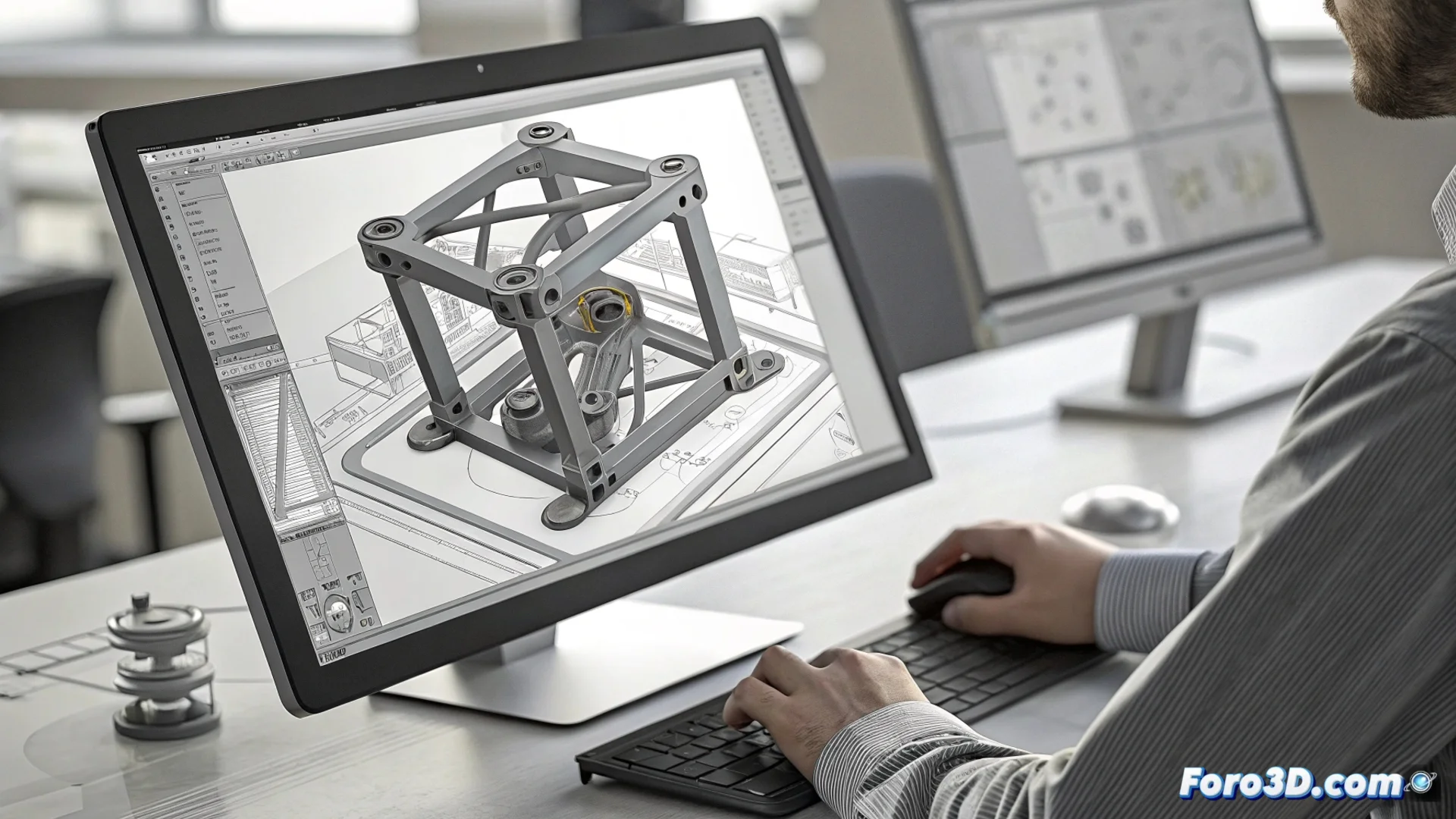
Creo’s Flexible Modeling Extension: Editing Imported Geometry
The Flexible Modeling Extension (FMX) is a specialized module within the PTC Creo environment. Its main purpose is to manipulate geometry that lacks a parametric feature tree, such as that imported from other CAD systems via neutral formats. This capability transforms how engineers interact with external data, offering flexibility that was previously difficult to achieve. 🛠️
Operating Without Parametric History Limitations
The core of FMX lies in enabling direct modifications on the model's face mesh. Users can push, pull, rotate, or scale geometric elements intuitively. This is especially valuable when processing STEP or IGES files, where the original design history is lost. The extension avoids having to rebuild a model from scratch just to implement minor or conceptual changes, significantly speeding up preparation for manufacturing.
Key module functionalities:- Intelligent selection: The system automatically identifies sets of faces that form a feature, such as a drill pattern or a group of ribs.
- Real-time deformation: When dragging a face, adjacent ones adapt while maintaining geometric continuity, allowing changes to be seen instantly.
- Edit local parameters: Allows adjusting fillet radii, chamfer angles, or replacing surfaces directly and controllably.
FMX adopts the philosophy that, sometimes, the most practical solution is simply to push the geometry until it fits perfectly in the assembly.
Integrating FMX into Collaborative Design Processes
Incorporating these tools into the Creo workflow helps close gaps in collaborative environments. When receiving a model from a supplier or another department, it is no longer necessary to convert it to a native parametric format to make adjustments. It can be edited directly, saving time and reducing potential translation errors.
Practical advantages in a project:- Accelerate design reviews: Making conceptual changes or adjusting dimensions on imported models becomes an agile process.
- Maintain control: FMX operations are editable within the Creo session, allowing changes to be modified or suppressed later.
- Optimize for manufacturing: Facilitates preparing and refining geometry for processes like machining or 3D printing without altering the base modeling.
A Tool for Agile Design
The Flexible Modeling Extension establishes itself as an essential bridge between pure geometry data and Creo’s parametric environment. By offering flexible and direct control, it empowers users to manipulate any model, regardless of its origin. This not only optimizes time but also simplifies collaboration on complex projects where multiple CAD data sources converge. 🔄