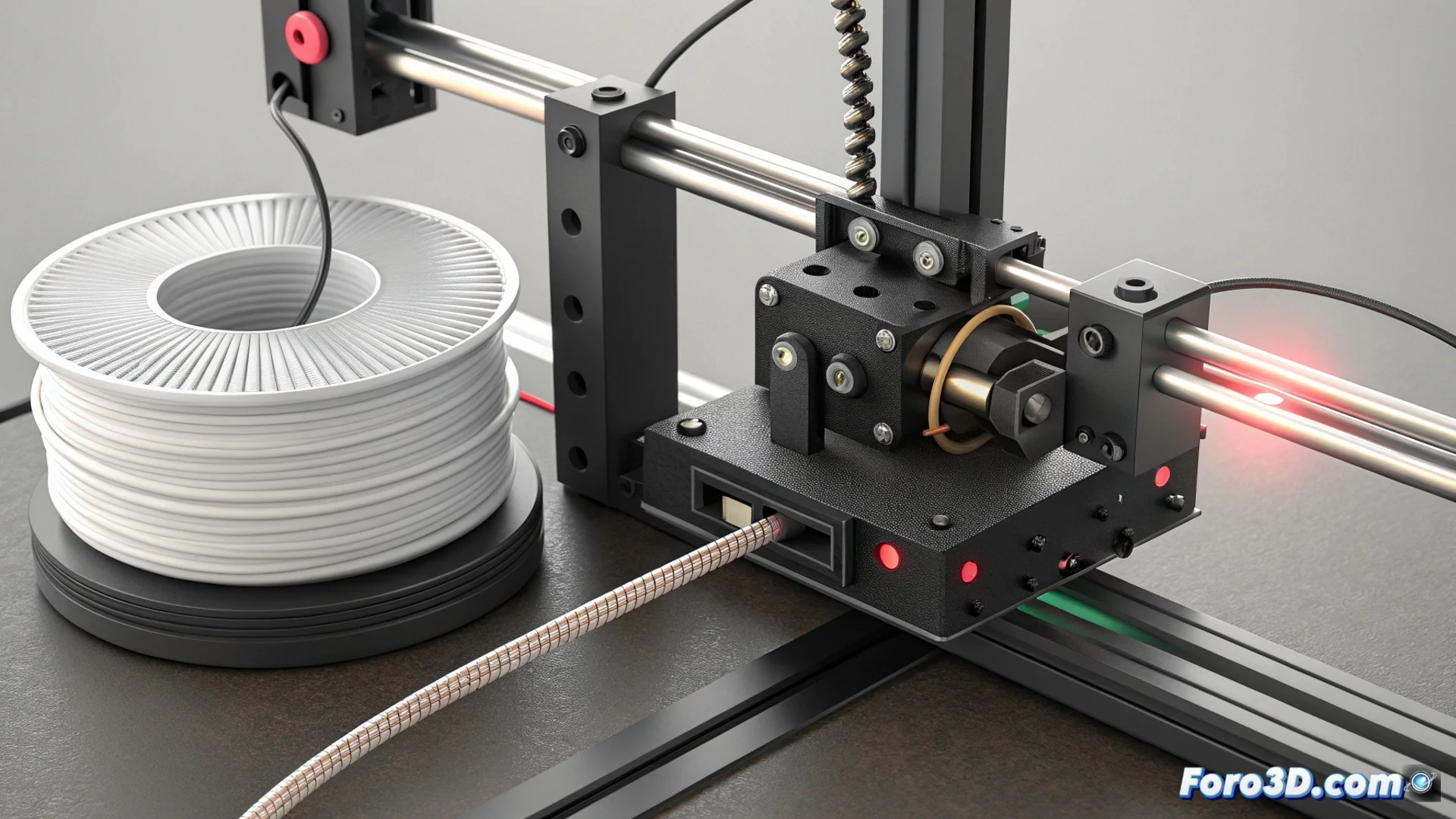
The Filament Sensor in 3D Printing: How It Works and Troubleshooting
In the world of additive manufacturing, a small but vital component constantly monitors the material supply. The filament sensor oversees the passage of plastic, acting as a guardian to prevent hours of work from being ruined by a simple mishap. Its ability to detect and respond to problems makes the printer a more autonomous and reliable system. 🛡️
Detection Mechanisms: Switches and Light Beams
There are two main technologies for building this early warning system. Each has its own method for perceiving the absence or interruption of material flow, but both achieve the same final goal: sending a signal to the control electronics.
Main Types of Sensors:- Mechanical Sensors: Use a switch or spring-loaded lever. The filament, as it advances, keeps this switch in position. If the material runs out or jams, the mechanism changes state and generates the alarm signal.
- Optical Sensors: Rely on an infrared light emitter and receiver. The filament blocks the light beam while it flows. When the material stops passing, the light reaches the receiver, which the system interprets as a lack of filament.
- Connection and Processing: Both types connect to the main control board (such as a RAMPS, SKR, or MKS). The printer's firmware, such as Marlin or Klipper, processes this signal and executes the command to pause the print orderly.
A well-configured sensor is the difference between resuming a print and starting a new one from scratch.
Common Problems and How to Solve Them
Like any component, these sensors are not infallible and can fail. Understanding the most common causes is the first step to keeping the printer running without unwanted interruptions.
Common Failures and Their Solutions:- False Alarms (Unnecessary Stops): The printer stops even though filament is present. This is usually due to poor calibration of the sensor, accumulated dirt in the guide, or a misaligned position that does not allow the filament to properly activate the mechanism.
- Failure to Detect (The Worst Scenario): The printer continues working despite a real breakage or jam. This can occur due to loose or damaged cables, a completely obstructed sensor, or because the function is disabled in the firmware.
- Corrective Actions: To fix it, clean the filament path and sensor, check and adjust its mounting position, and secure all electrical connections. It is also crucial to review the firmware configuration to enable and calibrate the corresponding function.
Human Supervision: The Ultimate Backup
Despite automated technology, user attention remains a valuable resource. Many enthusiasts rely on their own observation, perceiving changes in the extruder's sound or print pattern, ready to intervene manually. While the sensor acts as the first line of automatic defense, the operator's watchful eye provides an additional layer of safety, ensuring every project reaches its destination successfully. 👁️