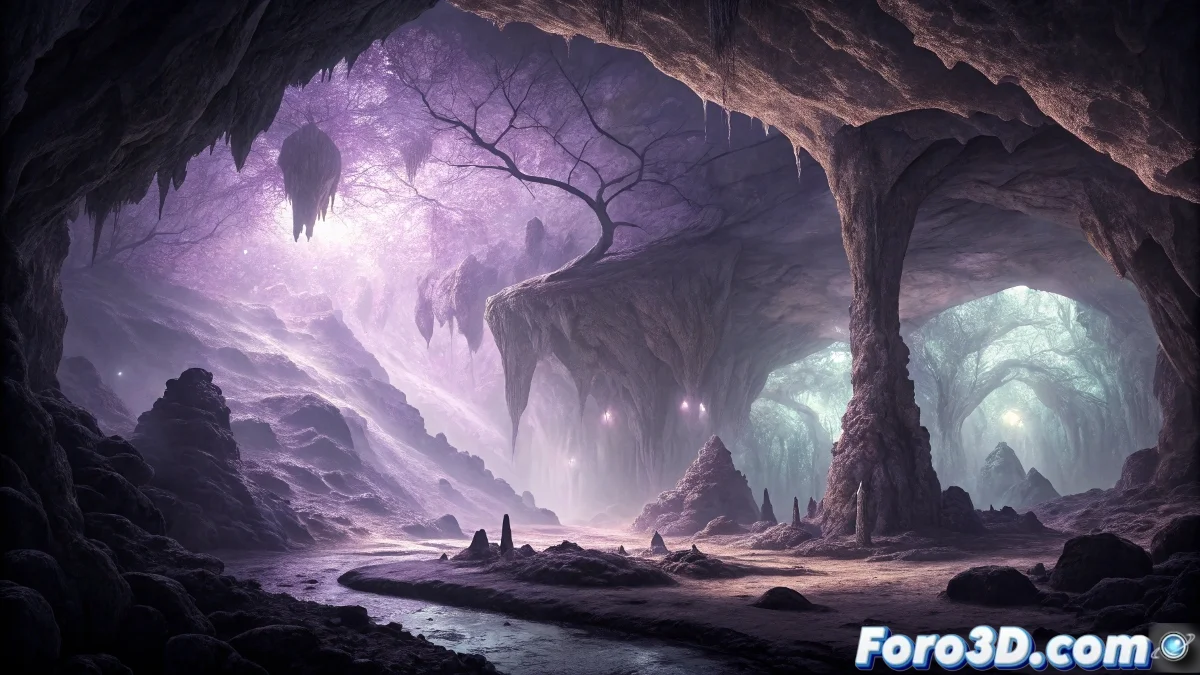
The False Echo Cave: Acoustic Mystery and Creation in Open Brush
Located in northern Spain, the False Echo Cave represents one of the most fascinating acoustic enigmas in Europe. Documented since the 18th century, this geological formation distorts any human sound, transforming it into a mocking laugh that has generated numerous local legends. We will explore its history and guide you step-by-step to recreate this mysterious environment in Open Brush 🕵️♂️
Historical Origins and Development of the Mystery
The first records come from shepherds and travelers in the 18th century who reported inexplicable auditory experiences. During the 19th century, the phenomenon attracted scientific researchers who tried to explain it using acoustic principles, although no conventional theory fully managed to justify the consistency of the transformed laugh. The persistent legend suggests the cave houses a supernatural entity that feeds on human confidence, explaining the feeling of vulnerability experienced by visitors.
Main characteristics of the cave:- Systematic acoustic transformation of sounds into a mocking laugh
- Unique rock formations that distort sound waves
- Feeling of unease and mystery reported by all visitors
Those who visit the False Echo Cave discover that the only true echo is that of their own disbelief upon hearing that laugh which seems to mock all scientific explanation.
Project Preparation in Open Brush
To capture the mysterious atmosphere of the cave, start Open Brush by selecting dark environments like Night Sky or Dark Void. Configure the color palette with predominant earthy tones: dark brown, slate gray, and ochre. Adjust the brush size to a medium scale to create organic strokes and activate the grid snap function in soft mode to maintain structure while preserving a natural appearance.
Essential initial setup:- Dark environment to simulate cavernous depth
- Earthy color palette with saturation variations
- Medium-scale brush for realistic geological formations
Modeling Techniques and Structure
Begin by sketching the cave entrance using the Stone brush with pressure variations for irregular textures. Develop the internal walls with overlapping curved strokes, forming interconnected chambers that progressively narrow. For stalactites and stalagmites, use the Icicle brush with scale modifications, positioning them in asymmetrical patterns. In the deepest areas, model narrow passages and hidden chambers using partial transparency layers to suggest mysterious depth.
Lighting System and Materials
Implement dim lighting using the Glow effect in subtle bluish and greenish tones that simulate natural light filtering through cracks. Place strategic point light sources near the ground with low intensity, creating areas of shadow that emphasize the mystery. For the rocky materials, apply variations in shine and roughness using the material properties controls, with more reflective surfaces in damp areas and matte ones in dry areas. The palette should evolve from warm tones at the entrance to cool ones in the depths 🎨
Key lighting elements:- Glow effects in cool tones for a mysterious atmosphere
- Low-intensity point light sources
- Chromatic transition from warm to cool based on depth
Special Effects and Final Rendering
To visually represent the acoustic phenomenon, create ethereal shapes with the Smoke brush in violet tones emerging from the depths. Add suspended luminous particles using Sparkles with variable size to suggest resonant energy. Selectively blur distant areas with depth effect tools to increase the