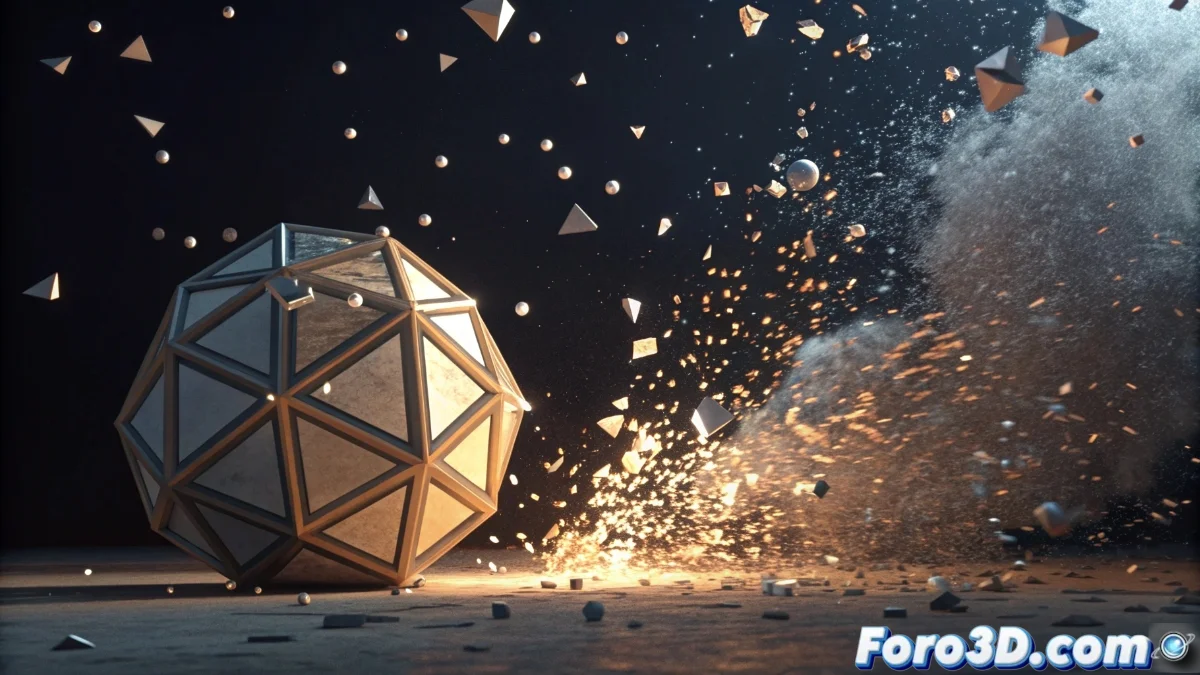
The Explode Function in Blender 5: Revolution in Destruction Simulation
The Explode modifier in Blender 5 marks a before and after in creating disintegration and destruction effects for 3D objects. This powerful native tool allows decomposing any mesh into multiple pieces that can be animated with unprecedented realism, providing absolute control over fracture patterns, movement vectors, and fragment physical behavior. Artists can now simulate everything from catastrophic explosions to progressive disintegrations without relying on external add-ons 💥.
Essential Setup of the Explode Modifier
To activate this functionality, select your object and apply the modifier from the properties panel. Mesh preparation is fundamental: you can use manual cutting techniques, the Cell Fracture modifier, or particle systems to pre-define breaking points. The main parameters include the explosive force that regulates dispersion speed and the impact epicenter that determines the origin of propagation. The magic happens when combining Explode with other systems like rigid body dynamics or force fields, creating physically accurate interactions 🎯.
Key Parameters to Master:- Explosion Force: Controls the speed and separation distance of the fragments
- Origin Point: Defines the geometric center from which destruction expands
- Fragmentation Pattern: Determines how the original mesh is divided into pieces
Explode is like having a special effects engineer on your team, transforming static objects into dynamic scenes full of action and excitement.
Integration with Animation Systems and Materials
Blender 5 perfectly synchronizes the Explode behavior with animation timelines, allowing precise control over when the destruction sequence starts and ends. Fragments can retain original materials or be assigned new shaders, leveraging the power of Shader | Compute nodes for advanced effects like exposed internal surfaces or secondary particle emission. The combination with cinematic lighting and real-time shadows ensures each piece visually integrates coherently into the scene, while the caching system optimizes the workflow for instant previews 🌟.
Recommended Workflow:- Prepare the mesh with appropriate fragmentation techniques
- Set up explosion force and direction parameters
- Synchronize with timeline and complementary physical systems
Practical Considerations and Professional Tips
Mastering Explode requires practice, but the results more than justify the learning curve. Always save your scene before experimenting with extreme settings! Rebuilding an object from scratch can be more complicated than solving a three-dimensional puzzle without visual reference. This tool represents that creative companion that meticulously disassembles each element to understand its functioning, but instead of leaving chaos, it builds impactful visual experiences that elevate any production to a professional level 🚀.