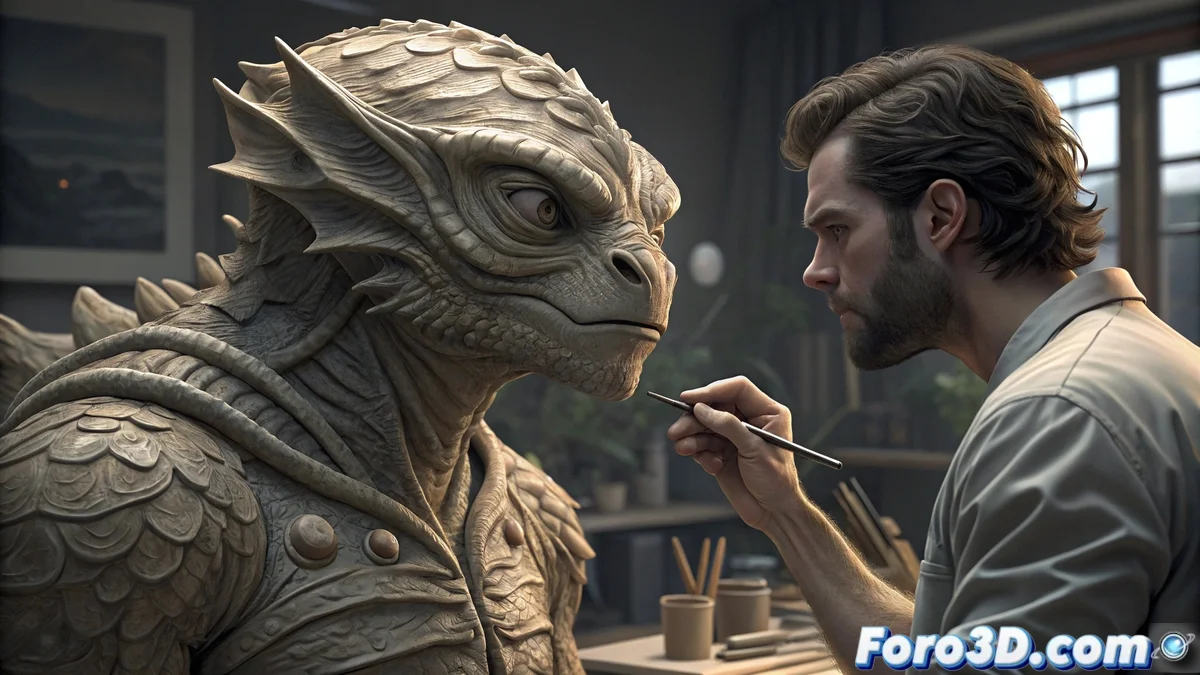
The Evolution of Digital Sculpting in 3D Modeling
Digital sculpting emerged in the late 90s as a creative revolution, allowing artists to sculpt in virtual environments with intuition similar to traditional sculpting. Initially, technical limitations like performance with high polygons forced the use of low-resolution meshes and complex baking techniques, balancing artistic detail and processing capacity. 🎨
Historical Development and Technical Advances
The evolution of this discipline advanced with dynamic subdivision systems, which allowed progressive levels of detail. The introduction of automated retopology engines marked a turning point, optimizing meshes without losing visual quality. Dynamic brushes and native compatibility with multiresolution systems transformed workflows, focusing on creation without technical interruptions.
Main milestones in the evolution:- Implementation of dynamic subdivision for progressive details
- Automated retopology engines for mesh optimization
- Advanced dynamic brushes and native multiresolution systems
The ability to work with millions of polygons in real time has redefined quality standards in the digital entertainment industry.
Cultural Impact and Democratization
This optimization has democratized the creation of high-quality 3D content, allowing independent studios and individual artists to produce work that previously required expensive infrastructure. The natural workflow has influenced industries like film, video games, and product design, where rapid iteration and fine detail are essential.
Key areas of influence:- Film production with rapid iteration and organic details
- Video game development with high-fidelity assets
- Product design with detailed virtual prototyping
Practical Guide: Workflow in Blender
To get started, launch Blender and select the sculpting workspace, configuring the graphics tablet with pressure sensitivity in system preferences. Set a base subdivision level of 4 using the multiresolution modifier for an initial mesh with good performance. In modeling, use a simple base mesh by applying subdivision surface and the clay strips brush for main volumes. Activate dyntopo for areas with complex organic detail, adjusting the detail size as needed, and use the smooth brush for smooth transitions along with mask tools to isolate areas. For lighting, set up a three-point lighting system with key light, soft fill light, and back light, applying the matcap material from viewport shading to visualize forms. Use the principled BSDF shader with high roughness to simulate clay materials. For final effects, apply the multiresolution modifier with up to 8 subdivision levels in the render, using sculpt masking to protect areas. Configure the Cycles engine with a sample count between 500-1000, employing denoising algorithms and color management with filmic view transform for cinematic results. Modern digital sculpting demonstrates that more polygons can be fun, even if overnight renders challenge your computer. 💻