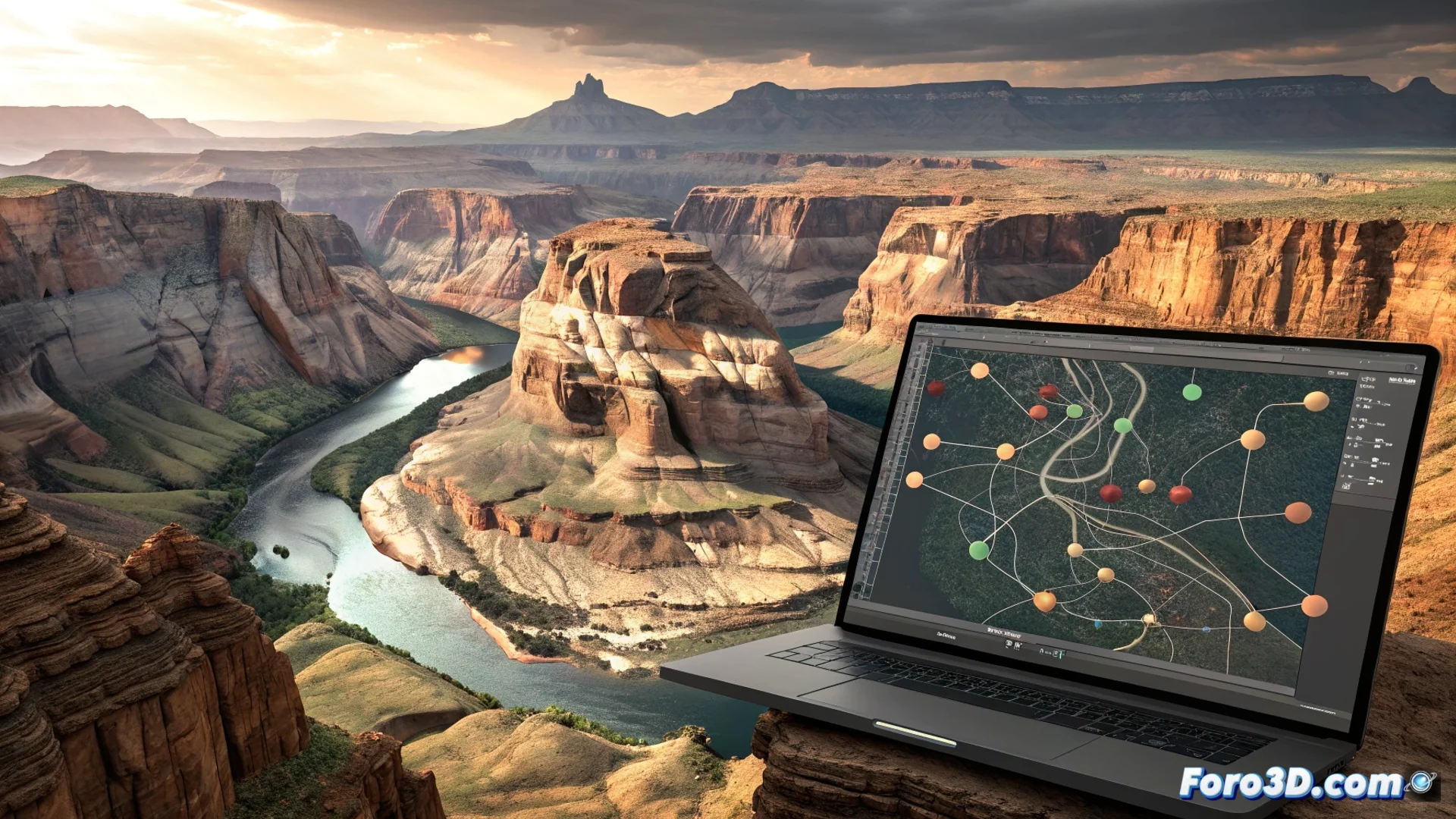
The Erosion Node in World Machine Simulates How Water and Elevation Wear Down Terrain
In the workflow for generating digital landscapes, the Erosion node in World Machine represents a fundamental tool. Its main purpose is to alter an input heightmap, mimicking the geomorphological processes that act over thousands of years. This process eliminates the artificial appearance often given by procedural noise, delivering an organic and believable result ready for production use. 🏔️
Mechanics of Simulated Hydraulic Erosion
The core of the node calculates water behavior on the terrain surface. It starts from virtual rain that, guided by gravity, flows following the slopes. As the water moves, it drags material (erosion) and then deposits it in areas of lower energy (deposition). This dynamically sculpts river channels, valleys, and basins.
Key parameters to control:- Rain intensity: Defines how much virtual water initiates the process.
- Erosion and deposition rate: Controls how much material is worn away and where it accumulates.
- Transport capacity: Affects how much sediment the water flow can carry.
- Terrain hardness: Determines the resistance of soil layers to being eroded.
Adjusting these values allows sculpting from abrupt canyons to gentle hill landscapes, but an incorrect balance can turn a perfect canyon into a terrain full of holes.
Including the Node in Your Creation Pipeline
To use the Erosion node effectively, it is integrated into a construction graph after a base terrain generator, such as Fractal Noise or Mountain. It is common to process its output with other nodes like Blur or Slope to refine the result. This step is almost mandatory for terrains destined for video game engines or photorealistic renderings, as it adds believability immediately.
Typical workflow:- Generate a base: Create the initial terrain shape with a noise or procedural node.
- Apply erosion: Connect the base to the Erosion node and adjust natural parameters.
- Refine the result: Use post-processing nodes to smooth or add micro details.
- Export: Prepare heightmaps and textures for the target engine.
Potential and Comparison with Other Tools
The function of this node is similar to the erosion systems offered by Gaea or Houdini, positioning World Machine as a powerful and specialized option in this field. Mastering its behavior allows artists to develop complex landscapes that feel authentic, saving time on manual modeling and achieving a level of geological detail that is hard to match otherwise. Its ability to simulate the interaction between water, gravity, and terrain makes it a pillar for any digital environment artist. 🌊