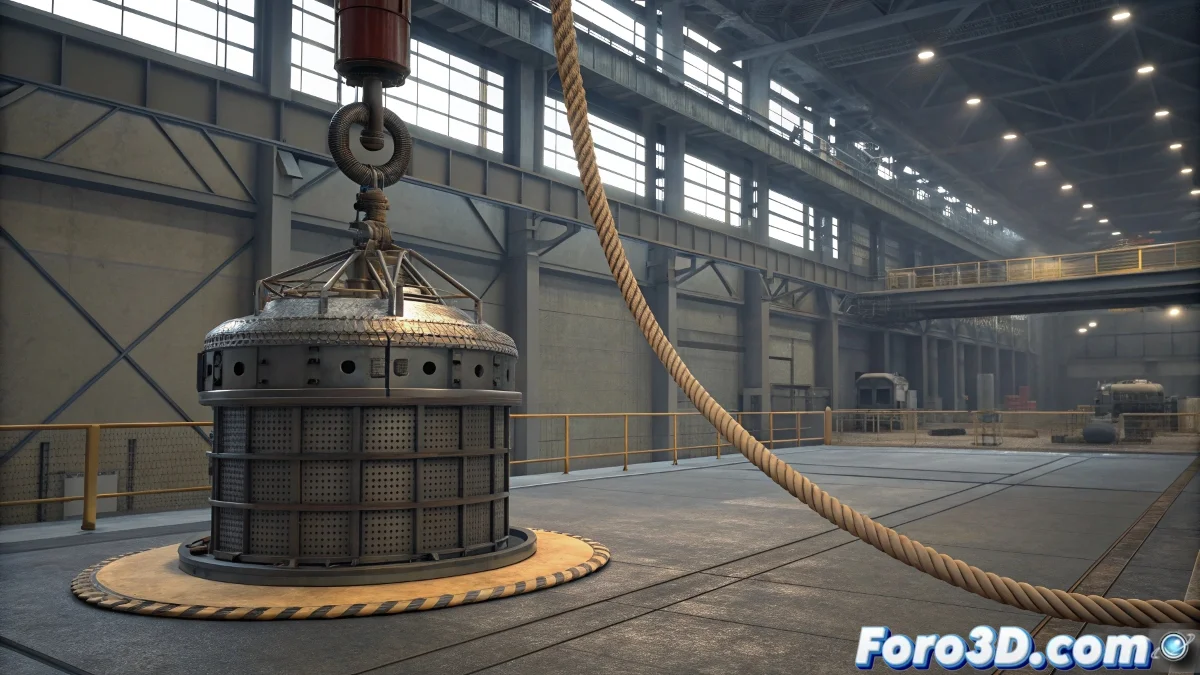
When ropes decide not to cooperate
The eternal problem of making a simple rope behave as such in Reactor is an initiation rite that has frustrated more than one 3D artist. The promise of a sign hanging elegantly quickly turns into pandemonium of constraints that don't constrain, ropes that stretch like chewing gum, or objects that fall into the void completely ignoring physics. The frustration is as understandable as it is predictable in the world of digital dynamics.
Reactor Rope seems deceptively simple until you discover that it has very firm opinions about how a rope should behave. The secret is not to fight the system, but to understand its peculiar internal logic and work with it instead of against it.
Basic setup for a realistic rope
The first common mistake is to create the rope directly as Reactor Rope. The correct approach starts with a Line spline with enough vertices to allow natural flexibility. A straight line with 20-30 segments is usually a good starting point. This spline is then converted into Reactor Rope using the corresponding modifier.
The critical parameters in Rope Properties are Thickness for collision thickness and Mass for weight. A rope that is too thin or light will behave erratically, while one that is too heavy will drag everything with it into the digital abyss.
- Spline with enough segments for flexibility
- Appropriate Thickness for realistic collisions
- Mass proportional to the object it will support
- High Stiffness to limit stretching
A perfect rope in Reactor is like a myth: everyone talks about it but few have seen it
Constraints: the art of tying digital knots
The real challenge is in the constraints. For a hanging sign, we need two essential constraints: one that fixes the upper end of the rope to a fixed point (the ceiling or support), and another that connects the lower end to the sign. The Point-to-Point Constraint is the most suitable for this purpose.
The correct setup involves creating the constraint, then using Pick in Parent to select the fixed object (or the sign), and Pick in Child to select the corresponding end of the rope. The absence of this crucial step explains 90% of Reactor Rope failures.
- Point-to-Point Constraint for connections
- Parent: fixed object or sign
- Child: rope end
- Visually verify connection points
Sign preparation and physical properties
The sign must be a Rigid Body with appropriate mass. Too much mass will make the rope stretch or break, too little will make the sign float absurdly. A good rule of thumb is to start with mass 5.0 for the sign and adjust based on observed behavior.
It is crucial that the sign's pivot point is at the position where the rope will connect, usually in the center of the top edge. A poorly located pivot will make the sign rotate uncontrollably, adding unnecessary chaos to the simulation.
- Rigid Body with realistic mass
- Pivot point at connection point
- Appropriate collision geometry (mesh or bounding box)
- No strange initial rotations
Foolproof step-by-step workflow
Start by creating the static scene: the fixed upper support (like a small cylinder or box marking the anchor point) and the sign in its initial position. Then create the spline connecting both points, converting it into Reactor Rope. Apply the point-to-point constraints at both ends before any simulation.
In the Reactor panel, ensure all elements are in their correct collections: the rope in Rope Collection, the sign in Rigid Body Collection, and the constraints in Constraint Solver. Only then run Preview Animation to verify everything works before the final calculation.
- Create static geometry first
- Spline connecting anchor points
- Constraints before simulation
- Verify Reactor collections
When you finally manage to get the sign hanging perfectly from its rope, you experience that rare satisfaction of having tamed the laws of digital physics. Because in the world of Reactor, even the simplest simulation can turn into an epic battle between the artist's will and the software's whims 😏