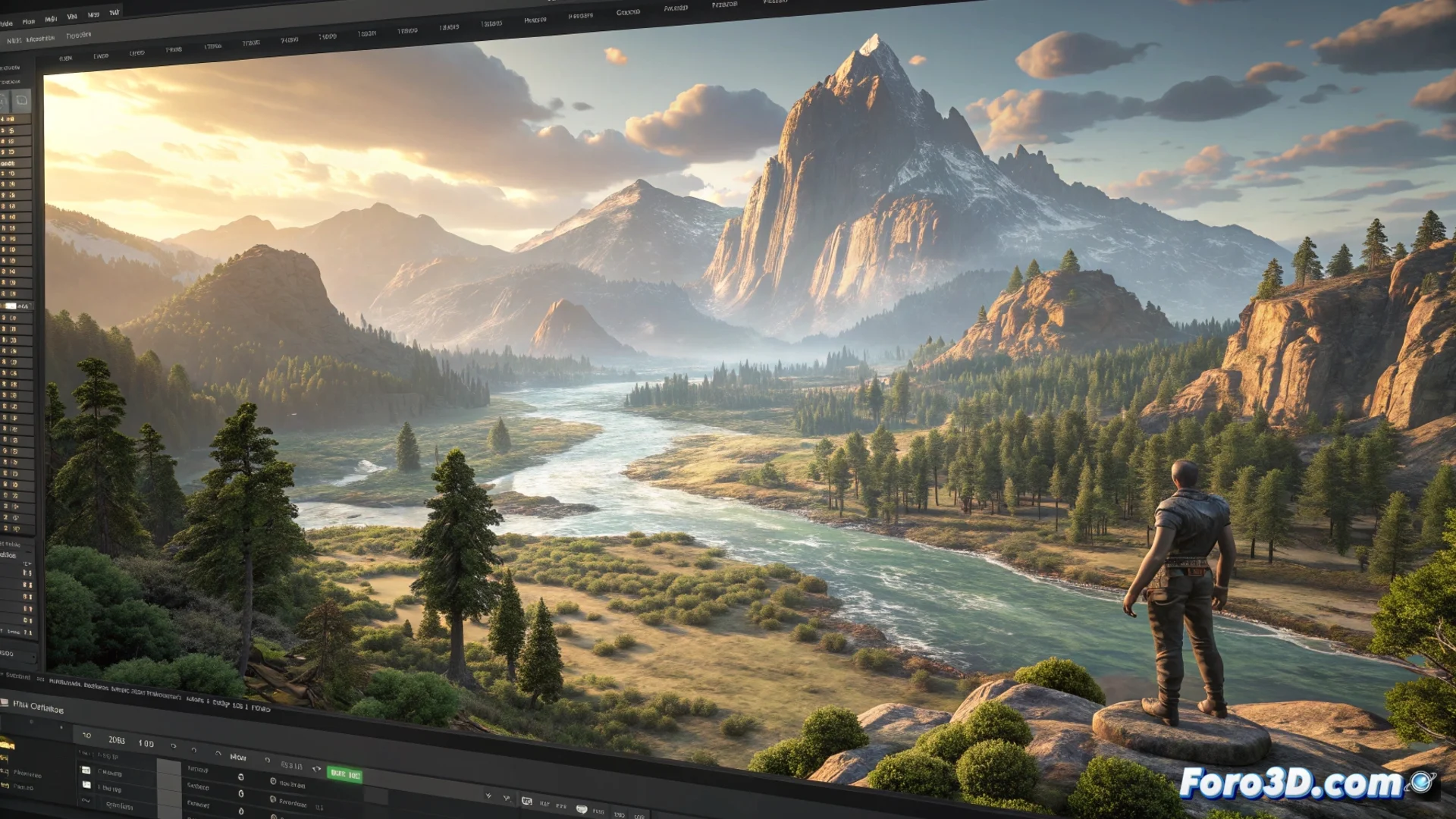
The CryEngine Sandbox Editor: The Core for Creating Worlds
In the CryEngine ecosystem, the Sandbox editor serves as the central environment for development. This visual WYSIWYG (What You See Is What You Get) tool allows building, modifying, and testing levels directly and intuitively. Users operate within an open-world space where they can deploy assets, define lighting, and set game system parameters. Every modification is applied instantly, eliminating the need for repeated compilations and accelerating the cycle of testing and refining ideas. 🎮
Workflow Based on Immediacy
This methodology allows artists and designers to perceive the final result while building the scene. Elements such as global illumination, particle systems, sounds, and 3D models are processed and displayed within the editor exactly as they will appear in the final product. This immediacy helps make creative decisions faster and identify visual or design issues in early production phases.
Main advantages of real-time editing:- Instant feedback: Every change in lighting, textures, or object placement is reflected immediately in the view.
- Quick iteration: Allows testing multiple design variants without pauses forced by compilation.
- Early error detection: Facilitates finding visual inconsistencies or design flaws from the very beginning.
The power of Sandbox lies in its ability to bring virtual worlds to life instantly, confronting the creator with every design decision without delay.
A Modular Ecosystem of Specialized Tools
Sandbox is not a single tool, but an integrated suite of modular editors, each dedicated to a specific task. This integration avoids switching between external applications and keeps the entire workflow within a single coherent environment.
Key editors within Sandbox:- Terrain Editor: Used to sculpt terrain relief and paint texture layers procedurally.
- Vegetation Editor: Manages the distribution, density, and parameters of flora within the environment.
- Track View: Tool for creating and editing cinematic sequences, curtains, and narrative events.
- Dedicated editors: Includes specific modules for handling lighting, audio, the mission flow system (Flow Graph), and artificial intelligence behaviors.
The Double Edge of Immediacy
Although seeing a virtual world responding in real time is enormously gratifying, this transparency also means that every misconfigured element—whether a bush in an unnatural position or an excessively intense light source—becomes evident immediately. There is no excuse of a slow compilation that gives time to prepare a justification; the environment faithfully reflects, instantly, the quality of the developer's work. This is the true power and constant challenge of working with Sandbox. 🛠️