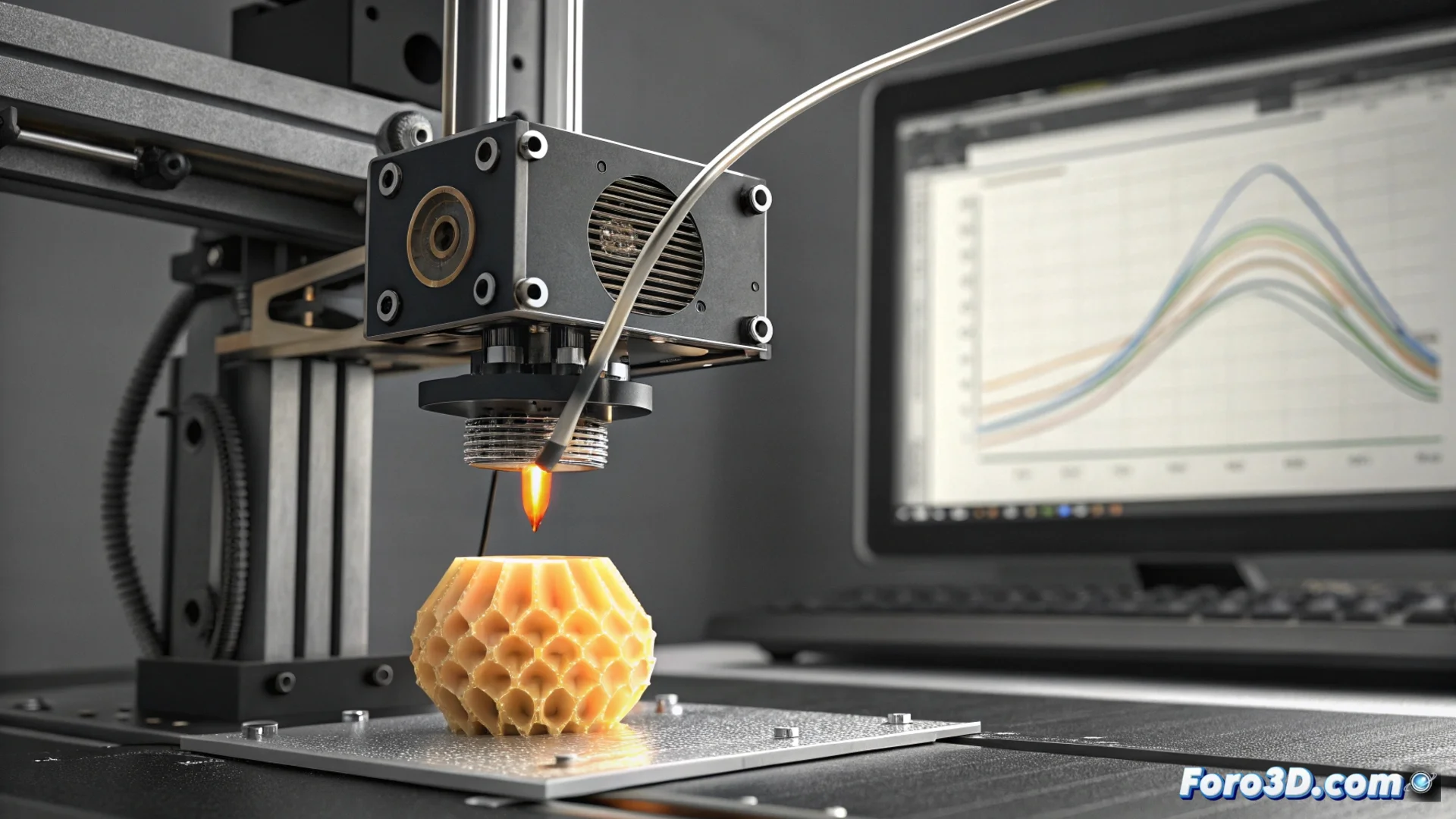
The Creality K1 Printer and the Volumetric Flow Limit
The Creality K1 is promoted for its ability to print quickly, but some users encounter a technical obstacle: the filament does not melt fast enough at maximum speed. This phenomenon, called the volumetric flow limit, prevents the extruder from pushing enough molten plastic, compromising the final quality of the models. 🚨
Consequences of Not Melting the Filament in Time
When the hotend cannot process the plastic at the speed demanded by the print, the result is parts with a porous appearance and a weak internal structure. The layers fail to bond correctly, which drastically reduces the mechanical strength of the object. This defect makes the parts prone to breaking easily, nullifying the advantage of speed.
Main problems observed:- Porous structure: The plastic is not deposited continuously, leaving gaps between layers.
- Poor layer bonding: The lack of molten material prevents solid adhesion.
- Compromised strength: The final models are fragile and not suitable for functional use.
Wanting to go faster than the heat itself has its consequences. Sometimes, the solution is to slow down or change the tool that generates that heat.
Hardware Solutions: Third-Party Hotends
A common route to resolve this failure is to replace the original component. Users explore alternative hotends designed to heat and melt the filament more efficiently. These replacement components increase the maximum volumetric flow, allowing the machine to maintain its high speeds without degrading quality due to lack of material. 🔧
Advantages of opting for this solution:- Greater capacity to melt plastic per unit of time.
- Allows exploiting the full speed potential of the K1.
- Permanent solution that addresses the root cause of the problem.
Software Adjustments and Parameters
It is not always necessary to change parts. It is possible to mitigate the problem by adjusting parameters from the slicing software. Reducing print speed, increasing the hotend temperature, or using filaments with a lower melting point are effective strategies. These changes allow the original system to operate within its limits. ⚙️
However, this approach represents a trade-off. Reliability and print quality are gained, but part of the speed for which the printer was designed is sacrificed. It is a direct compromise between speed and obtaining a consistent result.
Finding the Right Balance
The volumetric flow limit in the Creality K1 presents a clear dilemma between speed and quality. Users must evaluate whether to prioritize maximum speed, opting then for an alternative hotend, or prefer to keep the original hardware and adjust parameters to print more slowly but consistently. Understanding this balance is key to optimizing the performance of this printer. ✅