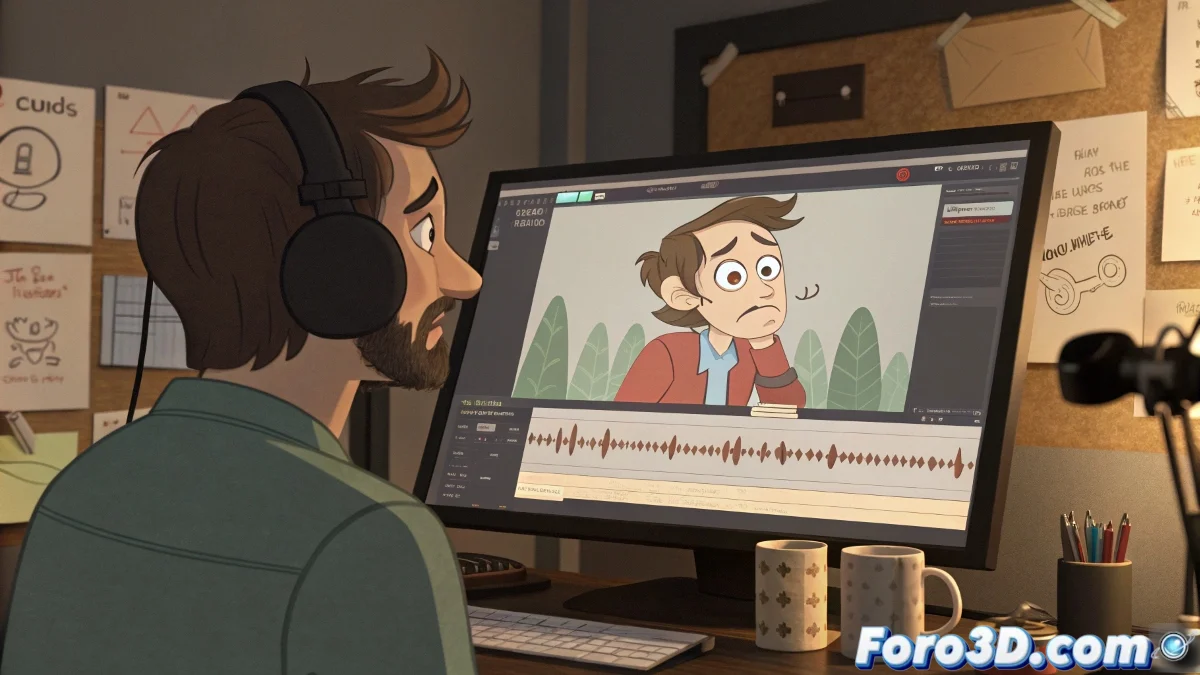
Voice-O-Matic and Spanish: a Complicated Romance 😅
When someone ventures to use Voice-O-Matic with Spanish audio, the experience can resemble a bad 80s movie dub. The program promises magic, but in reality it juggles phonemes, especially if they're not English. The result? Mouths moving as if speaking underwater while the audio sounds crystal clear. 🤷♂️
The Secret Language of Voice-O-Matic
Contrary to what many think, this software doesn't detect if you're speaking Spanish, Swedish, or Elvish. It assumes everything is English, unless you prove otherwise with smoke signals (or, in this case, hidden settings). The problem is there's no magic button that says "hello, this is Spanish", so the lips move as if trapped in a Friends episode.
Technology advances, but sometimes it seems some programs still use a treasure map to navigate languages.
Phonemes vs. Visemes: The Epic Battle
To understand the chaos, you need to know that:
- Phoneme: The sound you make when speaking (like the RR that rattles your window glass).
- Viseme: The pose your mouth makes when pronouncing it (which doesn't even exist in English, so the software improvises).
When Voice-O-Matic hears a Spanish J, it interprets it as if you're a Neanderthal coughing, and the 3D model's lips reflect it with enthusiasm. 😂
Solutions So It Doesn't Look Like a Puppet Show
If you want to avoid your character speaking like a drunk alien, you can:
- Search for custom settings in forums like Foro3D (cape-less heroes).
- Use programs like Papagayo-NG, which understand more than one language.
- Manually adjust visemes in Blender or Maya, though it requires the patience of a Buddhist monk.
In the end, if your animation looks like an off-key karaoke, remember: Voice-O-Matic does what it can, which is sometimes little and other times... well, little too. But with these tips, at least you'll avoid your character looking like it's eating an invisible hamburger while talking. 🍔
And if nothing works, you can always say it's an artistic effect. Voilà! Problem solved. 😉