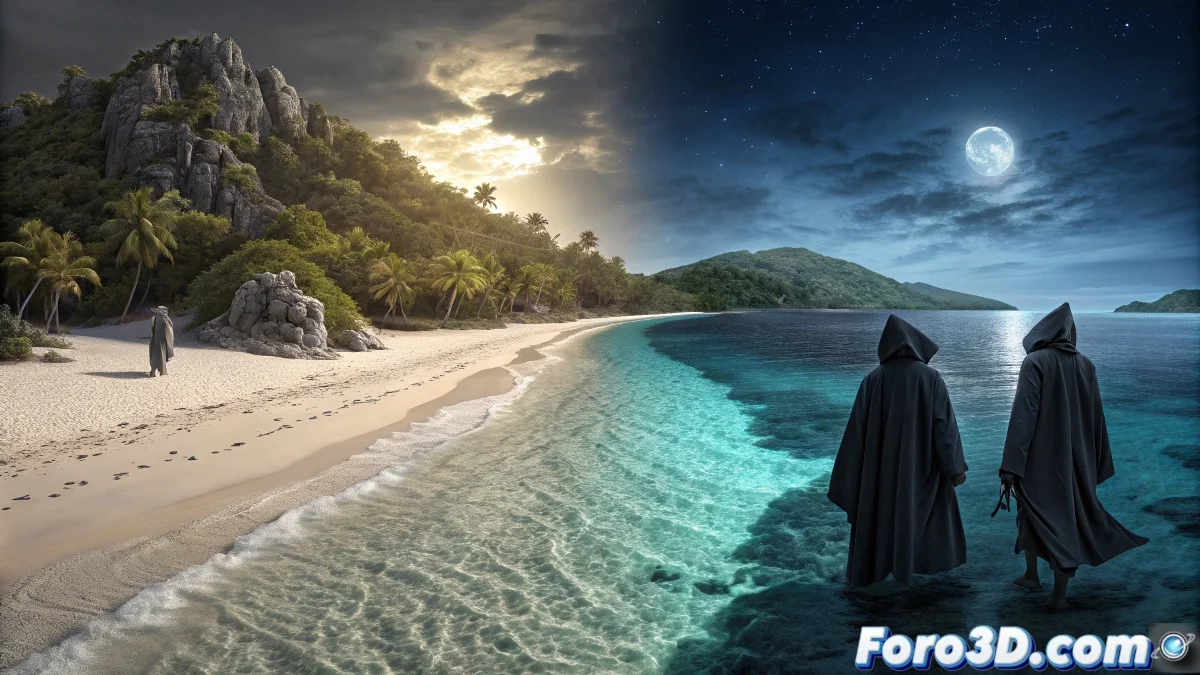
Cíes Islands: where paradise meets mystery
In the Vigo estuary, the Cíes Islands form an archipelago of almost unreal beauty, with white sand beaches and turquoise waters that seem taken from the Caribbean. But when the sun sets, according to Galician sailors' legends, this paradise transforms. The Santa Compaña, that ghostly procession of restless souls, would choose these islands as one of its nocturnal routes, parading among the pines and rocks with their lit candles. This duality between idyllic landscape and supernatural tradition makes them a fascinating subject for vector illustration. 🌊
Between the postcard and the nightmare
What makes the Cíes Islands unique is precisely that contrast between their renowned natural beauty and the ancestral stories that surround them. By day, they are synonymous with virgin beaches like Rodas, crystal-clear waters, and hiking trails through protected nature. At night, popular imagination populates them with ethereal beings and legends passed down from generation to generation. This narrative richness offers endless possibilities to create an illustration full of symbolism and atmosphere.
Illustrating the duality in InkScape
Capturing both faces of the Cíes Islands in a single vector illustration requires careful compositional work and color use. InkScape, with its free and powerful tools, is ideal for this purpose.
Initial setup and basic structure
Open a new document in InkScape and set the desired dimensions, for example 210x150 mm. Start by tracing the characteristic silhouettes of the three main islands using the pen tool. Create separate layers for the sky, sea, islands, and supernatural elements. Use reference photographs to capture the distinctive shape of the archipelago, with its characteristic Rodas beach connecting two of the islands.
Recommended layer structure:- background: sky and base gradients
- sea: waves and reflections
- islands: silhouettes and vegetation
- special elements: effects and characters
Creating the paradisiacal landscape
For the beaches, use organic shapes with gradient fills that simulate sand. Vegetation areas can be created with the bitmap trace tool applied to forest textures, or by manually drawing stylized tree groups. The sea should be worked with multiple levels of blues and greens, using the node editor tool to create soft wave shapes. Add characteristic rocks using irregular polygons with stone textures.
In InkScape, patience when editing nodes translates directly into naturalness in the shapes.
Incorporating the legendary elements
To represent the Santa Compaña, create a series of stylized ghostly figures using simple humanoid shapes with semitransparent fills. Apply a slight Gaussian blur from filters > blur to give them an ethereal appearance. Candles or tapers can be created with small ovals in orange-yellow, applying the blur diffusion filter to simulate glow. Distribute these figures forming a winding procession that travels the path between the trees.
Tools for supernatural elements:- blur filters for ghostly effects
- transparencies and blending modes
- spray tool for luminous particles
- radial gradients for light effects
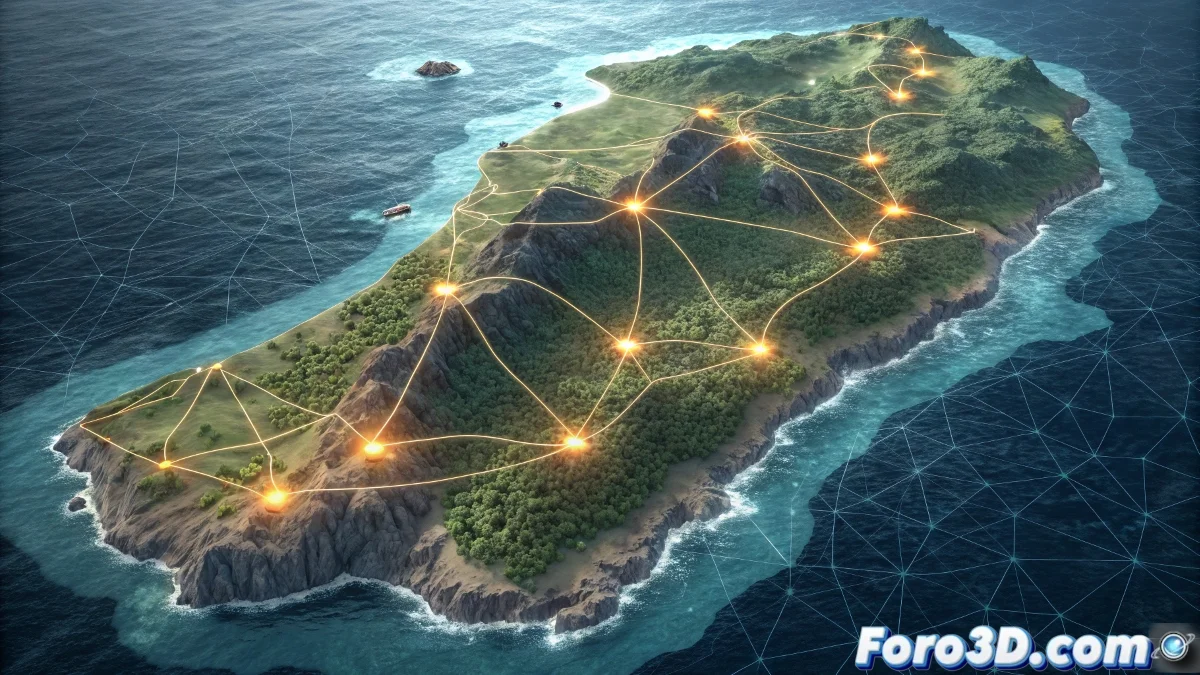
Atmosphere and final effects
Create a top layer with a large rectangle covering the entire illustration and apply a linear gradient that goes from dark blue semitransparent on the edges to fully transparent in the center. This will create a vignette effect that concentrates attention. For the moon, draw a circle with a white-yellow radial gradient fill and place it in a strategic position. Finally, add some stars using the stars and polygons tool with few points and varied sizes. 🌙
Final touches for mystery:- low fog with irregular semitransparent shapes
- faint lunar reflections on the sea
- silhouettes of ghost ships in the distance
- nocturnal birds flying between the islands
Once finished, you'll have an illustration that shows why the Cíes are so special: by day they seem like heaven on earth, and at night... well, better not ask what those lights moving between the trees are. 😉