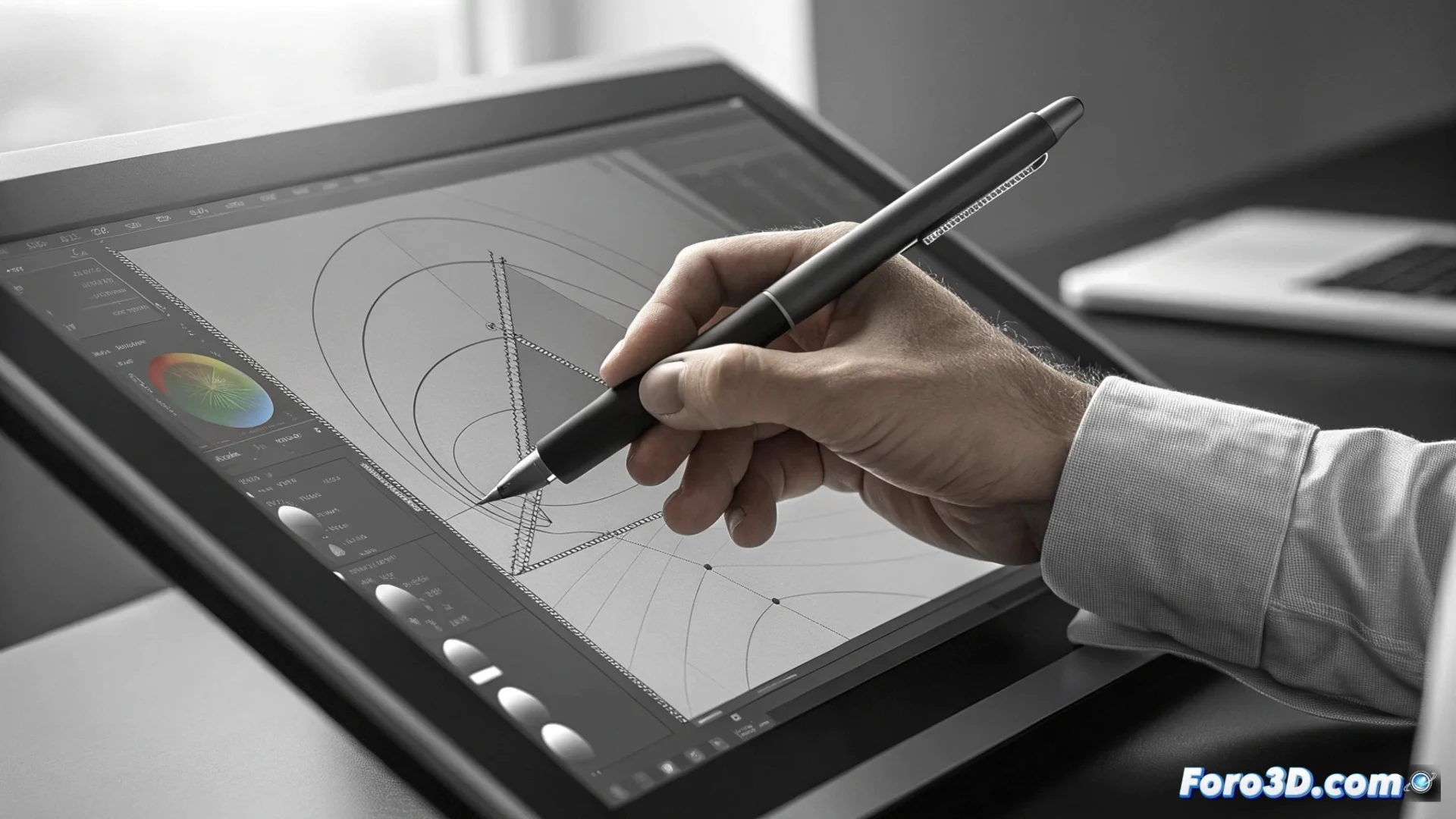
The Bézier Pen Tool in Inkscape for Drawing Vectors
In the realm of vector graphics, Inkscape's Bézier Pen tool is a fundamental pillar. This feature, analogous to Adobe Illustrator's Pen tool, allows generating custom shapes, logos, and complex illustrations within this open-source software. 🎨
Basic Operation of Drawing with Nodes
When activating the tool, each mouse click places a node that automatically connects to the previous one, creating straight line segments. To define curves, click and drag to deploy the handles, which control the direction and intensity of the curvature. This system provides precise control over each stroke from the start.
Key Actions with the Pen:- Create straight lines: Successive clicks to place nodes.
- Generate Bézier curves: Click, hold, and drag to deploy handles.
- Close a path: Click on the initial node to complete the shape.
Mastering the Pen requires practice. At first, those handles seem rebellious, but with patience, they can be fully controlled.
Modifying and Refining Created Paths
Once a path is defined, it can be adjusted with the Node tool (F2). This allows selecting individual nodes to move them, change their type, or manipulate the length and direction of their handles, which is crucial for polishing any illustration.
Node Editing Options:- Move nodes and handles: Interactively change the shape of the path.
- Change node type: Convert between cusp, smooth, or symmetric nodes.
- Add or delete nodes: Increase or reduce path complexity for finer control.
Conclusion on Its Use
The Bézier Pen is the core for designing in Inkscape. Although its learning curve may be steep initially, understanding how to place nodes and master the handles opens the door to creating any vector shape with precision and without losing quality. ✏️