The Bevel Modifier in Blender 5: Complete Guide for Modelers
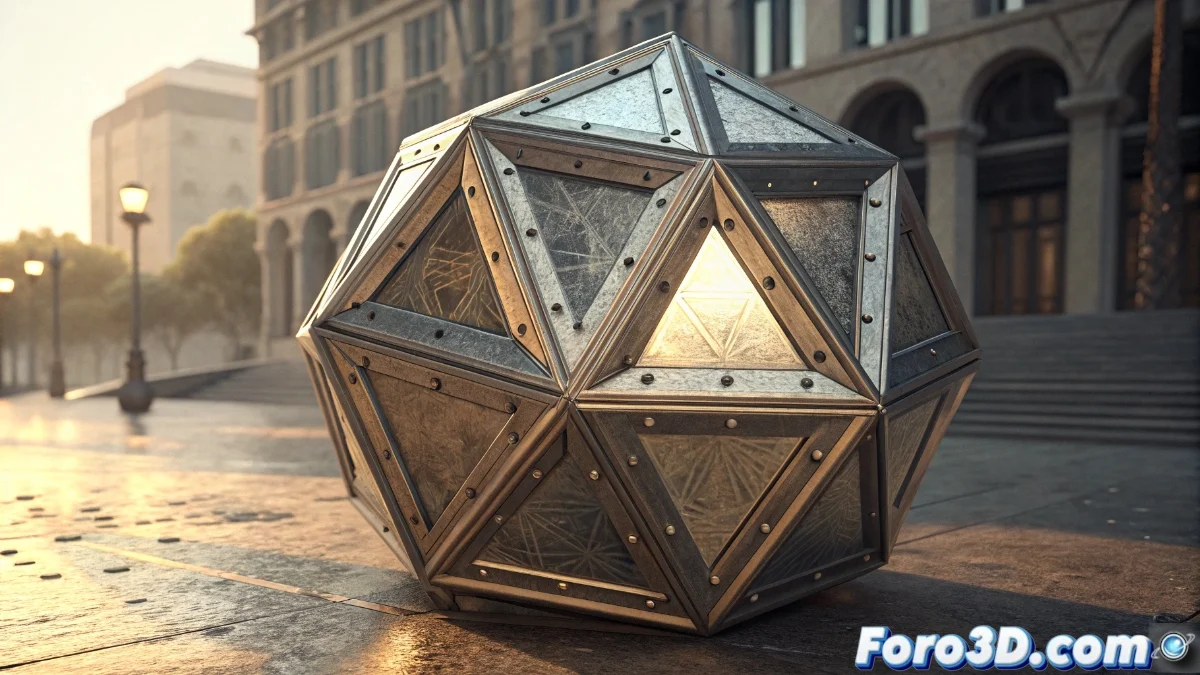
The Bevel modifier in Blender 5 has established itself as an essential tool for 3D artists seeking to perfect the appearance of their models without manually modifying the base geometry. This resource generates controlled bevels on object edges, providing exceptional realism and smoothing transitions between surfaces 🛠️.
Advanced Configuration and Key Parameters
The Bevel modifier offers a wide range of customization options that allow adapting the result to the specific needs of each project. Users can adjust the bevel thickness using the width parameter, select between methods such as percent or absolute, and define the number of segments to achieve smoother curves. Additionally, it includes advanced functions like angle-based limiting to apply bevels only to edges with a certain inclination, and the ability to use marked vertices and edges for more precise control.
Key Features of the Bevel:- Non-destructive adjustment of parameters at any stage of modeling
- Angle-based or manual edge selection limiting options
- Precise control of segment count for optimal smoothing
The Bevel modifier is like having a personal assistant for professional 3D model finishing.
Practical Applications in Different Disciplines
The integration of the Bevel modifier in Blender 5 revolutionizes the workflow by eliminating the need to create bevels manually, resulting in a significant time savings and a reduction in common errors. It is especially valuable in hard surface modeling to create natural transitions between surfaces, in architectural projects to represent moldings and structural details, and in character development to smooth joints and flexion areas.
Advantages in the Production Pipeline:- Modeling time optimization by automating repetitive processes
- Perfect compatibility with the Subdivision Surface modifier
- Maintenance of clean topology while improving visual quality
Integration with the Blender Ecosystem
When working together with other modifiers like Subdivision Surface, the Bevel helps maintain geometric coherence while elevating the realism of the final model. Although its options panel may seem overwhelming at first, like a gourmet restaurant menu, the learning curve is smooth and the results fully justify exploring all its functionalities 🎯.