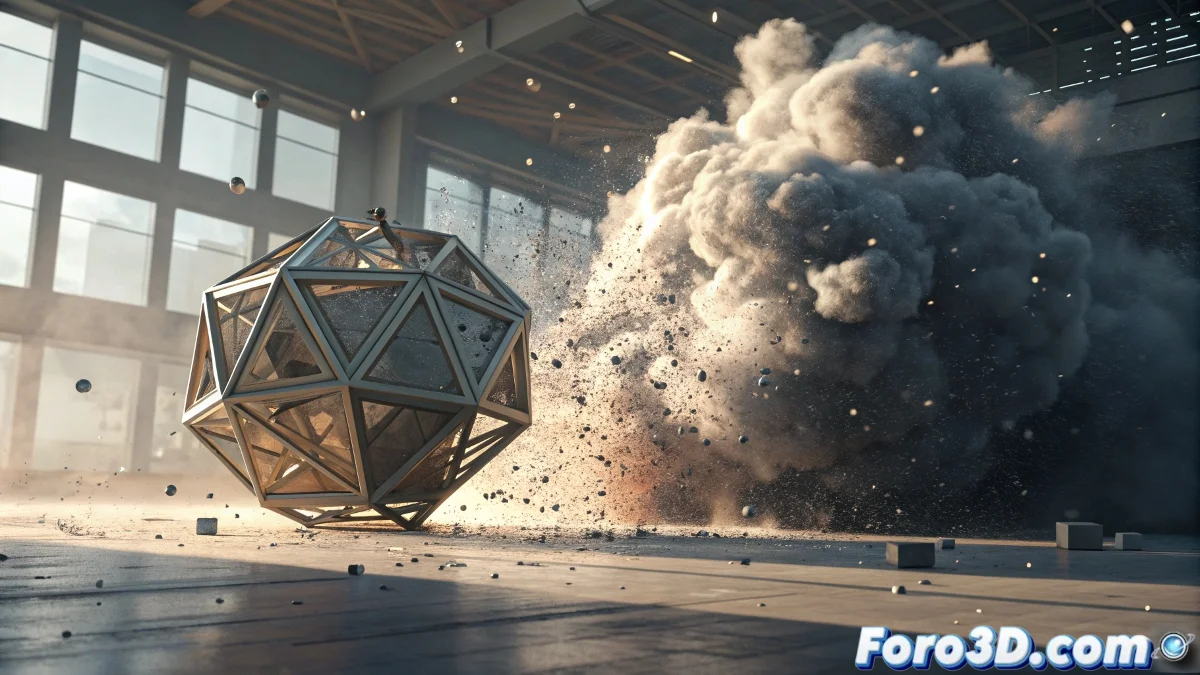
When native particles aren't enough
The ecosystem of particle plugins for 3ds Max is as vast as it is specialized, offering solutions for every imaginable need. From advanced nodal systems to hyperrealistic fluid simulations, there's a plugin for every type of project and every level of demand. The right choice can mean the difference between spending weeks struggling with limitations or achieving spectacular effects in a matter of hours.
While Particle Flow covers basic needs very competently, professional projects usually require more specialized tools. The good news is that the 3ds Max community has mature and widely tested options for virtually any scenario.
The classics that never go out of style
Thinking Particles remains the professional standard for complex effects where absolute control over the individual behavior of each particle is needed. Its nodal system allows creating advanced conditional logics, making everything from cinematic explosions to complex magic effects possible. The learning curve is considerable, but the control it offers more than justifies the effort.
FumeFX, although primarily known for smoke and fire, includes an exceptional integrated particle system for spark, debris, and elements interacting with volumetric simulations. Its integration with fluids makes it ideal for realistic explosions where everything must work in harmony.
- Thinking Particles for absolute control
- FumeFX for integration with fluids
- Particle Flow for quick workflows
- Krakatoa for handling millions of particles
The perfect plugin is the one that solves your problem without creating ten new ones
Specialists in fluids and dynamics
Phoenix FD has established itself as FumeFX's main competitor, offering exceptionally realistic liquid, foam, and particle drag simulations. Its intuitive workflow and fast rendering have made it very popular in television productions where time is critical. The integrated particle system handles foam and splashes particularly convincingly.
TyFlow represents the modern evolution of particle systems, combining the power of Thinking Particles with a more accessible and optimized interface. Its simulation speed and volumetric capabilities have positioned it as the favorite of many artists for destructive effects and crowd simulation.
- Phoenix FD for liquids and foam
- TyFlow for modern and fast effects
- RealFlow for integration between software
- Krakatoa for massive renders
Specific solutions for concrete needs
For hair and fur effects, Ornatrix offers exceptional control with a non-destructive workflow that greatly accelerates the creation and styling process. Its particle system specializes in generating and controlling millions of strands efficiently.
Forest Pack, although primarily a scattering plugin, includes advanced particle capabilities for distributing vegetation and objects in large environments. Its memory optimization makes it indispensable for outdoor scenes with millions of elements.
- Ornatrix for hair and fur
- Forest Pack for massive scattering
- RayFire for destruction and dynamics
- Particle Studio for preconfigured effects
How to choose the right plugin
The selection of the ideal plugin depends on three main factors: the type of desired effect, the available budget, and the assumable learning time. For one-off projects, it may be more cost-effective to use preconfigured solutions, while for studios with constant production, the investment in professional plugins usually pays off quickly.
It is recommended to start with trial versions before committing to any purchase. Many developers offer generous trial periods that allow evaluating whether the plugin fits the specific workflow and the available hardware capabilities.
- Evaluate specific project needs
- Consider learning curve
- Test demo versions before buying
- Verify compatibility with the 3ds Max version
In the end, the best particle plugin is the one that allows you to forget about the technique and focus on creativity. Because in the world of visual effects, tools should be transparent extensions of our imagination, not technological obstacles 😏