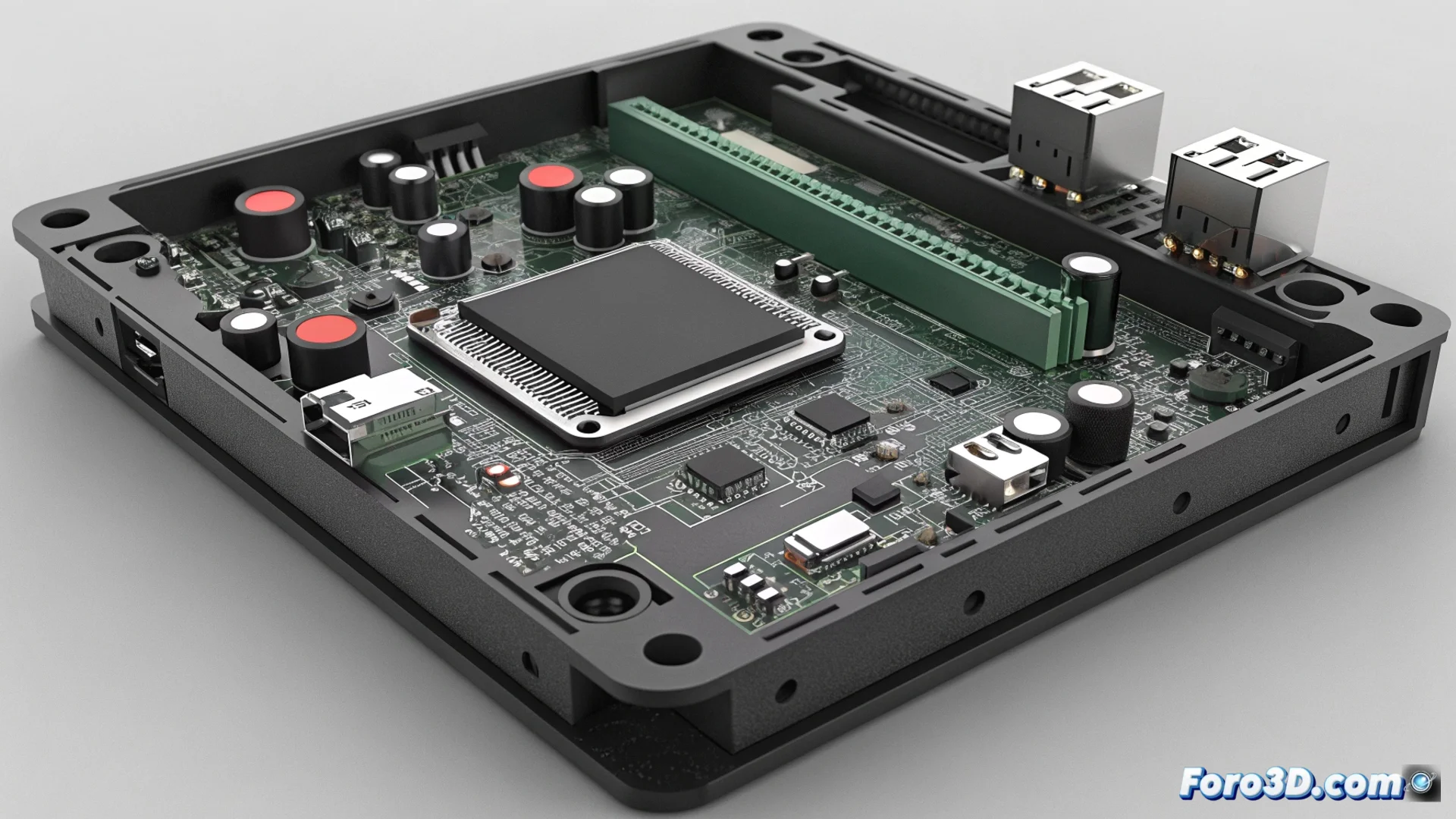
The Bambu Printer Does Not Configure Advanced TMC Driver Functions
A recurring issue in some Bambu Lab printers occurs during startup, when the motherboard fails to properly initialize the Trinamic TMC motor drivers. This failure blocks access to the most intelligent functions of these chips, forcing the machine to operate with limited capabilities. 🚫
The System Activates a Basic Operating Profile for Safety
When the board cannot communicate with the internal registers of the TMC drivers, its automatic response is to enter safety mode. In this state, the motors operate with predefined and conservative parameters that ensure movement, but all real-time monitoring and adjustment functions are disabled. The printer thus loses its ability to automatically compensate for variations during printing.
Consequences of Operating in Degraded Mode:- StallGuard is disabled, the function that detects when a motor loses steps or encounters an obstruction.
- CoolStep does not operate, the system that dynamically adjusts motor current to optimize energy consumption and reduce heat.
- The machine cannot protect the hardware in the same way, increasing the risk of mechanical failures or precision issues in long jobs.
Your printer works, but like an old vehicle: it moves, though without the efficiency and intelligence it was designed for.
Steps to Diagnose and Solve the Problem
If your Bambu printer shows this behavior, it is crucial to follow a methodical diagnostic process. The error usually manifests with suboptimal performance and, in some cases, specific error codes on the screen. 🔧
Guide to Actions to Take:- Update the firmware: Download and install the latest stable version from the official Bambu Lab website. Fixes for TMC drivers are usually included in these updates.
- Check physical connections: Verify that the flat cable connecting the main board to the driver module is perfectly inserted at both ends, without bent pins.
- Completely restart: Unplug the printer from the power outlet for at least 60 seconds. This allows all components, including the TMC drivers, to reset from scratch.
When to Contact Technical Support
If the problem persists after following the steps above and an error code like HMS_0300-4102 appears, it is likely due to a hardware failure. This scenario indicates that the motherboard cannot communicate permanently with one or more TMC drivers, suggesting a defective component. In this case, you must contact Bambu Lab technical support, as the main board or a specific driver module will probably need to be replaced. The good news is that, even in degraded mode, the printer can continue producing, albeit with limitations. ⚠️