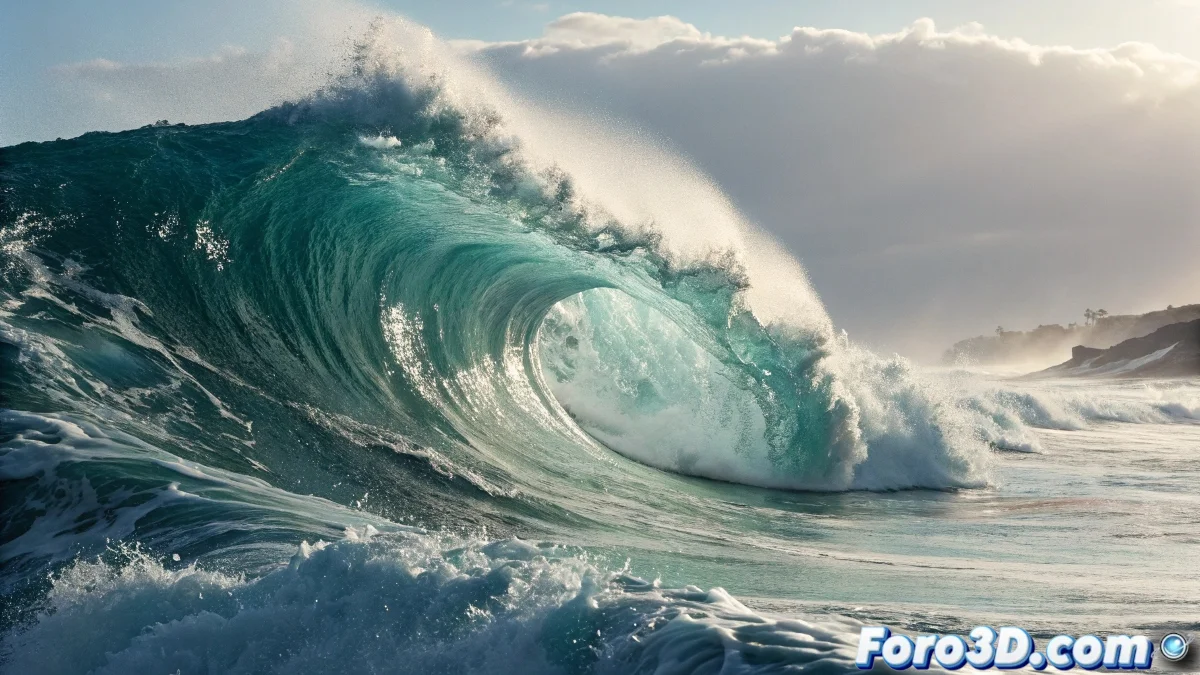
When Waves Refuse to Ripple
Creating a convincing wave in RealFlow can feel like trying to tame the ocean with a spoon. Many artists find that their particles behave more like thick soup than moving water, generating frustration instead of epic fluids. The difference between a cinematic wave and a digital puddle lies in understanding that water has its own rules, even in the virtual world.
The usual problem lies in the basic emitter setup and the forces applied. Real waves are not simple moving water mountains, but complex interactions of energy, gravity, and resistance that must be replicated digitally.
Setting Up the Wavy Emitter
To start, a horizontally oriented Square or Circle emitter is needed, which will act as our resting ocean. The size should be generous to allow the wave to develop naturally, while the resolution determines the level of detail. A common mistake is using emitters that are too small, which strangle the natural movement of the water.
- Large square emitter for ocean base
- Medium-high resolution for crest details
- Initial speed at zero for prior calm
- Appropriate depth for realistic behavior
A perfect wave is like a good story: it needs build-up, climax, and resolution
The Forces That Create Movement
The secret to a believable wave lies in the strategic combination of daemons. The Wave daemon is the main protagonist, generating the base undulating movement with control over frequency and amplitude. However, using it alone produces a result that is too mechanical, looking more like a giant metronome than an ocean.
To add realism, the Gravity daemon ensures that the water falls naturally after the crest, while Noise Field introduces organic variations on the surface. The k Wave offers advanced control over the wave spectrum for those seeking scientific precision in their aquatic chaos.
- Wave daemon for main movement
- Gravity for realistic fall
- Noise Field for natural imperfections
- k Wave for advanced spectral control
The Magic Moment: The Crest and Foam
The most spectacular part of any wave is when it breaks, generating that characteristic white foam. In RealFlow, this is achieved through the Foam and Splash particle system that activates when the simulation detects specific speed and acceleration conditions.
The Sheeting parameters control how the water adheres to itself when falling, creating those hard-to-achieve liquid curtain effects. The key is to carefully adjust the thresholds so that the foam appears at the right moment, without exaggerating or falling short.
- Activate foam and splash particles
- Adjust foam creation thresholds
- Set up sheeting for curtain effects
- Optimize to avoid saturating the simulation
Common Problems and Their Solutions
When waves look flat or artificial, it is usually due to a lack of secondary forces or poorly balanced parameters. The simulation scale must match the real size of a wave, as working at an incorrect scale produces physically impossible behaviors.
Another frequent mistake is forgetting the Boundary daemon to contain the particles, resulting in massive leaks that slow down or ruin the simulation. Previewing with low resolution allows adjusting the movement before committing to long calculations.
- Verify real scale of the simulation
- Use Boundary to contain particles
- Preview with low resolution
- Balance forces to avoid extreme behaviors
With patience and these adjustments, any artist can go from creating sad puddles to epic waves that would make any digital surfer sigh. In the end, the difference between success and failure often lies in understanding that virtual water has as bad a temper as the real thing 😏