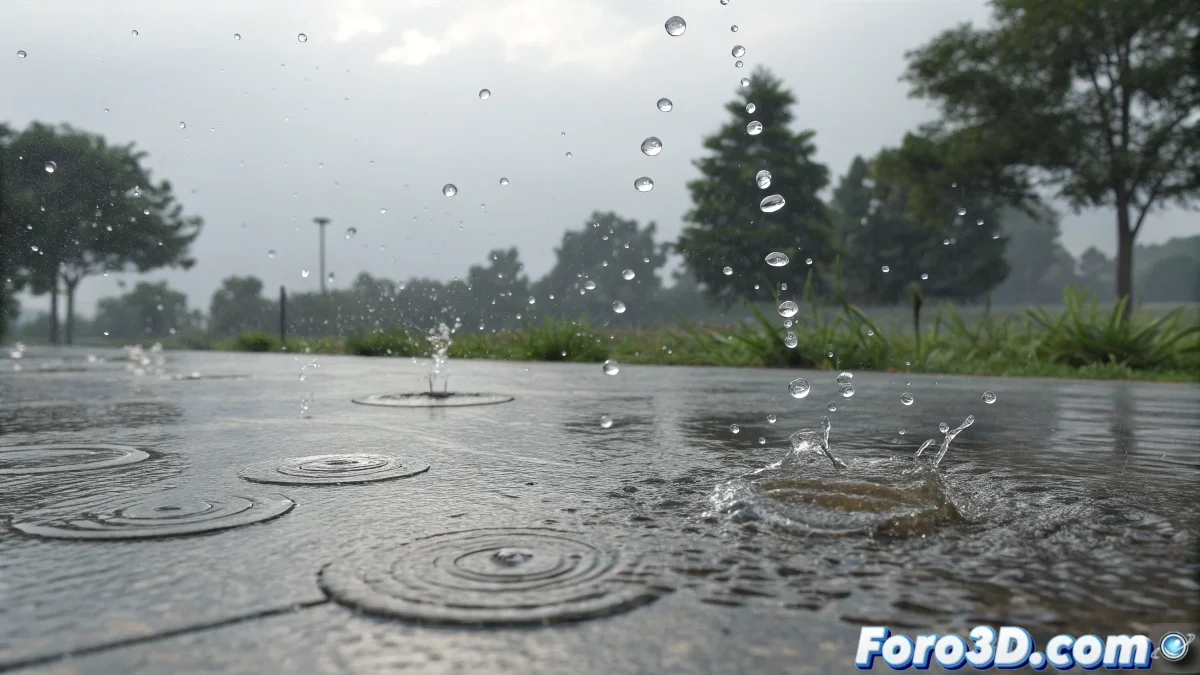
When digital rain behaves like parachutes
The challenge of creating realistic raindrops is one of those problems that seems simple until you face real-world physics. Many artists start with basic particle systems like Spray and get frustrated when the drops behave more like falling balloons than water in free fall. The main problem is usually the lack of proper scale and the underestimation of the real speed of rain, which can exceed 9 meters per second in an intense storm.
The rebound effect in puddles is particularly complex because it requires simulating not only the drop, but also its interaction with the water surface and the secondary waves it generates. This is where tools like RealFlow show their true power, but also where the learning curve becomes steeper.
Particle systems for basic rain
To get started, you can use Particle Flow in 3ds Max or nParticles in Maya with specific rain settings. The key is to use Streak-type particles or Line oriented in the direction of fall, with a length proportional to the speed. This creates that visual effect of elongated drops that we perceive in real rain.
The critical parameters are high initial speed (600-800 units per second), standard gravity, and very small particle size. For greater realism, add random variation in speed and direction to simulate the wind effect on the drops.
- Streak particles for trail effect
- Realistic high falling speed
- Random variation for wind effect
- Small size and high density
Perfect rain is like a good soundtrack: you notice when it's bad, but barely perceive it when it's good
The leap to RealFlow for advanced effects
For rebounds in puddles, RealFlow is undeniably superior thanks to its hybrid fluids engine. Start by creating a Fill emitter for the water puddle and a Rain emitter for the drops. The magic happens in the interaction daemons that automatically manage collisions between different fluid elements.
Set up the Collision daemon so that raindrops interact with the water surface, and activate the splash particles system that is automatically generated at impact points. The surface tension and viscosity parameters control how the splashes behave.
- Fill emitter for the base puddle
- Rain emitter for raindrops
- Collision daemon for interactions
- Automatic splash particles on impacts
Specific setup for realistic rebounds
In RealFlow, the secret to believable rebounds lies in the balance between forces. The Gravity daemon should have standard intensity, while the Drag daemon helps simulate air resistance on rebounding drops. The surface elasticity is controlled through the collision distance and bounce parameters on the collision object.
For waves in the water, activate the waves system in the simulation domain. Raindrops will automatically generate concentric waves that propagate from the impact point, with intensity proportional to the drop's size and speed.
- Balance between Gravity and Drag
- Adjustable elasticity per surface
- Automatic waves system
- Concentric waves per impact
Recommended learning resources
For specific tutorials, I recommend the Jesús FC video series on RealFlow on YouTube, which covers rain effects from basic to advanced. The official Next Limit course is also excellent, though paid, with practical step-by-step exercises.
On specialized forums like CG Society and 3DTotal, you'll find downloadable scenes with pre-optimized rain setups. Studying these scenes will help you understand the relationship between different parameters without starting from scratch.
- Jesús FC tutorials on YouTube
- Official Next Limit course
- Downloadable scenes on specialized forums
- Official RealFlow documentation
Mastering this effect will open the doors to all kinds of liquid simulations, because if you can make rain come to life, any other water effect will be a piece of cake. Or rather, drunk water for a growing visual effects artist 😏