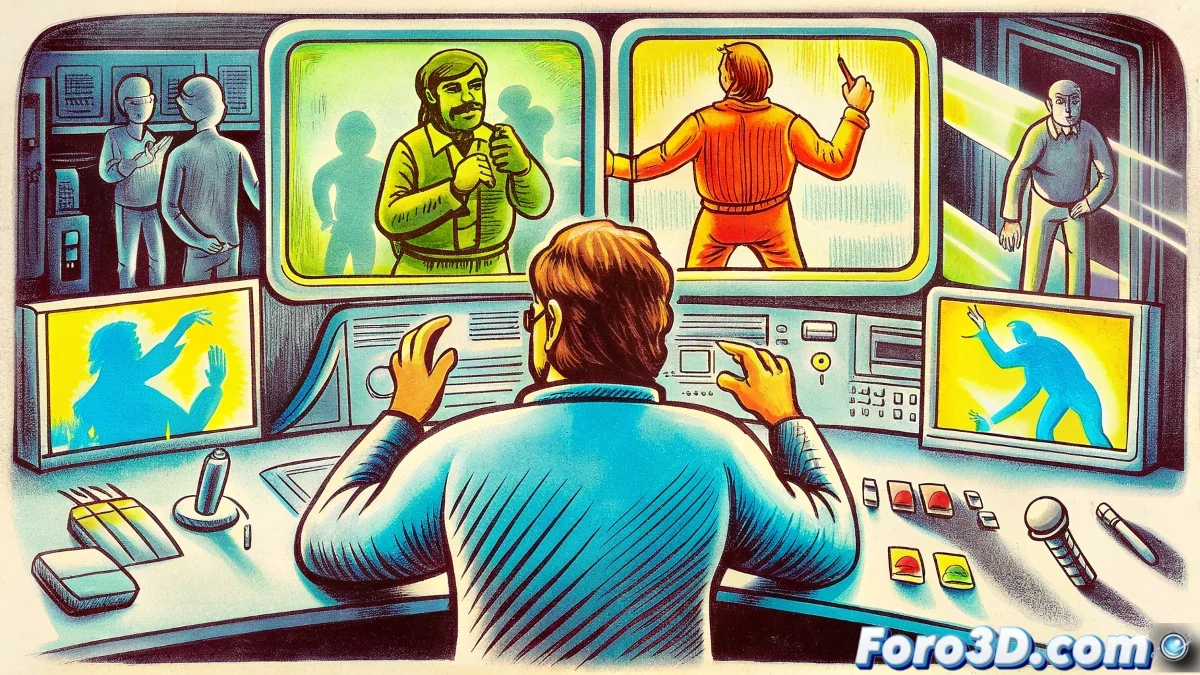
Where models come to life... or rebel 🤖
Rigging is that dark art that turns static models into digital puppets ready to animate. A good setup can make you feel like a virtuoso puppeteer, while a bad one will make you fight every keyframe like a battlefield.
Modern Arsenal for Riggers
The tools that are revolutionizing the art of rigging:
- Blender Rigify: The "one-click rig" that you can then dissect to your heart's content
- Maya Advanced Skeleton: The favorite of studios (for good reason) 🏗️
- Houdini KineFX: For riggers who think in nodes even in the shower
Designing Controls That Don't Provoke Curses
The science (and art) of creating animator-friendly interfaces:
"A good rigging control is like a good video game controller: intuitive, ergonomic, and doesn't make you look for the manual after 5 minutes of use"
- Recognizable Shapes: Circles for rotation, cubes for translation... be consistent!
- Logical Hierarchy: Like organizing a closet, but with digital bones
- Custom Attributes: Sliders for those life-saving adjustments (and renders)
Common Traps and How to Avoid Them
Mistakes that turn your rig into a nightmare:
- Controls that overlap like socks in a drawer
- Cryptic names that only you understand (and sometimes not even you)
- Deformations that appear like ghosts on frame 150 👻
Community and Resources on foro3d
Where you learn from others' mistakes (the smartest shortcut):
- Library of shared rigs to study
- Step-by-step tutorials on professional setups
- Troubleshooting threads where your future problems are already solved
And remember: if your rig misbehaves, you can always say it's a rebel AI experiment. Technology fails, right? 🤖💥