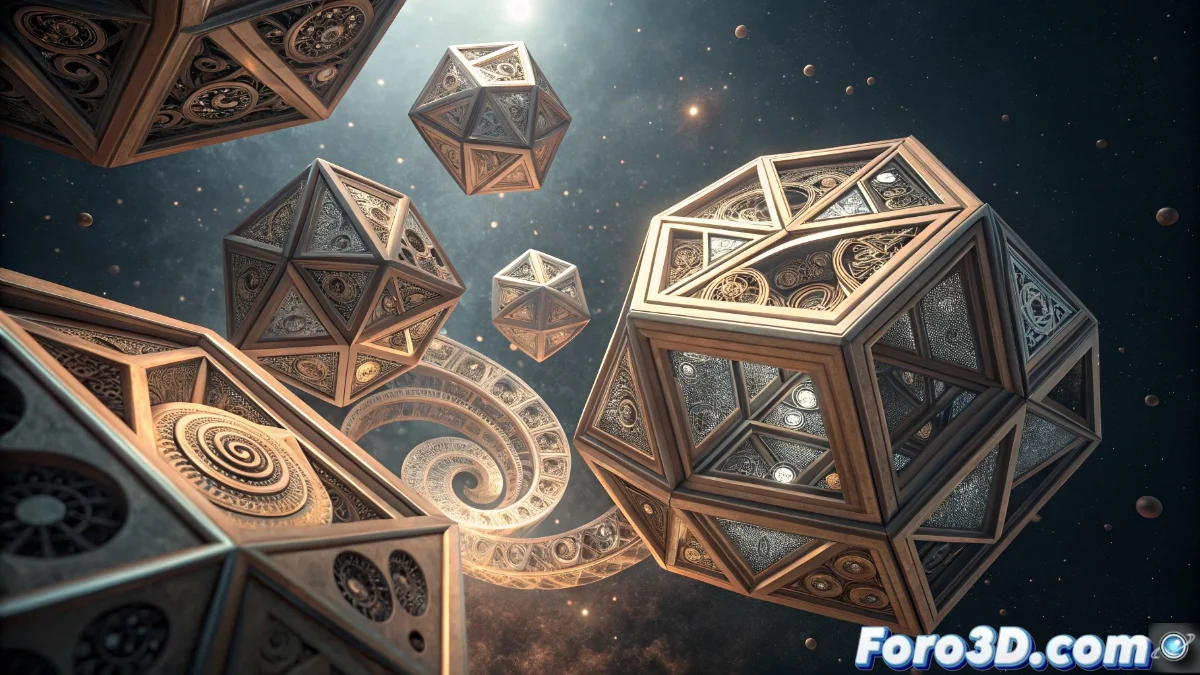
The Array Modifier in Blender 5: Complete Guide to Repetitive Patterns
The Array modifier in Blender 5 has established itself as an essential tool for 3D artists, allowing the generation of complex patterns through automatic duplication of objects with millimeter precision. This functionality eliminates the need for tedious manual repetitions, offering total control over quantities, distances, and orientations in real time 🎯.
Distribution and Transformation Methods
The system presents three main approaches to organize copies: fixed displacement, displacement relative to the object size, and distribution following guide curves. The rotation applicable to each duplicate can be synchronized with the movement to create helical or spiral effects, while configurable vectors manage the transformation axes.
Advanced Configuration Options:- Additional Offset: Allows overlapping extra transformations for organic variations in patterns
- Axis Control: Customizable vectors for direction and rotation of each copy
- Rotation-Displacement Synchronization: Creates continuous and fluid effects in sequences
"Those who have ever duplicated objects manually fifty times will understand why this modifier should be included in the Hippocratic oath of 3D artists" - Community Reflection
Implementation in Real Projects
In virtual architecture, the Array modifier simplifies the creation of rows of windows, columns, or railings, while in organic modeling it facilitates patterns of plant leaves or animal scales. The combination with other modifiers like Curve or Simple Deform multiplies creative possibilities exponentially.
Optimization Strategies:- Use of Instances: Reduces resource consumption with complex geometry instead of full copies
- Combination with Modifiers: Increases versatility by applying Curve for paths or Simple Deform for deformations
- Real-Time Adjustment: Immediate modification of parameters without recalculating the entire scene
Impact on Workflow
The implementation of the Array modifier represents a paradigmatic shift in efficiency, transforming processes that required hours into operations of seconds. This tool not only accelerates the creation of repetitive structures but also opens new creative possibilities through its integration with Blender's modifier ecosystem, establishing a new standard in 3D productivity 💫.