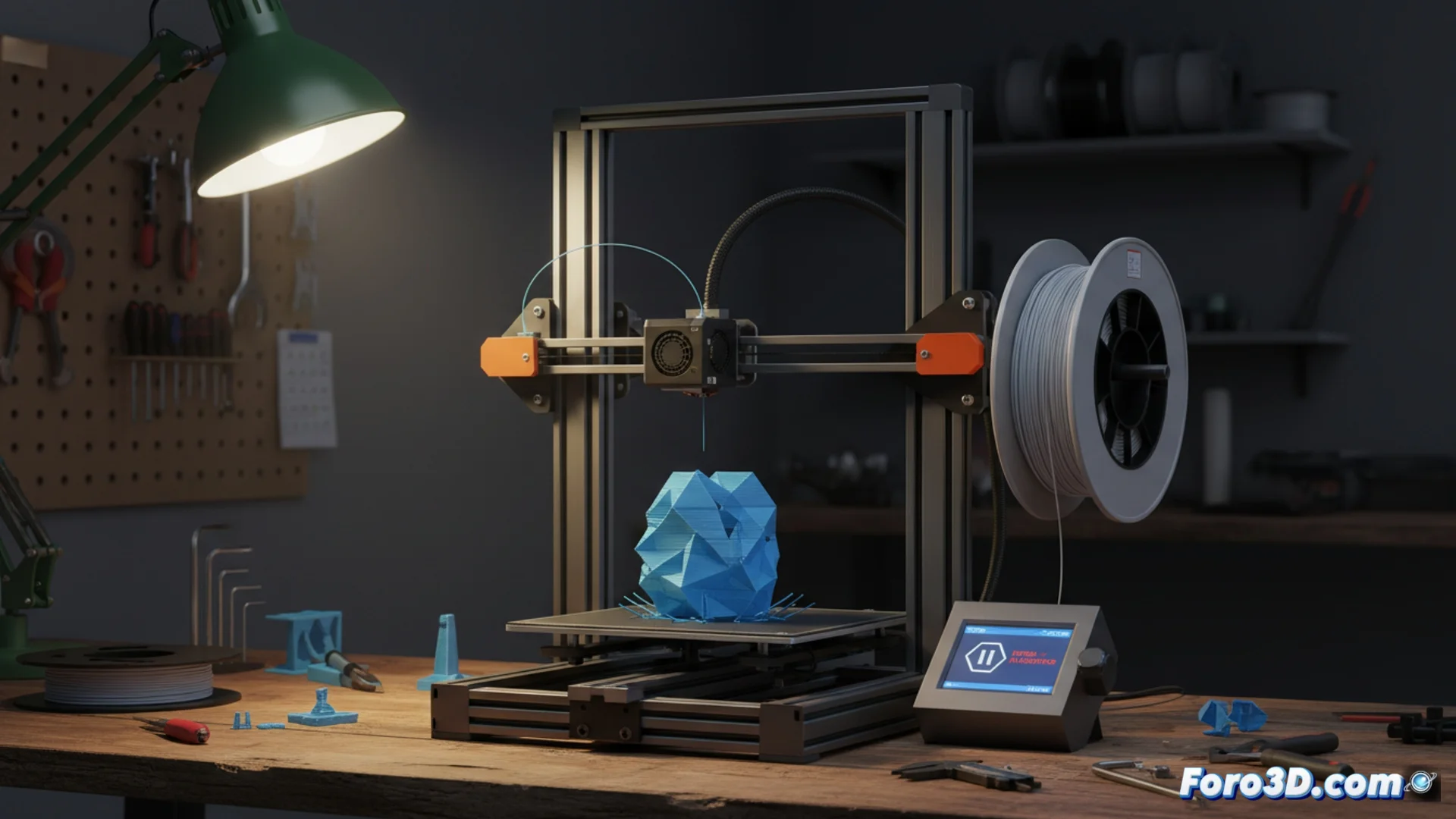
The 3D printer stops suddenly: causes and how to continue
It is a common situation in any workshop: the machine stops working without warning, leaving a job halfway done. This behavior, although disconcerting, frequently has identifiable origins and does not always indicate a critical failure. Understanding why it happens is the first step to solving it and avoiding losing hours of work. 🛑
Main reasons for an unexpected stop
The most common cause lies in the instruction file. If the G-Code is corrupted or contains a command that the electronics cannot process, the printer will pause as a safety measure. Another source of problems are brief interruptions in the electricity or the filament sensor activating the stop upon detecting a break or jam. In these scenarios, the machine simply waits for the user to intervene.
Key points to check:- Damaged G-Code: This usually happens if the model was sliced with extreme settings or if there was an error when copying it to the memory card.
- Filament flow: Check that the material is not obstructed and that the extruder gears do not show wear.
- Full restart: Turning the printer and slicing software off and on can clear temporary errors stored in memory.
The machine sometimes decides to take an inopportune break, reminding us who has the final control in the manufacturing process.
How to diagnose and solve the problem
To address the failure, start with the most likely origin: the print file. The most direct solution is to re-slice the model using standard and reliable parameters, and then load it back into the printer. If the problem persists, it is time to inspect the mechanical and electrical hardware.
Steps for an effective diagnosis:- Generate a new G-Code file from the slicer with conservative settings.
- Visually examine the filament path, from the spool to the nozzle, looking for friction or breaks.
- Try performing a deep system restart to rule out temporary software failures.
Resume work from a specific point
When the part is large and the failure occurs near the end, repeating the entire process from scratch is very frustrating. There is the option to manually edit the G-Code to remove the already printed layers and start from a specific height. This method is not automatic and requires precision and patience. You must measure the exact height where it stopped, modify the file to position the nozzle there, and adjust the bed and hotend temperatures to ensure good adhesion of the new layer. 🧩
Mastering this procedure allows you to save prints that would otherwise be a waste, optimizing time and material. It is always a reminder that, although technology advances, attention to detail and understanding of the process remain fundamental.