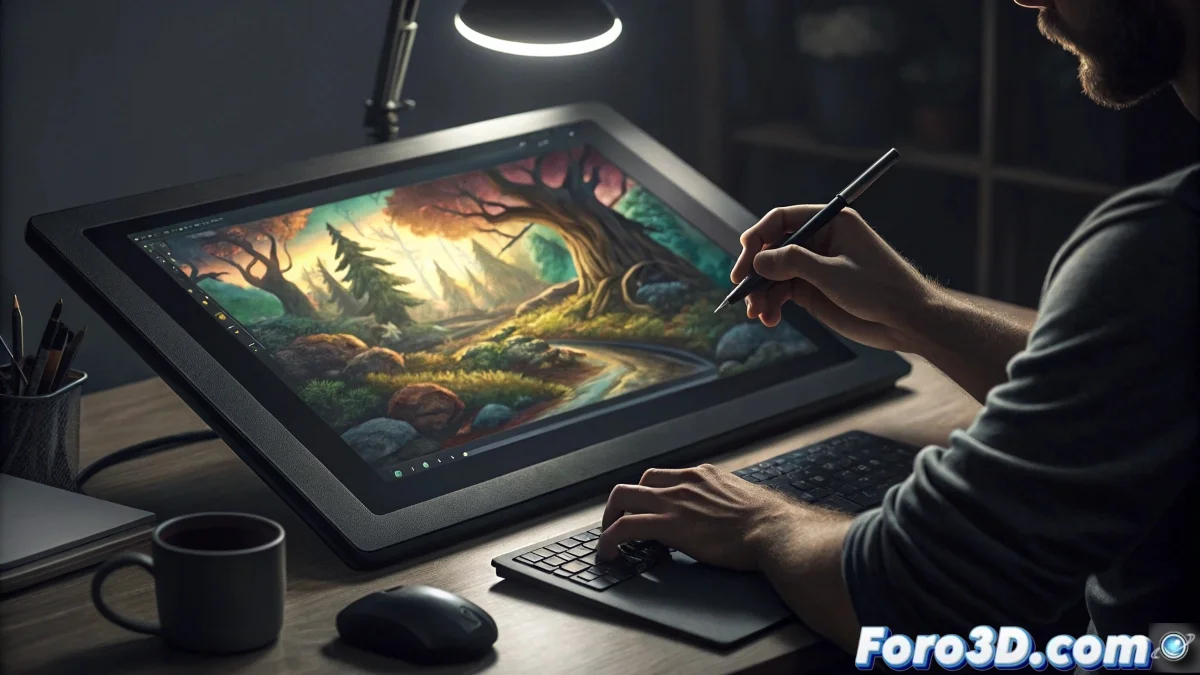
Texturing and Painting for Video Games: Where Every Pixel Tells a Story
In the universe of video game development, texturing is that invisible art that transforms perfectly geometric 3D models into believable worlds that breathe, erode, and tell stories. The Wacom Cintiq 22 positions itself as the definitive tool for this craft, offering the direct pixel control that every material artist needs. From creating the roughness of rusted metal to painting the wear and tear details that bring assets to life, this tablet turns the texturing process into an intuitive and deeply satisfying experience. 🎮
Millimetric Precision for Complex Texture Maps
Modern texturing goes far beyond painting diffusives; it's about creating physically precise materials with multiple maps: roughness, metallic, normal, height, and occlusion. The Cintiq 22 with its Full HD resolution and nearly non-existent parallax technology allows working directly on the 3D model with a precision that makes the mouse weep. Every brushstroke in Substance Painter or 3D-Coat applies exactly where you see it, eliminating the hand-screen disconnection that hinders creativity. For details like cracks, scratches, or repetitive patterns, this immediacy is a game-changer. 🎨
Advantages for texturing pipeline:- direct work on 3D model without intermediaries
- variable pressure for layer intensity control
- smooth rotation and zoom to review every angle
- enough space to keep all windows visible
Integrated Workflow: From UVs to Final Material
The real magic happens when you unify all stages of texturing on a single device. You can adjust UVs in Maya, paint in Substance Painter, create materials in Designer, and make touch-ups in Photoshop without changing physical tools. The Cintiq 22's customizable shortcuts become extensions of your mental flow: one button to toggle between brush and eraser, another to sample colors, another to quickly switch between layer modes. This frictionless flow dramatically accelerates production, especially crucial in environments with tight deadlines. ⚡
A good texture isn't seen, it's felt - and the Cintiq 22 lets you feel every brushstroke
Professional Color for Believable Materials
The 21.5-inch screen with 96% sRGB coverage ensures that the colors you paint are the ones players will see. This is critical for creating consistent materials across different assets and lighting scenarios. When working on a character's albedo map or environment textures, you need to absolutely trust that that moss green or rust red will remain faithful from your screen to the game engine. The factory calibration and color consistency of the Cintiq 22 provide that absolute visual confidence. 🌈 Applications where it shines for texturing:
- Substance Painter for direct 3D painting
- Mari for high-resolution texturing
- Photoshop for flat texture creation
- Quixel Mixer for material blending
Ergonomics for Marathon Production Sessions
Texturing for video games isn't a sprint; it's a marathon of attention to detail that can stretch over days or weeks. The Cintiq 22's ergonomic design with its adjustable stand (16-72°) allows finding the perfect position for those 8+ hour sessions painting wear maps or adjusting roughness values. The anti-glare technology protects your eyes during those long nights before a milestone, while the lightweight and balanced Pro Pen 2 prevents muscle fatigue in hand and wrist. 💪
Seamless Integration with Game Engines
The ability to have multiple screens simultaneously enables a workflow where the Cintiq 22 is dedicated exclusively to painting software, while your main monitor shows the asset in the game engine (Unity, Unreal Engine) in real time. This setup incredibly accelerates the iteration process: you paint an adjustment in the normal map and see the result immediately in the engine with final lighting. For artists working in PBR (Physically Based Rendering), this instant feedback is invaluable. 🖥️
Enhanced Texturing Techniques:- mask painting for complex material blending
- hand-painted detail creation over procedural bases
- direct vertex color painting on the model
- precise retouching of baked maps
The Wacom Cintiq 22 proves that in video game texturing, the perfect tool isn't the one with the most features, but the one that disappears between the artist and their creation. That allows focusing on the essentials: creating materials that not only look real, but tell the story of every object, every surface, every virtual world. Because in the end, players will never remember your perfect topology, but they will always remember how it felt to explore your textures. And that, dear artist, makes all the difference. ✨