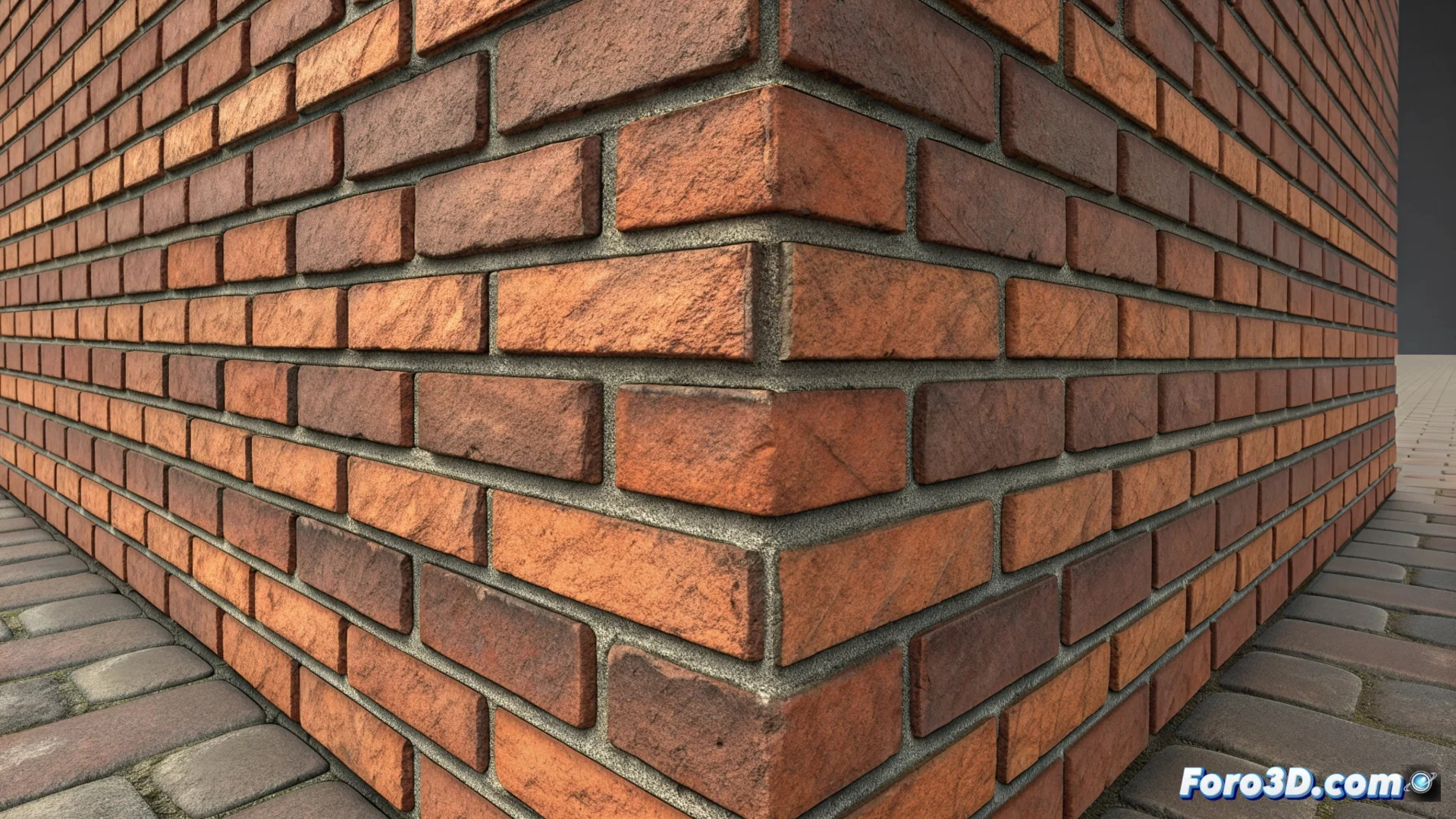
Texture Stretching in 3D Modeling
In 3D modeling, a common problem is seeing how a texture deforms and loses definition on an object's surface. This phenomenon, known as texture stretching, occurs mainly when the UV mapping does not properly adjust to the mesh's complexity. Pixels stretch unnaturally, compromising the realism of the final model. 🌀
Detecting and Avoiding Texture Stretching
To identify areas where the texture stretches, 3D artists use checker maps. By applying a grid or checkerboard pattern in the software viewport, problematic areas are revealed where lines twist or squares become non-uniform. The key to preventing this is unwrapping UVs efficiently.
Steps for Optimal UV Unwrapping:- Cut the mesh into UV islands that logically reflect the model's structure.
- Organize these islands within the 0-1 space to maximize texture resolution usage.
- Achieve a consistent texel density across the surface, using relaxation and automatic UV packing tools.
A textured brick in a stretched corner can look like it suffered an accident in a chewing gum factory, reminding us that in the 3D world, sometimes less is more... texel density.
When the defect is already present in a project, intervention is necessary. Often, the most direct solution is to redo the UV unwrap in the affected regions. In more complex cases, it may be necessary to modify the base geometry before re-unwrapping the UVs.
Correction Strategies:- Redistribute or subdivide polygons to create a more uniform topology that better accepts UVs.
- In render engines or video games, using displacement maps or tessellation can add geometric detail that masks the distortion, though this does not replace good initial UV work.
- Always test the model with various different checker maps before applying final textures.
Impact on Visual Quality
Texture stretching directly affects the credibility of a 3D model. It breaks visual coherence and can reveal a rushed texturing process. Optimizing the UV workflow is not an optional step; it is essential for producing high-quality assets where texture details are displayed accurately and without unwanted distortions. ✅