Texture Atlasing: Optimize Performance in Video Games
In video game development, a key technique for optimizing is texture atlasing. It consists of combining many small images into a single large texture. This makes the GPU switch resources less often when drawing, speeding up the entire graphics process, especially in projects with a wide variety of visual elements. 🎮
The Mechanism Behind the Atlas
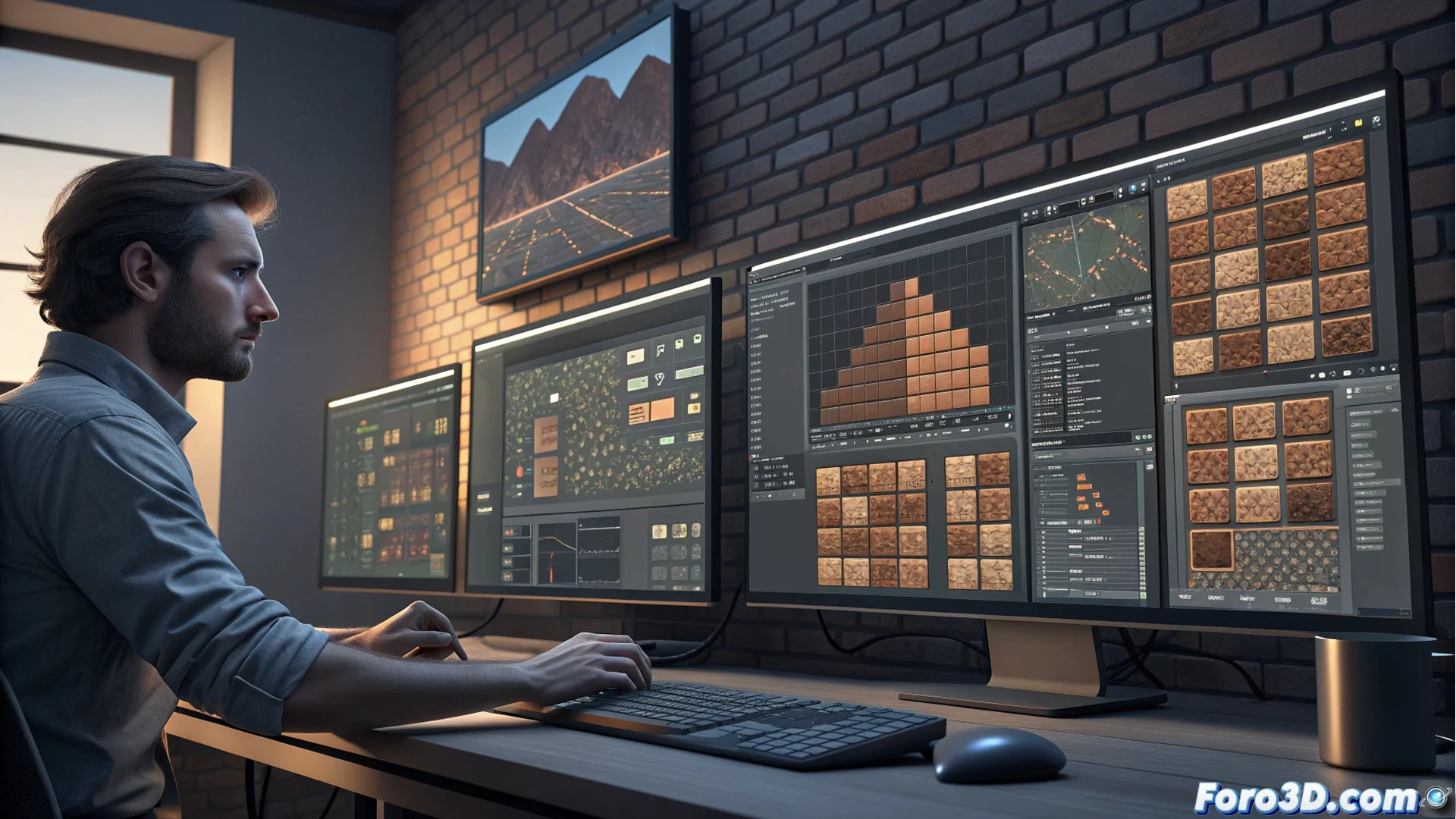
The process starts by gathering all the necessary graphic assets for a group of objects, such as those of a building or a character. Special software packs these images into a single canvas, seeking to waste as little space as possible. Then, a UV map is generated that acts as a coordinate plane, indicating to each 3D model exactly which portion of the atlas belongs to it. During the game, the GPU loads this consolidated resource once to render multiple elements.
Key Steps to Create an Atlas:- Gather all the source textures needed for a set of assets.
- Organize and pack the images into a single canvas with dedicated tools.
- Generate a reference UV map that assigns coordinates to each model.
The real art is not in painting the texture, but in folding it to fit in the briefcase without wrinkles.
Benefits and Considerations
The main advantage is performance. By consolidating textures, draw calls (draw calls) are drastically reduced, freeing up the CPU and allowing the GPU to process geometry more continuously and quickly. This translates into a smoother gaming experience.
Important Considerations When Implementing:- Plan the atlas from the start of the project, as modifying an internal texture forces the entire file to be regenerated.
- Managing textures of different sizes and needs, such as mipmapping, can complicate packing.
- The runtime speed benefit may contrast with a less agile workflow for artists.
Impact on the Development Workflow
Using texture atlasing represents a balance between optimizing the final game and organizing the creation process. While a developer invests time in adjusting pixels to gain critical milliseconds, the end player simply perceives a more cohesive world with better responsiveness. The technique is essential for squeezing the hardware and achieving smooth rendering of dense scenes. 🚀