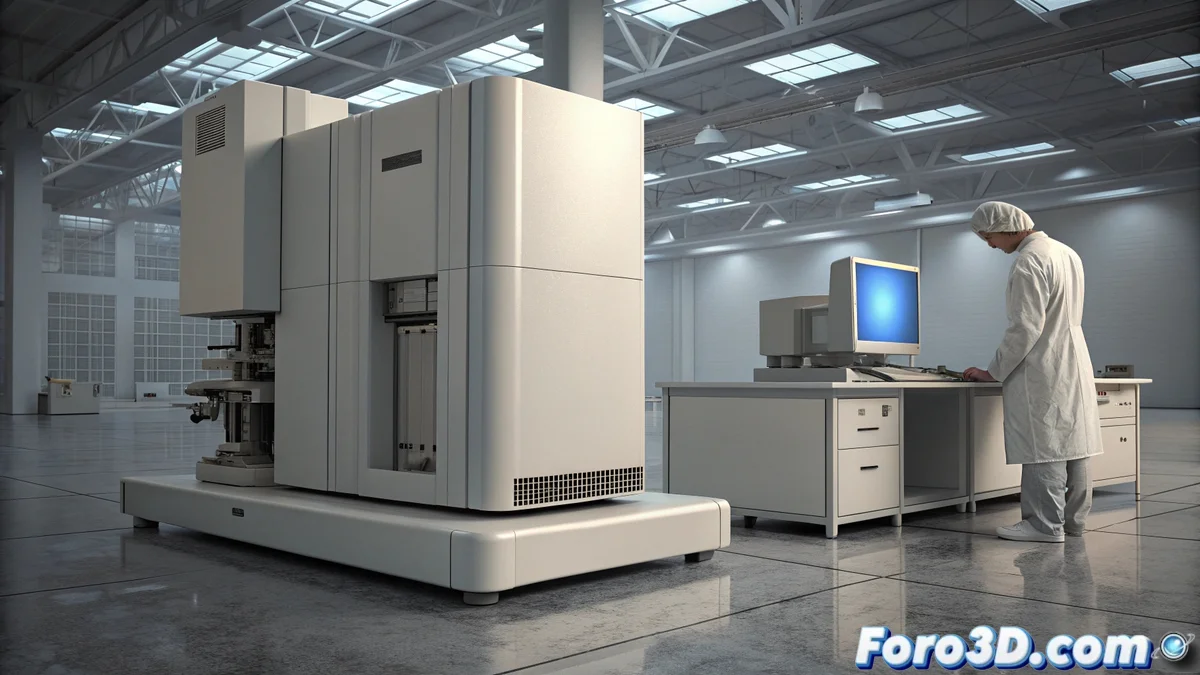
Technological Lock-in in Laboratory Equipment: Strategies to Avoid It
A common problem in research and industrial laboratories is technological lock-in, where expensive equipment like chromatographs or spectrometers becomes unusable not due to mechanical failures, but because of the obsolescence of its control system. The cost of replacing the entire equipment is usually prohibitive, forcing the search for creative alternatives. 🧪
Why Does Technology Get Locked?
Manufacturers often stop supporting old operating systems or specific hardware, such as data acquisition cards. This creates a critical dependency: without an updated controller or compatible system, the instrument, although physically intact, cannot function. The case of the Windows 95 boot floppy for a chromatograph is an emblematic example.
Practical Strategies to Extend Useful Life:- Implement virtual machines: Emulate the obsolete operating system environment on new hardware. Requires technical knowledge to configure and isolate the virtual machine from the main network.
- Seek third-party drivers: Turn to specialized user communities or companies that revitalize and adapt drivers for modern systems.
- Pressure the manufacturer: Demand software updates or security patches as part of post-sale service. It is the most direct route but not always successful.
A laboratory may end up storing a high-end chromatograph in a corner, not due to lack of samples, but because of the impossibility of finding a Windows 95 boot floppy.
Long-term Solutions
To avoid falling into this technological trap again, it is crucial to plan with foresight when acquiring new equipment.
Key Factors to Evaluate:- Prioritize open ecosystems: Choose instruments whose control software uses open standards or documented protocols, facilitating interoperability.
- Verify the update policy: Confirm the manufacturer's commitment to long-term software updates before purchasing.
- Budget for replacement: Ultimately, if no solution works, replace the equipment with a modern one and