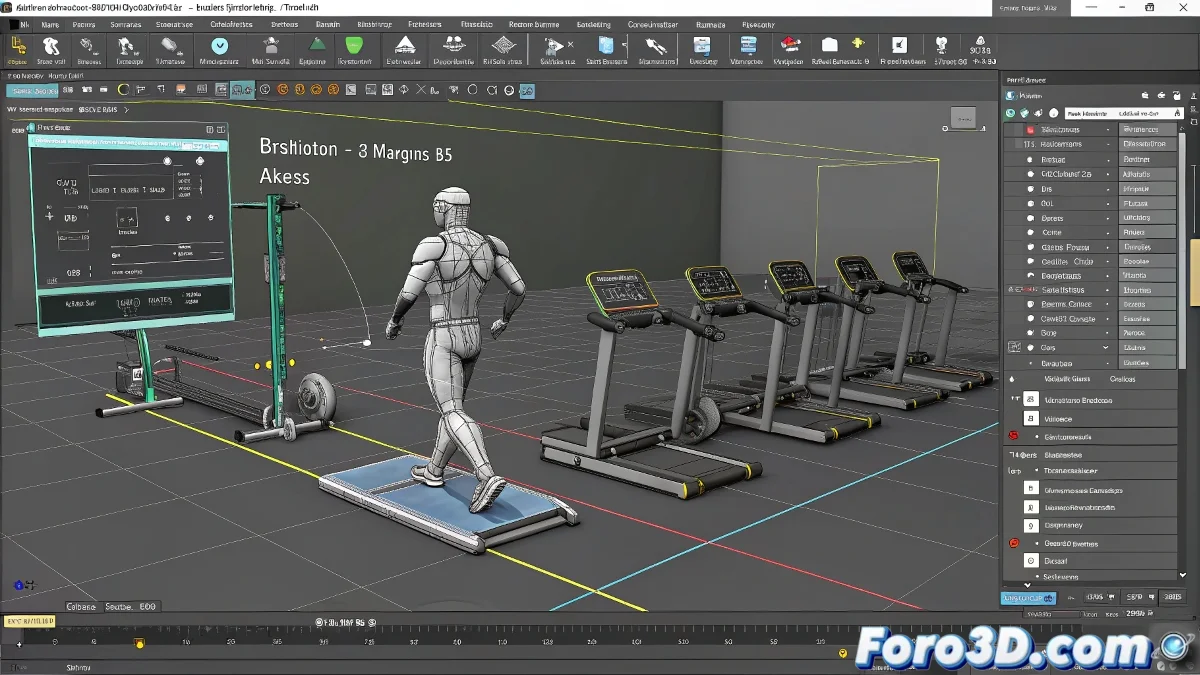
Techniques for Managing Biped and Machines in Separate Files in 3ds Max
Managing Biped and machines in separate files in 3ds Max can be a simple and organized task if done correctly. Using references and instances is key to maintaining consistency and facilitating animation. And no, you don't need to be an organization expert to do it! 📁
Benefits of Using Separate Files
Working with separate files offers several advantages. You can keep each element in its own workspace, making editing and individual adjustments easier. Additionally, by using the Merge option, you can bring objects or groups from another .max file without losing details, which is ideal for complex projects.
Use of References and Instances
If you have multiple similar machines and want a change in one to reflect in all, the ideal is to use references or instances. When creating an instance of an object, any modification you make to the original will automatically apply to all instances. This allows you to have the machines in a single file or even in separate files, linking them through references.
Recommended Workflow
The most practical workflow is to have a main scene where you import or reference both the Biped and the machines to animate the interaction. Work on each element separately for modeling or adjusting, but perform the animation in the combined scene. This allows you to adjust without losing organization and with the advantage of reusing components and animations.
What you're proposing is not nonsense, it's a professional way of working. Using separate files, then importing or referencing objects, and leveraging instances for global changes, is the key to handling complex scenes with multiple elements and animating with Biped without issues. And if your Biped starts getting confused with so many machines, it just needs a break... or a virtual coffee. ☕
With these tips, you can effectively manage Biped and machines in separate files in 3ds Max. And remember, if something doesn't go as expected, you can always blame the references! 😉