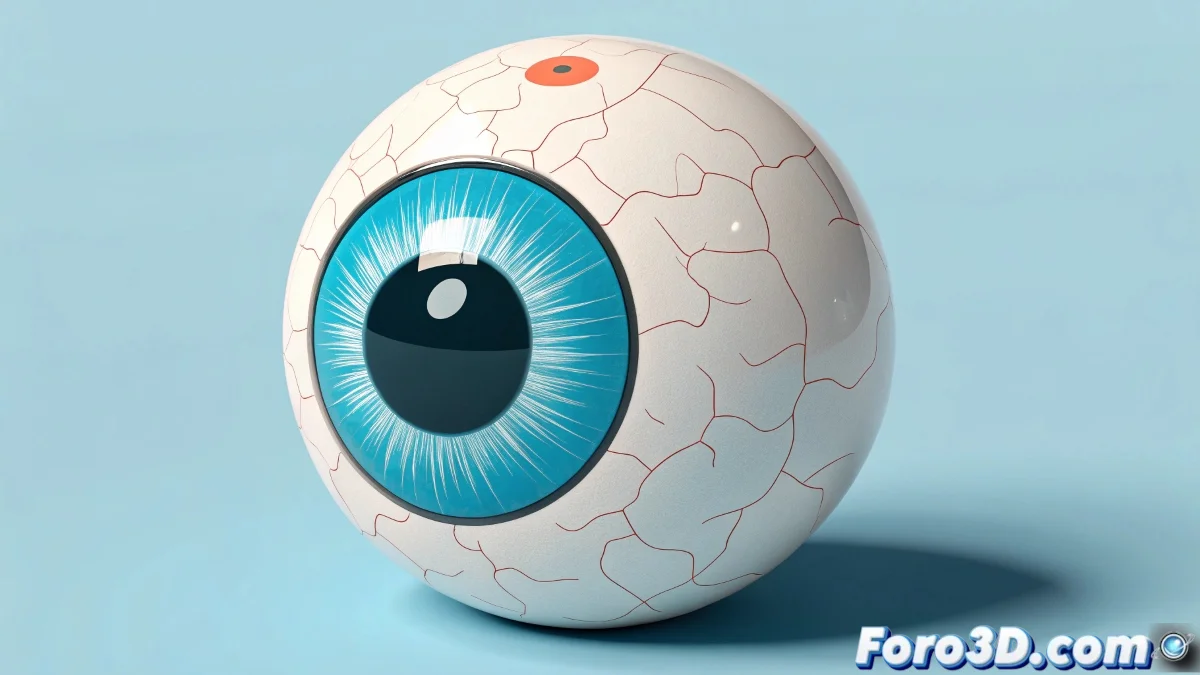
Techniques for Creating Cartoon Eyes in 3ds Max
Creating cartoon-style eyes in 3ds Max is a simple and fun task that can yield very expressive results. With some basic techniques, you can achieve that caricatured look that so characterizes animated characters. And no, you don't need to be an animation expert to do it! 👀
Modeling and Texturing
To start, model a sphere to represent the eyeball. Then, apply simple textures that simulate the iris and pupil. Instead of using realistic textures, opt for flat maps or materials with bright colors and well-defined edges to achieve that cartoon look.
Animation and Control
To animate the eyes, place bones or controllers that allow you to move the spheres easily. You can also use morph targets or shape keys to change expressions, such as eyelids that open or close. An additional trick is to use materials with simple reflections or bright spots to simulate the typical shine of animated eyes.
Additional Tips
If you want to take it a step further, you can create eyelids with simple geometry and animate them with bones or controllers to add more expressiveness. And if the eyes end up being larger than the head, don't worry, cartoons have their own rules too! In the end, the important thing is that the result works and you have fun in the process.
Remember, in the world of animation, sometimes less is more, and a touch of exaggeration can make your characters come to life in a unique way. So have fun and let your creativity fly! 🎨
With these techniques, you can create cartoon eyes in 3ds Max effectively and creatively. And remember, if the eyes don't look as expected, you can always blame the magic of animation! ✨