The Challenge of Multiple Pivots in Animation
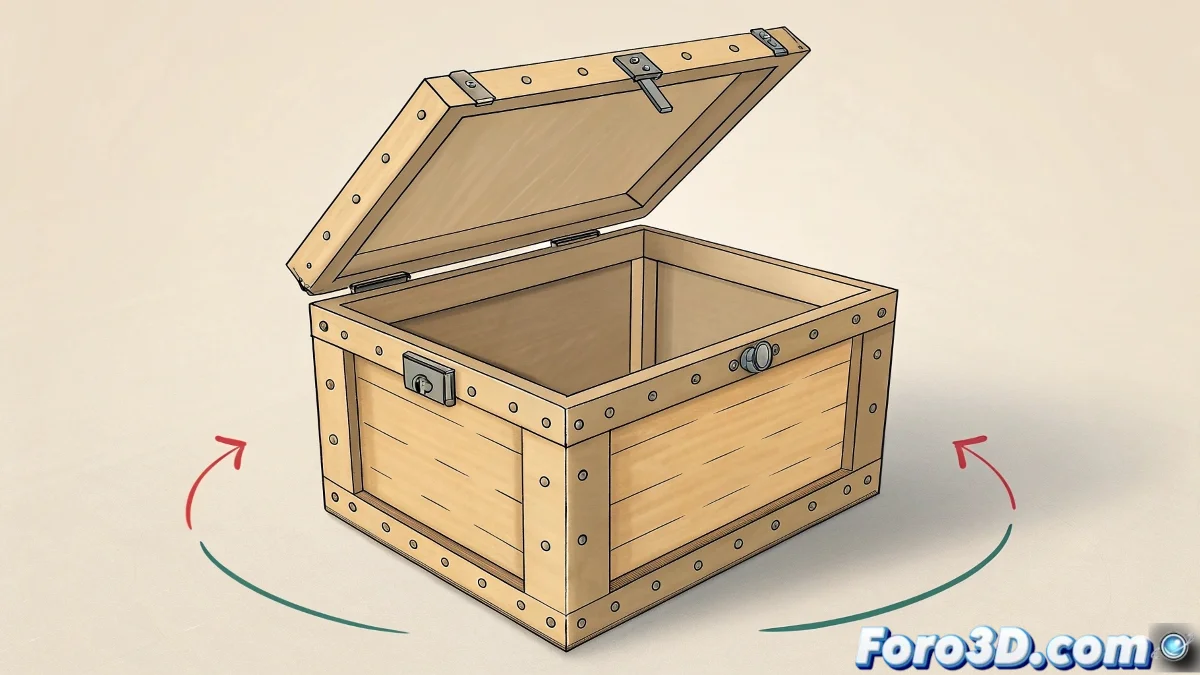
Animating objects that need to rotate from different pivot points is like teaching a dancer to spin on both feet alternately 💃. While most 3D software limit each object to a single rotation center, cartoon animation often requires that extra flexibility where a lid can open from the main hinge and then pivot sideways for dramatic or comedic effects.
Smart Hierarchies with Null Objects
The most elegant solution involves creating a hierarchical structure where null objects (nulls, locators or dummies) act as virtual pivots. The lid becomes a child of a first null that controls the main hinge rotation, and this in turn is a child of a second null that handles the lateral pivot. This chain allows independent control of each type of rotation 🎯.
A well-placed null object is worth more than a thousand forced keyframes.
Techniques with Constraints and Controllers
For more complex animations where smooth transitions between pivots are needed, orientation constraints offer a powerful solution. They allow progressively blending between different rotation axes, creating that fluid movement so characteristic of the cartoon style.
- Orient Constraints: To smoothly alternate between two pivots
- Parent Constraints: Maintain multiple parental relationships
- Expression Controls: Automate switching between pivot modes
- Custom Attributes: Create intuitive controls for the animator
Enhancing the Cartoon Style with Deformers
The cartoon style benefits enormously from breaking pure mechanical limitations. Incorporating deformers adds that extra layer of flexibility and expression that differentiates cartoon animation from realistic animation.
- Lattices: Deform geometry during movement
- Squash & Stretch: Exaggerate deformations by speed
- Bend Modifiers: Add organic curvature to rigid movements
- Wave Deformers: Create rippling and elasticity effects
Workflow for Animation with Multiple Pivots
An organized approach ensures consistent results and avoids confusion when animating complex systems with multiple rotation centers.
- Create and position null objects at the desired pivot points
- Establish clear hierarchies between nulls and geometry
- Animate the main pivot first, then the secondary ones
- Apply deformations after establishing the base movement
- Use animation layers to organize different types of movement
Optimization for Performance
While technical solutions are powerful, they can also impact performance. Smart optimization strategies keep the scene responsive during the animation process.
- Hierarchical Simplification: Use only the necessary nulls
- Animation Bake: Convert constraints to keyframes for final render
- Display Optimization: Hide inactive null objects
- Proxy Geometry: Work with simple geometry during animation
The Final Artistic Touch
True mastery comes from knowing when and how to break technical rules to serve the visual narrative. The cartoon style thrives on exaggeration and controlled physical impossibility.
And when your lid decides to rotate around a point that doesn't exist in reality, you can always argue it's enhanced cartoon physics 🌀. After all, in animation, if it looks good, it's good.