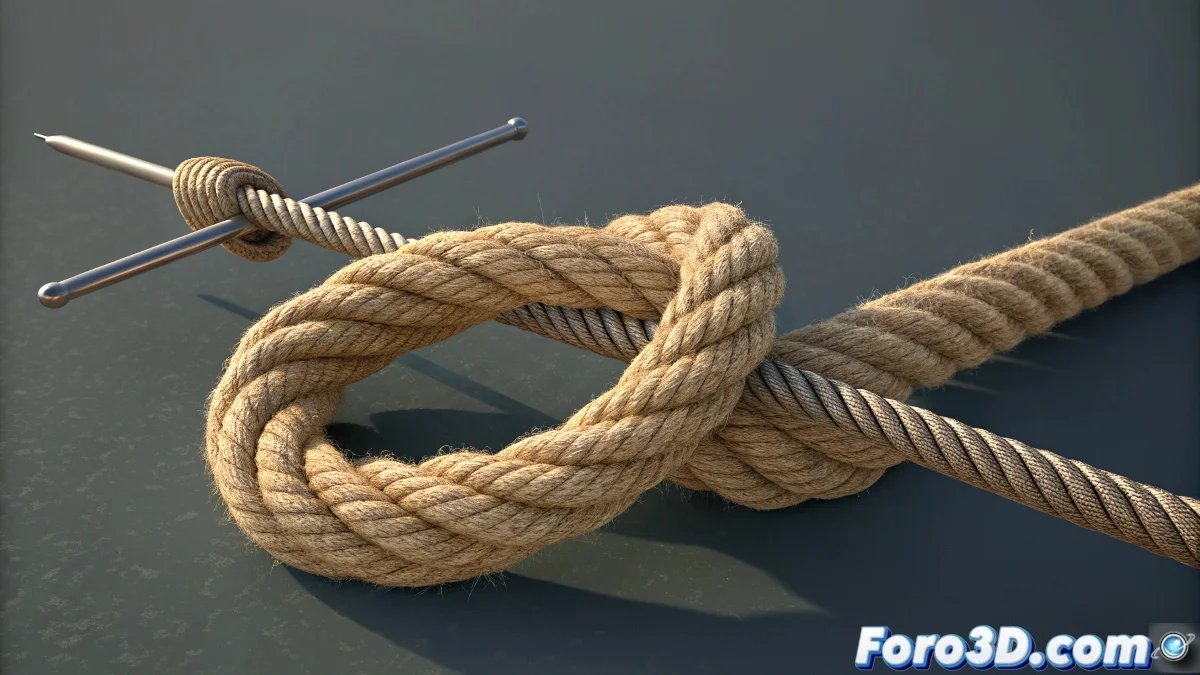
Techniques for Animating 3D Knots Without Losing Your Sanity
Does your animated knot look more like a tangled ball of yarn from a cat than an elegant loop? 🧶😾 Relax, even professional animators sometimes dream of rebellious splines. But with these methods, you'll master knot animation without it turning into a digital Gordian knot. ⚔️
Method 1: The Power of Guide Curves
The most elegant solution in Blender:
- Create a subdivided cylinder as the base
- Add a Curve Modifier with a Bézier curve as a guide
- Animate only the curve (control points are your friends)
- Use Hook Modifier for needles or final elements
This way, the cylinder will magically follow the animated curve, like a train following tracks. 🚂
Method 2: The "Dirty Trick" Everyone Uses
For when the deadline is pressing:
- Model 3-5 versions of the knot (untied, half, closed)
- Animate transitions with Shape Keys or object blending
- Add secondary deformers for details
In 3D animation, sometimes "fake it till you make it" isn't advice, it's a lifestyle.
Mistakes That Will Make You Cry (and How to Avoid Them)
The classic disasters:
- Using too few points on the curve (result: stiff spaghetti)
- Forgetting to freeze transformations before animating
- Trying to simulate realistic physics without need
Bonus for Advanced Animators
If you really want to suffer:
- Try Soft Body Physics for extreme flexibility
- Implement a Rope Rig with bones and IK
- Experiment with Grease Pencil for illustrated style
Remember: if after hours of work your knot still looks like an abstract scribble, you can always say it's "concept art". 🎨 And if all else fails, coffee remains the best modifier for animators. ☕
Fun fact: The world record for the most realistic 3D knot was animated by someone who later needed therapy to overcome their trauma with Bézier curves. Don't be that someone! 😅