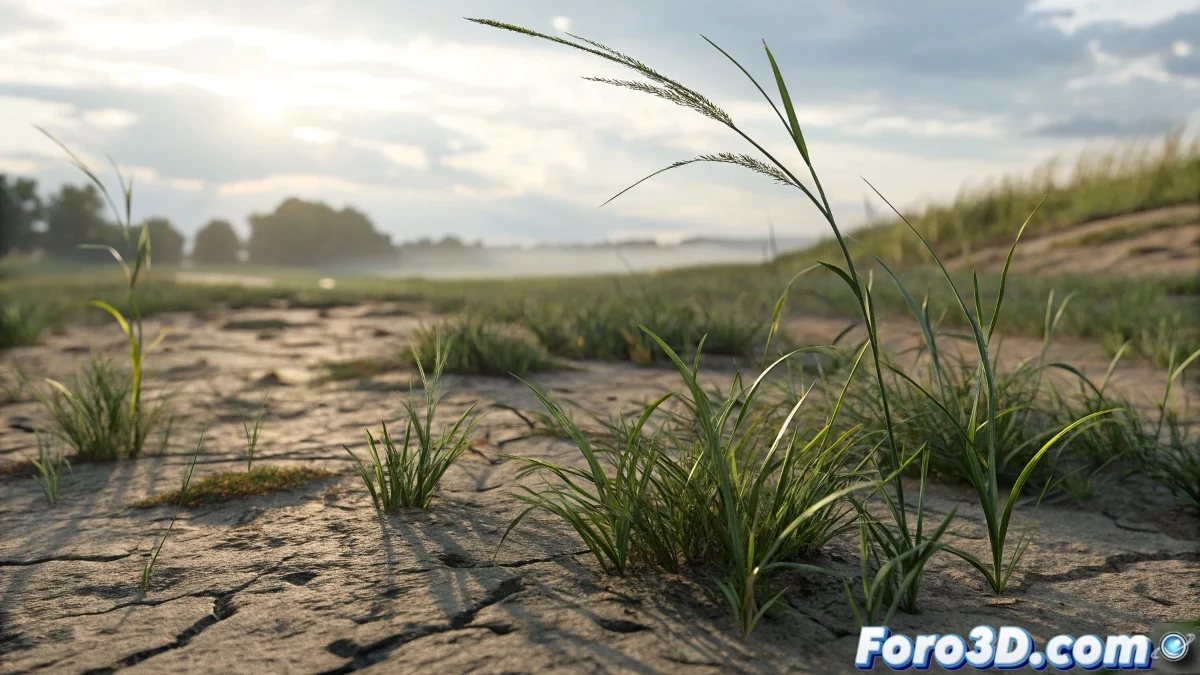
Techniques for Animating Grass in Visual Effects
Animating grass to disappear or flatten can be a fascinating challenge in the world of visual effects. Using animated maps and some shading techniques, you can make the grass react realistically to interactions, as if it were being stepped on. And no, you don't need an army of digital gardeners! 🌱
Using Animated Maps in Shaders
An effective technique is to use animated maps that act as masks in Blend or Composite type materials. These maps can control parameters like bump, opacity, or displacement to simulate the visual effect of grass flattening or disappearing.
- Use a base grass material with its geometry or displacement and another material for flat ground or crushed grass.
- The animated footprint map controls the blend between both materials, showing normal grass and then crushed grass where the footprints pass.
Controlling Geometry with Face Selection
If you want to affect the geometry directly, you can use techniques like Vertex Paint or modifiers like Vertex Weight Edit to control the influence over the grass. It's also possible to use Geometry Caching or plugins that allow activating or deactivating parts of the geometry based on texture maps or masks.
Using Animated Displacement
Animated displacement with maps can make the grass "lower" in the stepped areas. However, keep in mind that displacement can be heavy on rendering. A lighter option is to use animated Normal Maps or Bump Maps to simulate the effect without affecting the real geometry.
Recommended Plugins and Tools
Some tools and plugins can make this process easier:
- Forest Pack: Allows controlling the visibility or deformation of plants using animated maps, masks, or scripts.
- Hair & Fur modifier: With animated masks, you can control the density or length of the grass.
- Animation Layers or Script Controllers: To dynamically modify properties based on textures.
So now you know, with these techniques and tools, animating grass in visual effects can be easier than it seems. And remember, if the grass doesn't flatten, you can always blame the digital physics! 😉
Creativity and experimentation are key in visual effects. Don't be afraid to try new and fun things!