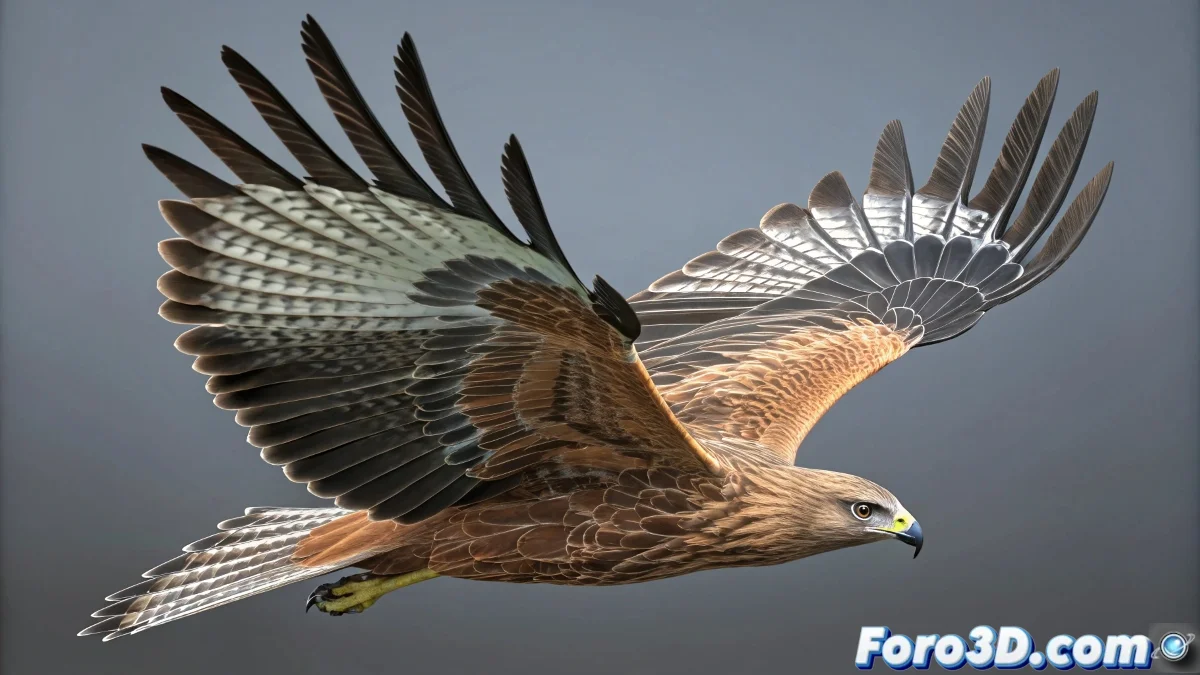
Techniques for Animating Feathered Wings Using the Flex Modifier
When tackling the animation of feathered wings, the use of the Flex modifier becomes an essential tool for achieving movements that mimic nature. This modifier allows the feathers to move smoothly and organically, as if driven by the wind, without the need to animate each feather individually. And no, you don't need to be a physics expert to achieve it! 🌬️
Integration of Flex with Splines
In a typical rig, each feather can have its own bend and wave settings to control their basic movements. Splines act as guides, directing the overall movement of the wing. The key technique is to apply Flex directly to the feathers or to a parent object that contains them. Connecting the Flex influence to the splines allows the feathers to react to the deformations generated by them, creating a natural rippling effect when the splines move or animate.
Tips for Optimizing the Use of Flex
To master the use of Flex on feathered wings, it is crucial to adjust parameters such as strength, frequency, and phase. These settings ensure that the feathers respond realistically. Additionally, it is important to set constraints to avoid unwanted deformations. This approach not only saves time but also adds greater realism and dynamism to the wings.
If your feathers start moving like they're at a rock concert, maybe the virtual wind is too intense... or they're simply rehearsing for their next performance. Adjust those parameters and get ready for the show! 🎸
With these techniques, you can use the Flex modifier to animate feathered wings effectively and creatively. And remember, if the feathers don't behave as expected, you can always blame the wind! 😉