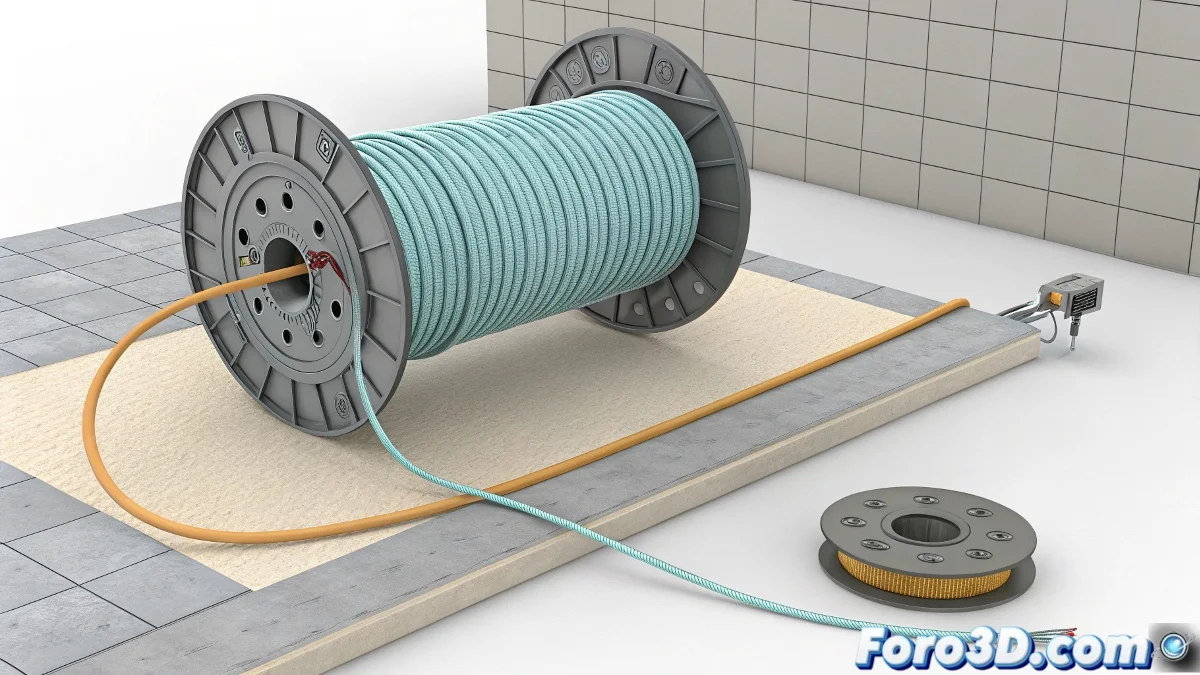
Master the Art of Winding Cables (Digitally) 🌀🔌
Have you ever needed to animate a cable winding onto a reel in 3ds Max and didn't know where to start? Don't worry, you don't need a PhD in cable physics. With these methods, you can create convincing animations without going crazy in the process. And the best part is you won't even get electrocuted in the attempt! ⚡
"A well-animated cable is like a good actor: it follows its path without losing the rhythm"
Method 1: The Classic Path Deform
The most straightforward solution for beginners:
- Model the cable straight with enough segments
- Create a spiral spline (modified Helix)
- Apply Path Deform (WSM) to the cable
- Animate the Percent parameter from 0 to 100
- Synchronize with the reel rotation
Method 2: For Perfectionists with Loft
When you want more control:
- Use Loft with circular profile and spiral path
- Animate Path% to "draw" the cable
- Adjust Banking and Twist parameters
- Combine with Twist modifier for realistic tension
Professional Studio Tricks
To take your animation to the next level:
- Add Flex to simulate weight and elasticity
- Try Cloth for complex interactions
- Use Noise with small values for imperfections
- Create variations in the winding (not perfectly uniform)
On foro3d you'll find example scenes with these setups already configured. Because we've all had that moment when the cable looks more like a hypnotic snake than a real object. 🐍
The Golden Rule: Synchronization
Remember that the secret is in:
- Calculate the length of the cable vs reel turns
- Adjust the animation speed proportionally
- Check for no visual slipping
As animation veterans say: "A cable that doesn't wind well is like a lie: sooner or later it unravels by itself". Better do it right from the start. 🏆