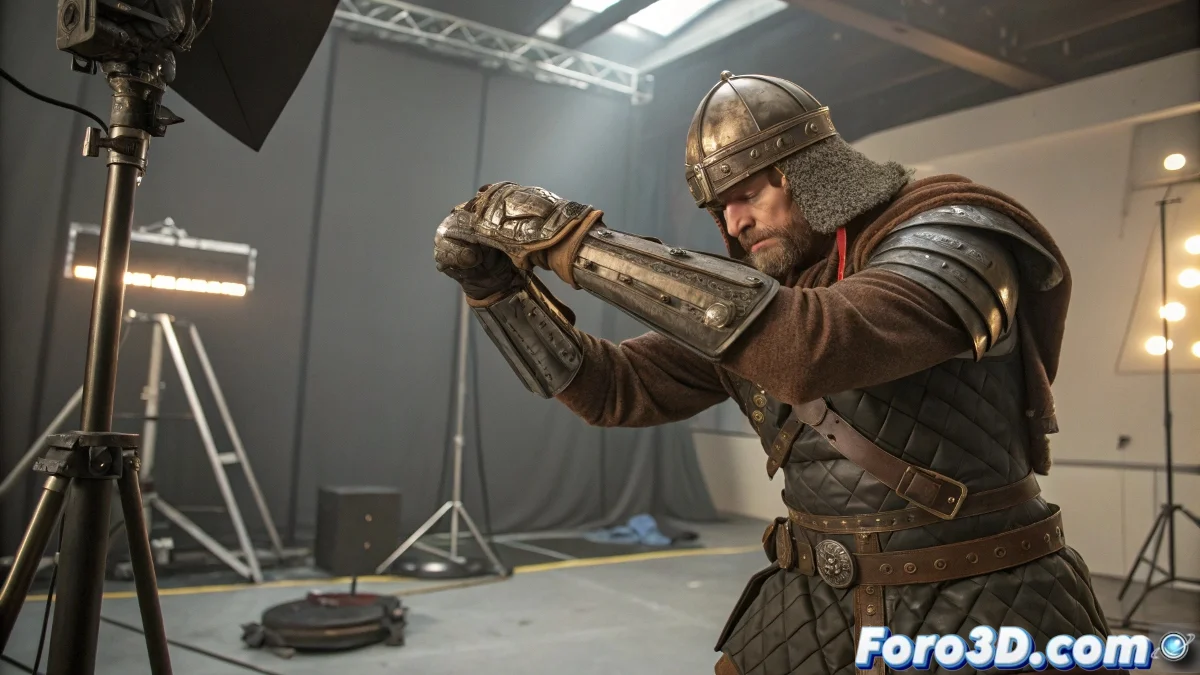
Techniques for Animating Armor in 3ds Max
Animating armor that is put on and taken off can be a challenge, especially when seeking precision. In 3ds Max, there are several techniques that can make this process easier, ensuring that each piece returns exactly to its place. And no, you don't need to be a wizard to achieve it! 🧙
Using Position and Rotation Controllers
One of the most effective ways is using Position Constraint and Orientation Constraint. These constraints allow an armor piece, like a gauntlet, to faithfully follow a bone or another base object, such as the hand.
- During the animation, when the gauntlet should be on, the constraint ensures it follows the base object.
- To remove the gauntlet, simply disable the constraint at the desired keyframe.
- Upon reactivating the constraint, the piece will automatically return to its original position.
Animating Visibility and Linking
Another useful technique is to handle the visibility of the piece. You can make the gauntlet disappear and reappear at the appropriate moments, keeping it always linked to the corresponding hand or bone.
- While the piece is hidden, you can move it to another position if necessary.
- When making it visible again, it will already be in the correct position thanks to the link.
Manual Transformation Keys with Snap
If you prefer a more manual approach, you can save the exact position and rotation of the gauntlet with keyframes before removing it. When placing it back, use the Snap function to align it perfectly.
Reference Helpers
Helpers are invisible auxiliary objects that can be very useful. Place a helper in the exact position where the armor piece goes. This will allow you to quickly realign the armor when necessary.
So now you know, with these techniques, animating armor in 3ds Max can be simpler than it seems. And remember, if the armor doesn't fit, you can always blame the rigging! 😉
Patience and practice are key in animation. Don't give up and keep experimenting!